
Mac cleanup
Finds junk files, duplicates, and wasted space on a Mac so users can reclaim storage without manually hunting through folders.

Sparkle is a Mac cleaner and AI file organizer that finds junk files, duplicates, and wasted space, then sorts files into useful folders.
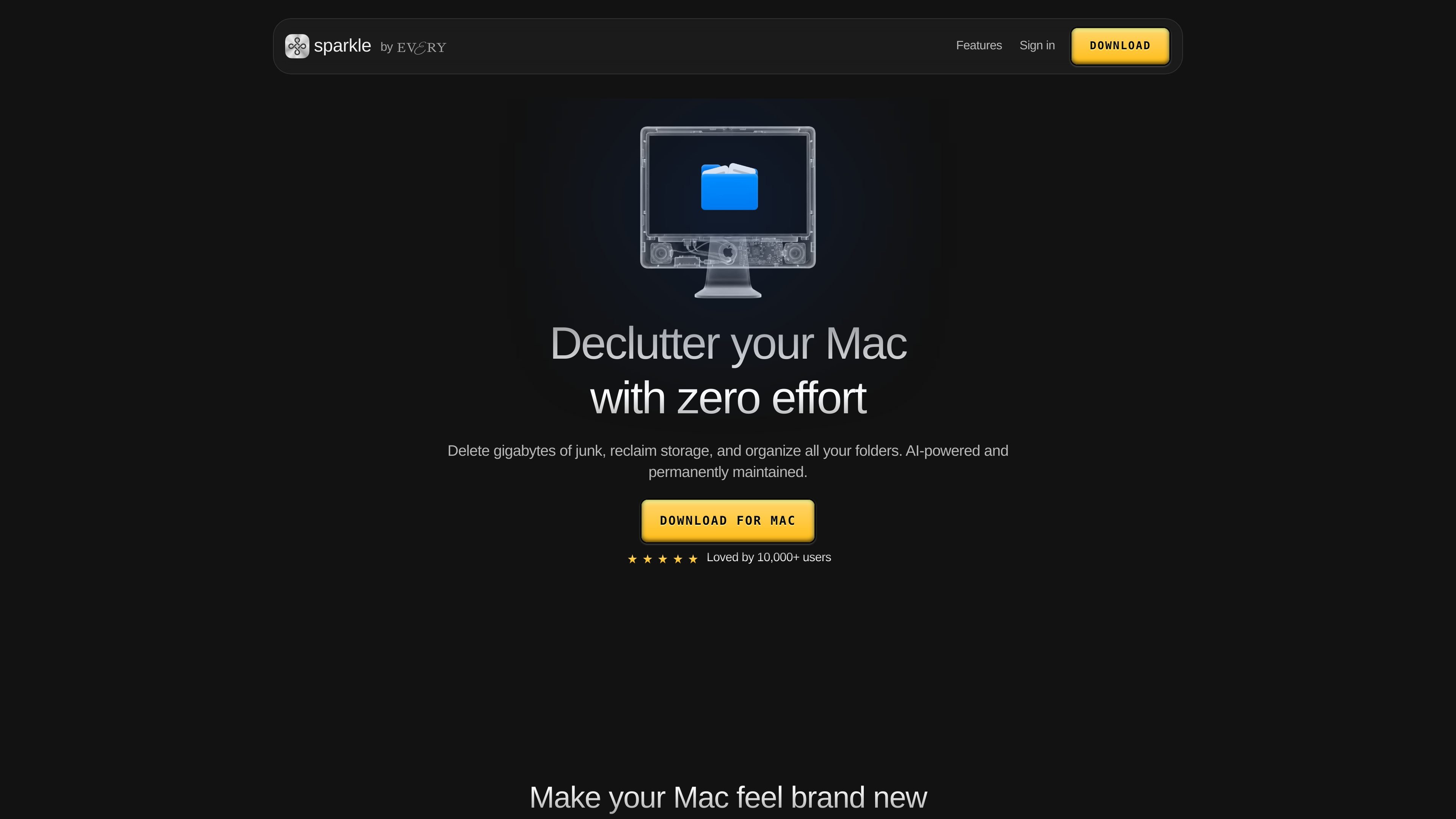
Sparkle is a Mac cleanup and file-organization app that looks for junk files, duplicates, and wasted space, then uses AI to arrange what remains into a folder structure that fits how you work. The homepage positions it as a tool for people who want to reclaim storage and keep folders organized without building manual rules or repeatedly repeating the same cleanup steps.
The product is built around a simple workflow: tell Sparkle what you want, let it figure out the details, and review the changes before files are moved or deleted. The site says it is notarized by Apple, uses a trash-first approach for safety, and supports ongoing cleanup so the Mac can stay organized after the initial pass.
Finds junk files, duplicates, and wasted space on a Mac so users can reclaim storage without manually hunting through folders.
Organizes remaining files with AI by building folders around patterns in how a person works, rather than requiring manual rules.
Lets users describe what they want in plain language, with the agent handling the details instead of menus, filters, or syntax.
Supports scheduled organization so Sparkle can keep the Mac tidy over time rather than only during one-off cleanup sessions.
Sends items to trash first before removal, which gives users a safer review step before files are deleted permanently.
Includes tools mentioned on the homepage such as deduplication, an app uninstaller, private handling, and support for cloud folders.
Use Sparkle when a Mac is running low on space and you want to identify junk files, duplicates, and other wasted storage in one pass.
Use it to reorganize scattered folders into a structure that matches how you actually work, rather than maintaining folders manually.
Use the scheduling option to keep downloads, screenshots, and other recurring clutter from piling up again after the first cleanup.
Use the trash-first workflow when you want a safer cleanup process that lets files be reviewed before permanent removal.
Use the app when you want to describe an organization goal in plain language instead of configuring filters or rules by hand.
Sparkle is designed to clean up a Mac by finding junk files, duplicates, and wasted space, then organizing the remaining files with AI. The site also says it can help with app removal and continuous cleanup.
Yes. The homepage says Sparkle keeps everything safe by sending items to trash first so nothing is lost, and the terms describe a limited, revocable license to use the service. The site also says changes can be undone and asks users about undoing changes in its FAQ.
The homepage says Sparkle reads files only to sort them into the right folders and that content is never stored, sold, or used for anything else. The privacy policy also says the company collects personal information such as name and email address when you sign up or use the service.
The site says Sparkle can organize all your folders, work with cloud folders, and support team members on an account depending on account type. The terms mention that additional users can be added as Team Members.
The homepage states that Sparkle offers a 15-day free trial and that plans start at $9.25 for a month. It also mentions an Every bundle option that includes Sparkle and other apps for $30/month.