
Docs writing and editing
Use natural language to draft, rewrite, summarize, translate, and format documents directly in the Google Docs sidebar, including structured content such as reports, proposals, briefs, and cover letters.

GPT Workspace is an AI assistant for Google Workspace to draft, summarize, translate, analyze, and organize content in Docs, Sheets, Slides, Gmail, and Drive.
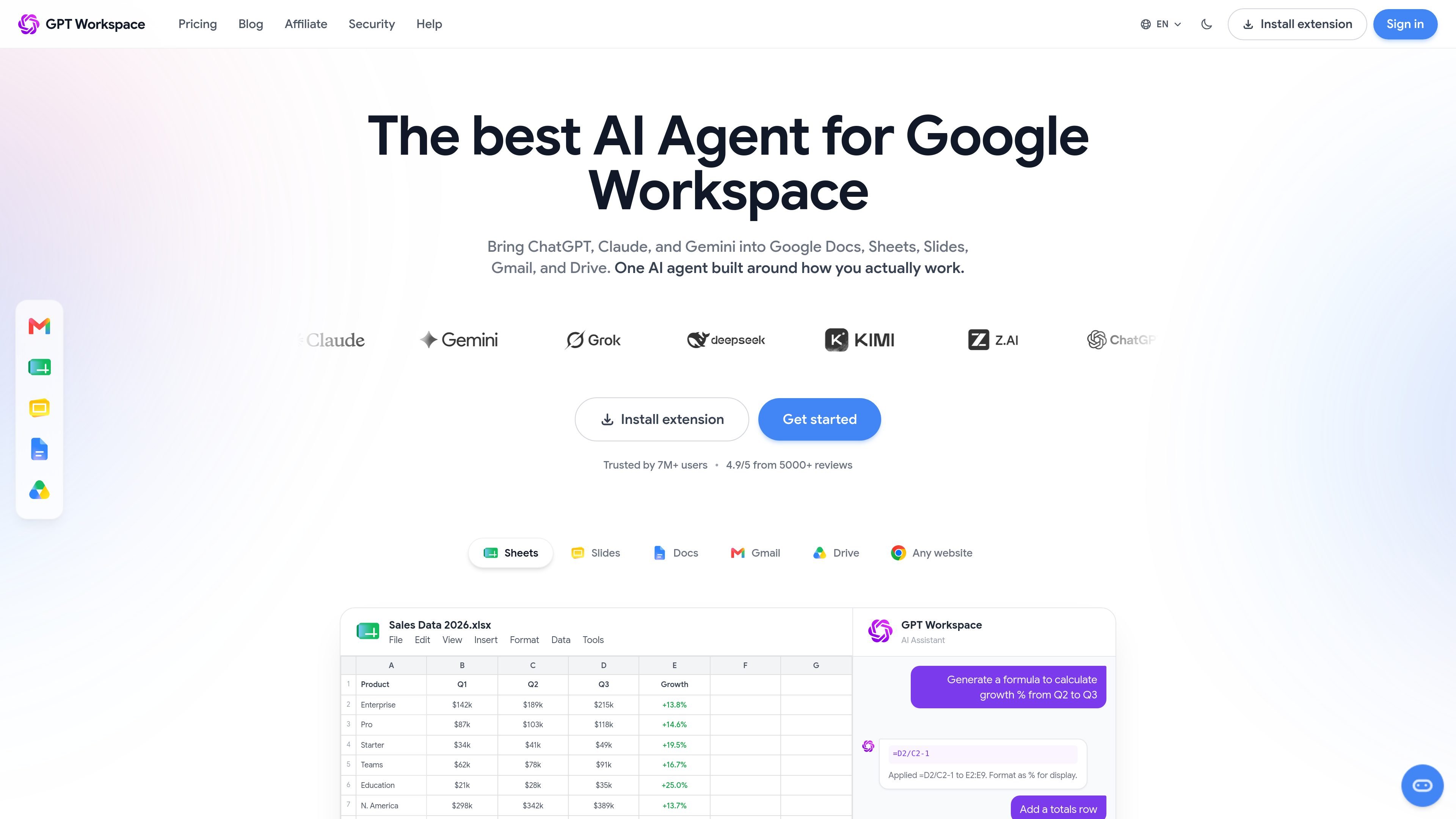
GPT Workspace is an AI assistant for Google Workspace that lives inside tools such as Google Docs, Sheets, Slides, Gmail, and Drive. It is available as a Chrome extension and a Google Workspace add-on, so users can work from within the apps they already use instead of moving to a separate chat interface.
The product combines several model options, including GPT-4o, Claude, and Gemini, with workflow-specific actions such as writing documents, drafting email replies, generating spreadsheet formulas, summarizing files, and creating presentation content. Its core purpose is to reduce copy-pasting and context switching while keeping AI assistance inside the workspace environment.
Use natural language to draft, rewrite, summarize, translate, and format documents directly in the Google Docs sidebar, including structured content such as reports, proposals, briefs, and cover letters.
Compose new messages, reply to threads, summarize long conversations, and adjust tone or language from inside Gmail without leaving the inbox.
Generate formulas from plain English, clean and transform spreadsheet data, analyze datasets, and create pivot-ready tables for Sheets workflows.
Create slide decks from outlines, write speaker notes, generate headlines, and reformat slide content for Google Slides presentations.
Search Drive with natural language, summarize documents, extract key insights, and organize files intelligently within Google Drive.
Connect custom GPTs and external AI workflows to Workspace data through MCP servers for Gmail, Docs, Sheets, Slides, Drive, Calendar, Forms, and Tasks.
Draft reports, proposals, briefs, or cover letters from a short outline, then rewrite sections for tone, clarity, or length directly in Google Docs.
Turn long email threads into summaries, draft context-aware replies, and adjust tone when managing inbox follow-ups in Gmail.
Generate formulas from plain-language requests, clean inconsistent data, and prepare tables for analysis in Sheets.
Build a first-pass slide deck from notes or an outline, then add speaker notes and refine slide headlines in Google Slides.
Search across Drive files, summarize documents, and extract key points from stored materials without opening each file one by one.
GPT Workspace is installed as a Chrome extension and Google Workspace add-on. The source describes setup through the Chrome Web Store or Google Workspace Marketplace, followed by Google account OAuth authorization.
It is designed to work inside Google Docs, Sheets, Slides, Gmail, and Drive, so the main workflow is to open one of those apps and use the sidebar or in-app tools without switching tabs.
The source indicates a free tier is available, with Pro and Team plans for paid usage. The pricing page also states Pro includes unlimited credits and priority models, while Team adds a shared credit pool, admin dashboard, and volume pricing.
Yes. The site says GPT Workspace supports team plans with shared credits and admin controls, and the pricing page mentions a Team plan with an admin dashboard and shared credit pool.
The product exposes Google Workspace data through MCP servers for Gmail, Docs, Sheets, Slides, Drive, Calendar, Forms, and Tasks, and those servers require Google OAuth 2.0 authentication.