
AI-generated slide content
Generate presentation content with ChatGPT instead of writing slide text manually, so you can start from a topic or outline and move faster.

SlidesWizard is an AI presentation generator that creates PowerPoint-style decks from a topic or outline, with PowerPoint and Google Slides support.
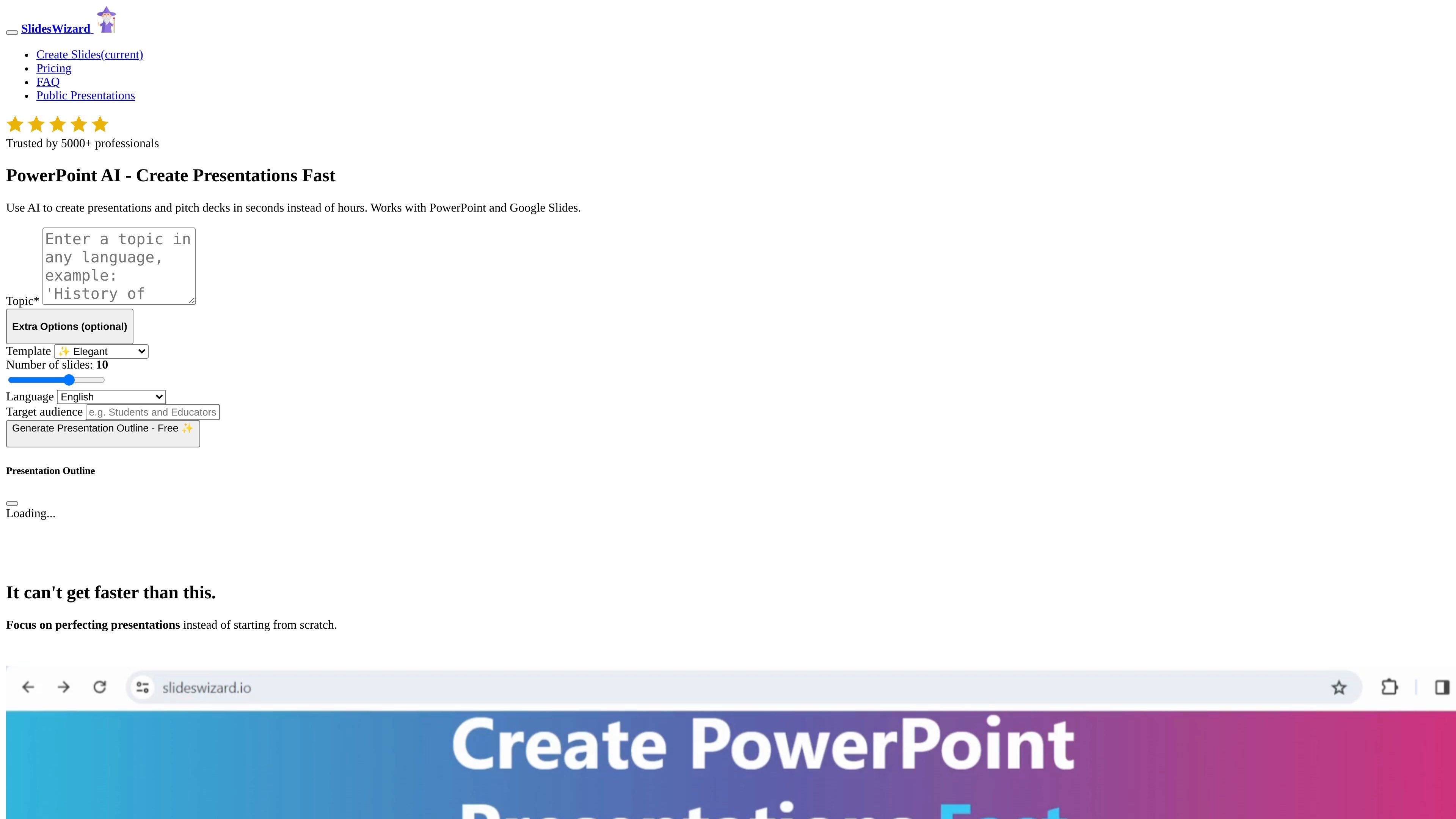
SlidesWizard is an AI presentation generator that creates PowerPoint-style presentations from a topic or from your own outline. The site says it uses ChatGPT to generate slide content and a photo search engine to source images, then assembles the presentation with structure, visuals, and speaker notes.
It is positioned for people who want to create presentations and pitch decks faster than starting from scratch. The site says it works with PowerPoint and Google Slides, and the pricing page shows both a free option and a pay-per-use option for downloading output.
Generate presentation content with ChatGPT instead of writing slide text manually, so you can start from a topic or outline and move faster.
Paste your own notes or outline and have SlidesWizard turn them into a presentation structure.
Let the product handle the presentation flow by structuring the outline, adding images, and generating speaker notes.
Choose from several slide layouts, including bullet points, text and image, timeline, Venn diagram, and pie chart formats.
Add context-matched images automatically so each slide includes a relevant visual without a separate image search step.
Work with PowerPoint and Google Slides, and use the online presentation view or PDF download options listed on the pricing page.
Turn a topic into a presentation when you need a first draft quickly and do not want to start with a blank deck.
Paste existing notes or an outline into the tool and let it convert rough input into slide structure.
Build presentations that include matching visuals without separately searching for images for each slide.
Prepare business or pitch materials with layouts that support bullet points, timelines, charts, and text-plus-image slides.
Share or download a presentation in the formats and viewing options listed on the site, including online presentation view, PowerPoint, Google Slides, and PDF.
SlidesWizard uses ChatGPT to generate slide content, then adds images from a photo search engine. You can start from a topic or paste your own outline as notes.
Yes. The site says you can copy your outline and paste it into the tool, and SlidesWizard will craft a presentation from it.
Yes. The FAQ says every slide contains an image that matches the context.
The pricing page shows a Free option and a pay-per-use option at $2.50 per presentation.