
AI-Generated PPTs
Turns text materials, meeting recordings, or vague ideas into clearly structured, professionally formatted presentations, suitable for reports, pitches, and proposals.

HaiSnap is an AI office and creation tool that turns natural language into PPTs, reports, data analysis, code and content drafts.
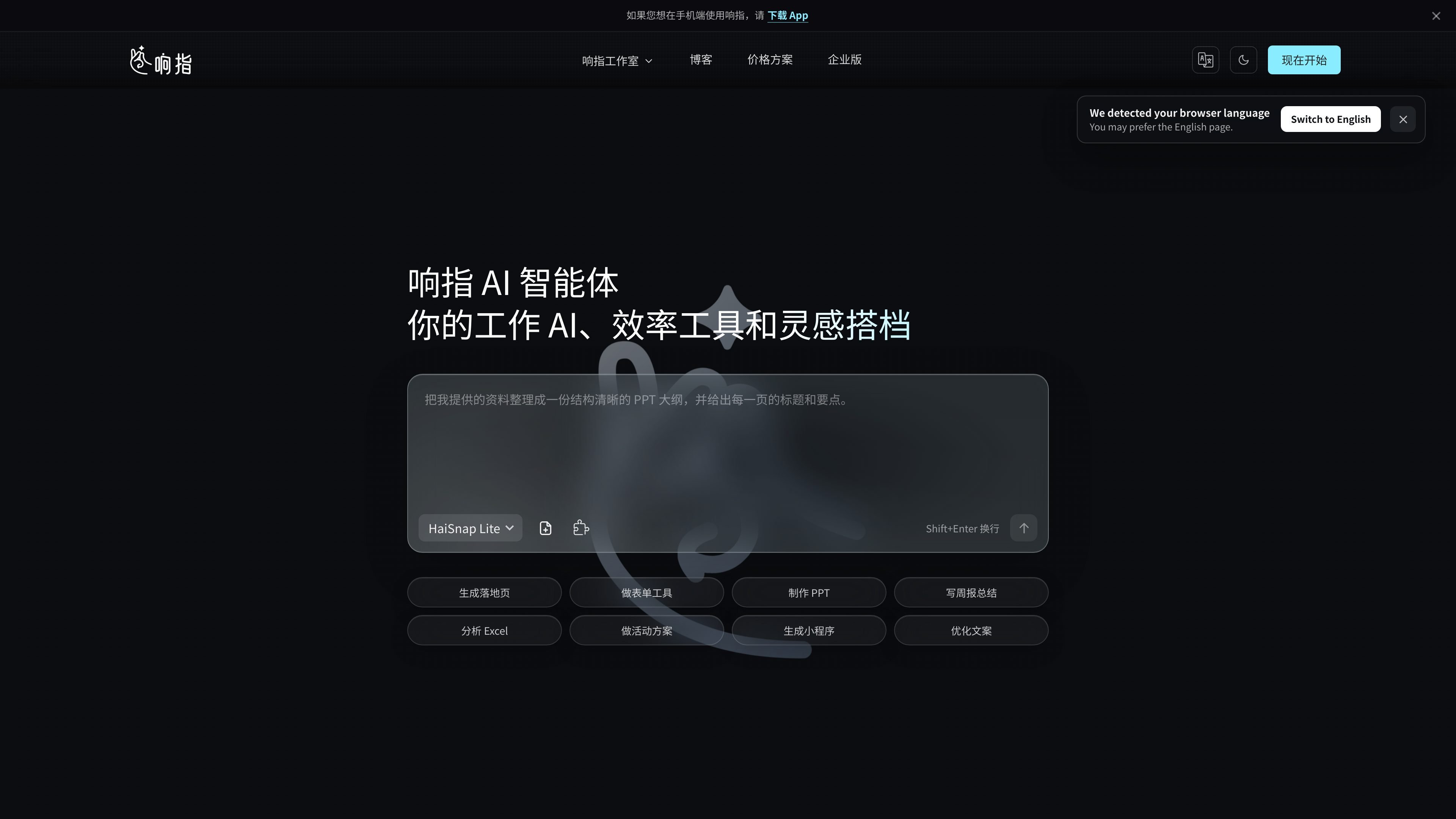
HaiSnap is an AI tool for work and creation scenarios that turns natural-language tasks directly into deliverables. It supports generating PPTs, work reports, data analysis results, code, and content drafts, with the goal of reducing the cost of switching between multiple tools.
Typical use cases shown on the website include organizing meeting notes, creating event plans, analyzing Excel files, generating mini program code, and producing marketing content. The product emphasizes that its AI agent automatically breaks down tasks, calls the needed capabilities, and keeps executing, while users only need to describe the goal, upload materials, and preview the results when they are ready.
Turns text materials, meeting recordings, or vague ideas into clearly structured, professionally formatted presentations, suitable for reports, pitches, and proposals.
Supports weekly reports, monthly reports, project retrospectives, and competitor analysis, helping extract key points, organize structure, and output deliverable documents.
Can read data files, automatically clean and categorize data, generate charts, and provide trend judgments and action suggestions for spreadsheet analysis and information organization.
For tasks such as event planning, social media copy, marketing promotion, and product descriptions, it can generate creative drafts and variations in multiple directions.
Supports breaking requirements into executable code and provides previewable, debuggable development results, suitable for components, scripts, and experimental features.
Through an extensible Skill system, it continues to cover more work and creation scenarios, such as email writing, image generation, information retrieval, and brainstorming.
Organize weekly materials or meeting notes into clear, well-written weekly reports, monthly reports, or project retrospectives, reducing repetitive writing time.
After uploading sales spreadsheets or business data, let the system automatically clean, categorize, generate charts, and provide trend judgments and action suggestions.
Enter the campaign goal, audience, and materials to generate event plans, promotional copy, or content drafts in different directions, helping you get through the initial zero-to-one stage.
After describing page or component requirements, generate previewable code and support debugging ideas, suitable for mini programs, event registration components, or starter templates.
Turn a block of text materials, vague ideas, or meeting recordings into a professional PPT you can use directly, suitable for reporting, presentations, and pitch preparation.
HaiSnap is designed for people who want to turn natural-language requests directly into work outputs. It supports generating PPTs, reports, data analysis results, code, and content drafts. The page also says it is suitable for workflows where you want to avoid switching between multiple tools.
Yes. The page clearly says one of its design goals is to let users describe what they need in plain language, such as turning meeting notes into a business PPT, and then have the system handle the rest.
Yes. The page says it automatically breaks down tasks, calls the right capabilities, and lets you preview outputs such as PPTs, reports, code, and creative plans online before using them.
The page states that the internal files and business reports you upload will not be used for public AI model training, and that your digital assets and analysis results are accessible only to you.
It stores output such as code, documents, and layout styles in a dedicated digital asset space so you can search and reuse them later. The page also emphasizes that results are less likely to be lost like ordinary chat records.