
Aspect ratio controls
Choose square, portrait, or landscape output to match the intended use of the image.

Nolo is a browser-based AI image generator with guided controls for style, aspect ratio, resolution, and subject details on nolo.ai.
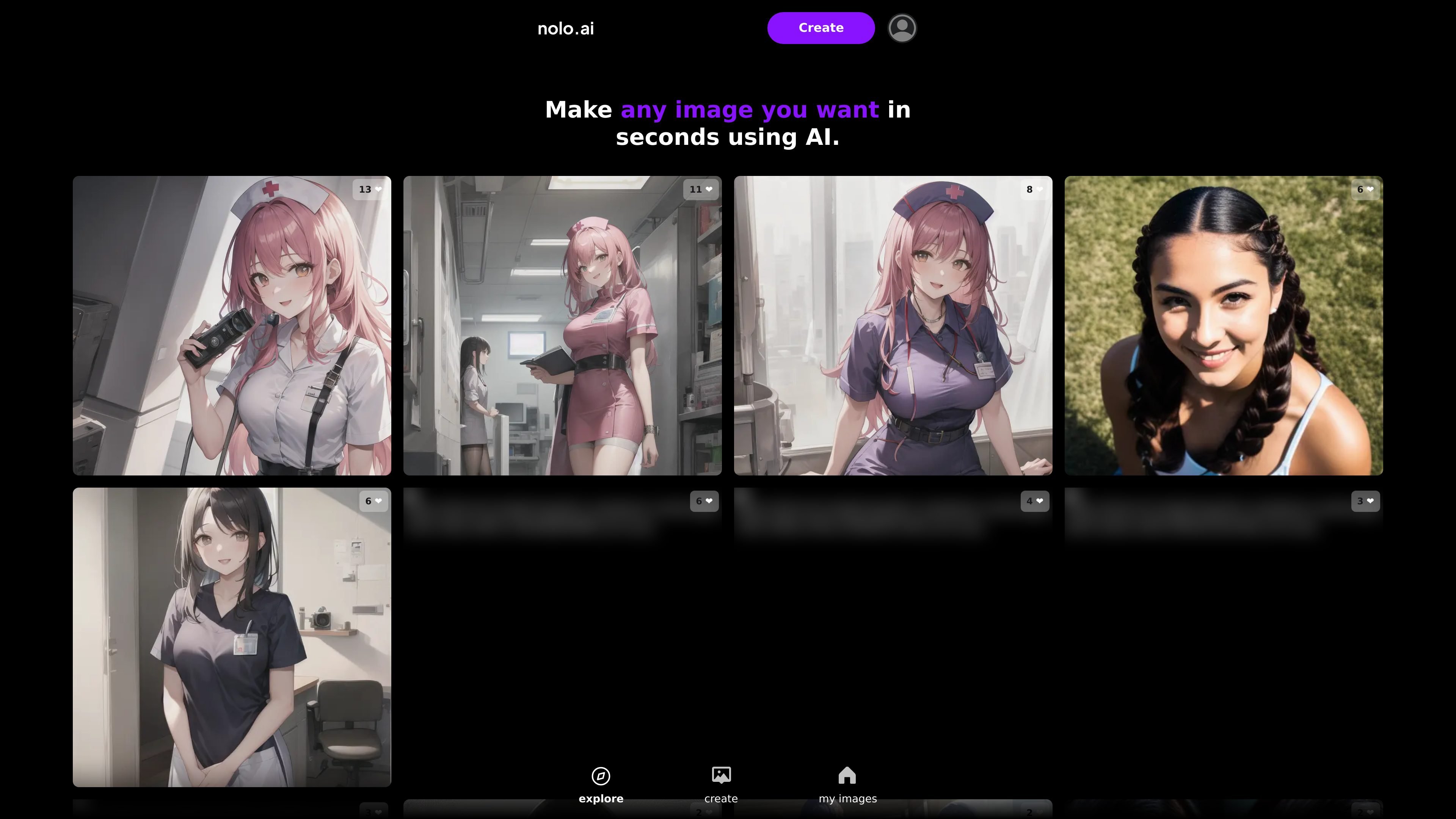
Nolo is a browser-based AI image generator for creating images from configurable visual attributes. The homepage tagline says it lets you make any image you want in seconds using AI.
The create screen shows a guided generation flow with controls for aspect ratio, resolution, output count, and style, along with detailed subject settings for people, clothing, accessories, scene, camera angle, and lighting. That makes it useful for quickly assembling a more specific image request without leaving the site.
Choose square, portrait, or landscape output to match the intended use of the image.
Select from ~360p, ~480p, or ~720p upscale levels, with the note that larger resolutions take longer to generate.
Set how many images are generated each time, from one to four outputs.
Pick a style such as photorealistic or anime, then refine the subject with people, ethnicity, age, face expression, body type, hair, clothing, accessories, setting, camera angle, and lighting options.
Save generated images in the "my images" area, where the site shows an empty-state prompt to create your first image.
Use the guided controls to generate a specific image composition when you already know the format, style, and subject traits you want.
Create a set of variants by generating up to four images at a time, then compare the results in the image library.
Choose portrait, square, or landscape output to fit social posts, web graphics, or wider scene layouts.
Adjust people, clothing, setting, camera angle, and lighting fields to produce more tightly specified character or scene concepts.
Nolo is a web-based AI image generator. The create screen shows options for aspect ratio, upscale level, number of images, style, and detailed subject attributes before generating an image.
The source does not show a separate app install or platform-specific setup. Based on the site, the product is used directly in the browser at nolo.ai.
The create flow supports square, portrait, and landscape aspect ratios, plus photorealistic and anime styles. It also includes controls for people attributes such as ethnicity, age, face expression, body type, hair, clothing, accessories, setting, camera angle, and lighting.
The site does not provide pricing details on the captured pages. A pricing URL exists, but it returned a 404 in the collected source.
The collected pages do not show collaboration, team, or integration features.