
Agent Builder
Build agents by adding steps, naming them, and writing prompts instead of coding workflow logic. The builder is positioned for document-heavy processes that need validation and downstream actions.

Nanonets is an AI agent platform for enterprise data processing that automates document-heavy workflows and posts clean data into ERP, CRM, and accounting tools.
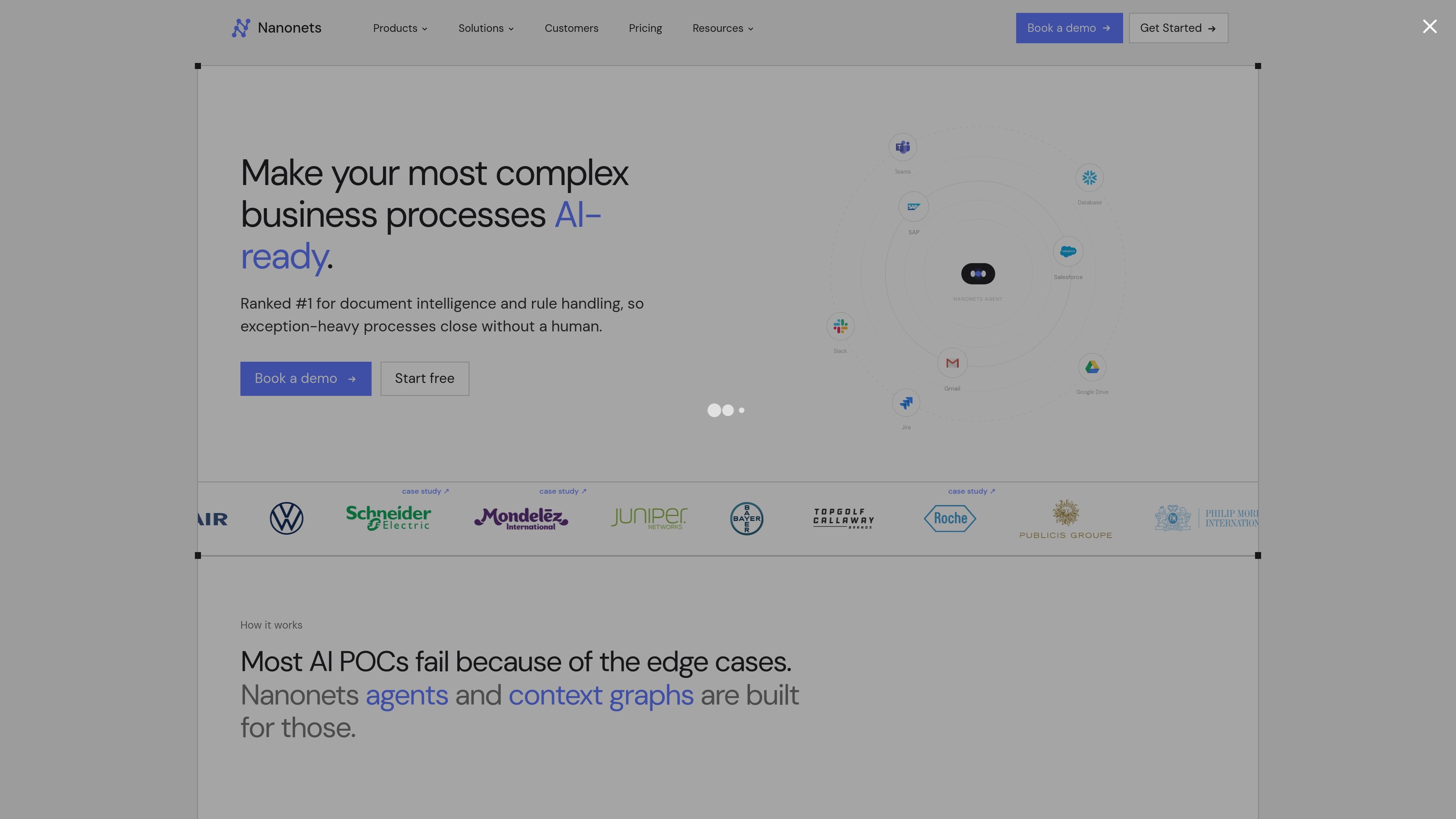
Nanonets is an AI agent platform for enterprise data processing. It is built to automate document-heavy business workflows by reading incoming files, applying business rules, and posting clean data into systems of record such as ERP, CRM, and accounting tools.
The site positions the product for exception-heavy operations where manual review slows down work. Its examples include accounts payable, order management, logistics, and healthcare, along with a no-code agent builder for creating custom workflows without writing workflow logic.
Build agents by adding steps, naming them, and writing prompts instead of coding workflow logic. The builder is positioned for document-heavy processes that need validation and downstream actions.
Set up agents with context graphs that connect documents, systems, and rules so workflow decisions stay grounded in the business context. The product emphasizes handling edge cases rather than only ideal inputs.
Read invoices, receipts, scans, photos, email bodies, attachments, and other document formats. The AP workflow also cites source positions for extracted values and supports line-item extraction.
Match documents against purchase orders and goods receipt notes, code the general ledger, and post bills directly to ERPs such as SAP, NetSuite, QuickBooks, and Xero. Exception handling is built into the workflow.
Route low-confidence cases to teammates through Slack, Teams, or email, while keeping approval gates and review steps configurable. The AP page says the agent learns from responses to those exceptions.
Use enterprise controls such as SSO, SCIM, role-based access, audit logs, private deployment, and data residency options. The pricing page also lists SIEM integration and whitelabel UI for enterprise plans.
Automate invoice intake, extraction, three-way matching, GL coding, and bill posting from an AP inbox into ERP systems. The AP page shows this as a hands-free workflow with exception routing when needed.
Build custom agents for recurring business processes without writing workflow logic. The builder is aimed at teams that want to connect prompts, steps, and tools into a governed workflow.
Sync extracted or collected data into ERPs, accounting tools, and CRMs such as SAP, QuickBooks, Salesforce, and HubSpot. The integrations page describes real-time two-way sync and both import and export flows.
Use agent review gates and notifications to handle discrepancies, missing information, or low-confidence results before anything is posted. Slack, Teams, and email are called out as review destinations.
Process mixed-format documents at scale when the source files are PDFs, scans, photos, email bodies, Excel, or Word documents. The AP page notes that consolidated documents can also be split and processed individually.
Nanonets agents complete a workflow end to end by reading inputs, applying business rules, and posting results into systems of record. The site contrasts this with chatbots and copilots, which assist a person rather than finishing the work themselves.
The sources describe agents running inside connected workflows and supporting approvals through Slack, Teams, or email. Enterprise options also include private deployment, data residency controls, and audit logs.
The product pages describe human-in-the-loop review, configurable approval gates, and exception routing when the agent is unsure. Those controls are presented as ways to keep edge cases out of unattended posting.
Rules and learnings live in a persistent rules layer, and the AP page says you can add a rule in plain English so the agent uses it on the next run. The product also learns from feedback on routed exceptions.
The sources say Nanonets can start free with $200 in credits and that pricing is usage-based. The pricing page also says accounts can upgrade to Growth or Enterprise later.