
Works with existing coding agents
Connect Multiplayer to your coding agent so it can receive production context needed to investigate and fix bugs without switching agents.

Multiplayer is a debugging agent for developers that connects coding agents to production runtime data for faster bug diagnosis and fixes.
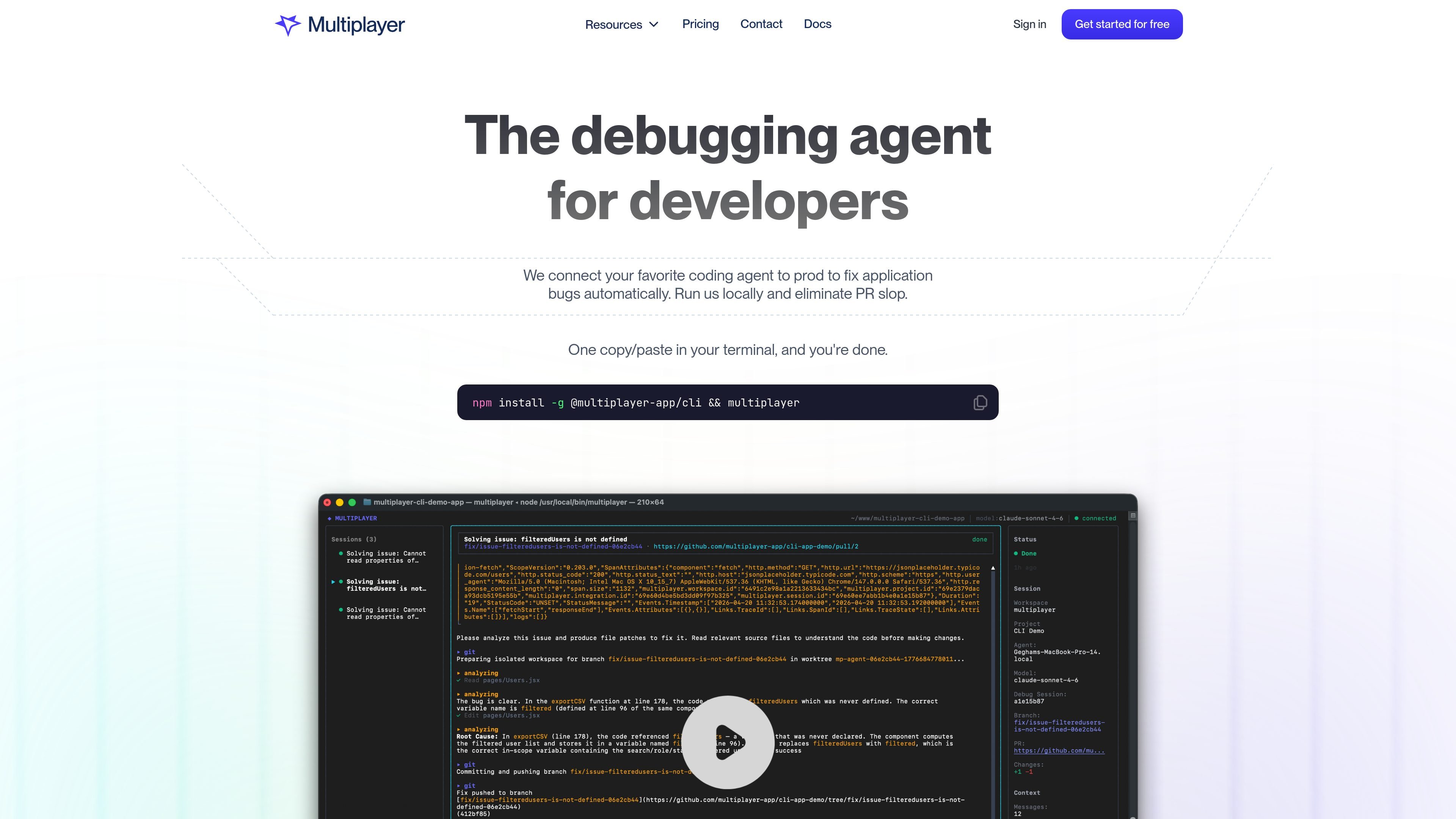
Multiplayer is a debugging agent for developers that connects a coding agent to production runtime data so bugs can be investigated and fixed automatically. The site positions it as a way to turn production issues into higher-quality fixes with less manual log hunting and fewer noisy PRs.
The product is designed to run locally and work with coding agents teams already use, including Claude Code, Codex, and Copilot. Its docs describe a quick terminal-based setup, while the homepage and pricing page emphasize local-first operation, issue deduplication, and plans for open source, hosted, and enterprise use.
Connect Multiplayer to your coding agent so it can receive production context needed to investigate and fix bugs without switching agents.
Capture full-stack, auto-correlated data, including frontend screens, backend traces, logs, request and response content, and headers, so issues can be reproduced with more context.
Run Multiplayer locally and keep control over what is shared. The site says sessions are cached locally and only the data needed for a new issue is sent.
Group repeated reports into one tracked issue so the same bug is not surfaced as duplicate work over and over.
Take in only a short time window of data around an issue instead of saving everything continuously, which the site positions as a lighter approach for debugging than broad observability capture.
Provide setup through a terminal install flow and optional manual configuration for teams that want to tailor replay capture and recording detail.
Use Multiplayer when a bug appears in production and you want to hand a coding agent the runtime data it needs to diagnose the issue without manually assembling logs and traces.
Use it to reduce duplicate issue handling by deduplicating repeated reports before they turn into multiple similar PRs.
Use the local-first workflow when your team wants to control what data is shared while still giving the agent enough context to fix the bug.
Use Multiplayer alongside an existing agent such as Claude Code, Codex, or Copilot instead of moving to a separate proprietary coding assistant.
Use the hosted or enterprise plans when you need a managed setup with team features such as SSO/SAML, retention controls, or priority support.
Yes. The docs say setup starts with a single terminal command, `npm install -g @multiplayer-app/cli && multiplayer`, and that many teams can get configured in a few hours.
The documentation says Multiplayer is local-first and can send only the data you want. It also says sessions are cached locally and data is sent only when a new issue is identified.
The homepage says Multiplayer routes issues to coding agents you already use, including Claude Code, Codex, and Copilot, and it can work with other coding agents as well.
The pricing page lists Open Source, Hosted, and Enterprise plans. The Hosted plan includes SSO/SAML and 30-day data retention, while Enterprise adds custom retention and priority support.
The site describes Multiplayer as a debugging companion for developers, rather than a PR review tool or SRE-only observability product. It is aimed at fixing application bugs during runtime with production data.