
Inbox organization
Automatically labels incoming mail so users do not have to sort every message manually.

Inbox Zero is an AI email assistant that organizes inboxes, drafts replies, and helps users clear out unwanted mail faster. It connects to Google or Microsoft email and can be used from the web, Slack, Telegram, and Teams.
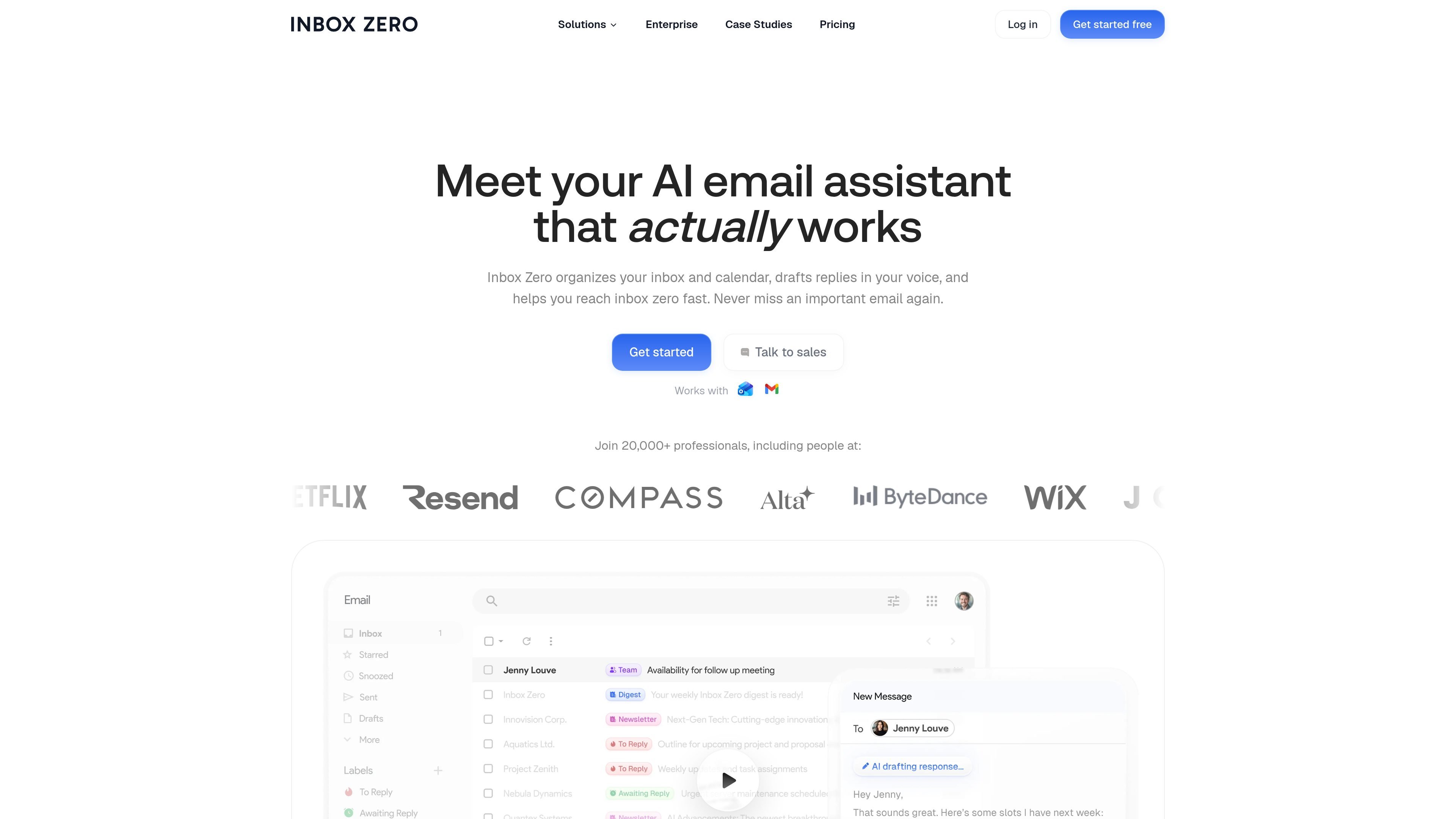
Inbox Zero is an AI email assistant that organizes inboxes, drafts replies, and helps users clear out unwanted mail faster. It connects to Google or Microsoft email accounts and can be used from the web, Slack, Telegram, and Teams, with Teams listed as coming soon on the home page.
The product is built around a practical workflow: connect an account, let the system sort mail into categories, and review pre-drafted replies that match the user's tone and schedule. The pricing page shows paid plans for individuals, power users, and teams, plus an enterprise option for SSO, SCIM, on-premise deployment, and dedicated support.
Automatically labels incoming mail so users do not have to sort every message manually.
Generates reply drafts in the user's tone using email history and calendar context.
Blocks cold emails, supports bulk unsubscribe, and can archive messages in batches.
Shows email analytics so users can see who emails them most and what is filling the inbox.
Creates pre-meeting briefings and can connect with calendar and CRM context for drafting.
Files attachments automatically to Google Drive or OneDrive folders.
Auto-label incoming mail, separate newsletters and cold outreach, and focus attention on messages that need action.
Generate reply drafts from past email patterns and calendar context, then send or edit them before replying.
Unsubscribe from recurring promotions and archive or block recurring cold mail in batches.
Work from Slack or Telegram when you want to check and manage mail without opening a separate inbox.
Use team-oriented plans when you need analytics, onboarding, or higher-touch support for heavier email volume.
Yes. The pricing page says all plans include a 7-day free trial.
Yes. You can upgrade or downgrade at any time, and changes take effect immediately with prorated billing.
Inbox Zero accepts major credit cards through Stripe.
Yes. The pricing page offers annual billing discounts, with savings of up to 20% depending on the plan.
Yes. The pricing page says to contact the team about custom enterprise pricing for SSO, SCIM, on-premise deployment, and dedicated support.