
Build workflows
Prompt, run, and deploy projects from inside the IDE with real-time code generation, modular project setup, and AI-assisted workflow automation.

GoCodeo is an AI coding agent for developers that runs inside the IDE to support code generation, testing, and deployment. It includes a free VS Code extension, Google sign-in, and paid plans for heavier usage.
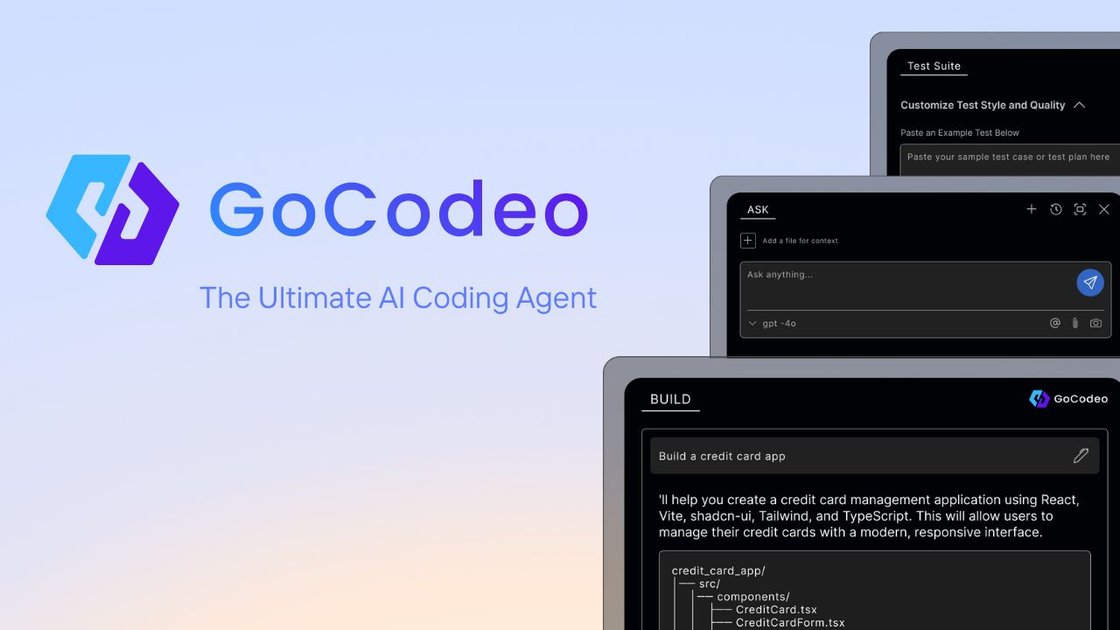
GoCodeo is an AI coding agent for developers that runs inside the IDE and combines code generation, testing, and deployment workflows. It is positioned as a tool for writing, testing, and shipping production-grade code with real-time AI assistance.
The product centers on three workflows: Build for prompt-driven project setup and deployment, Ask for context-aware coding help, and Test for automated test generation and debugging. The docs also describe support for 25+ languages and frameworks, with installation through the VS Code extension and sign-in with Google.
Prompt, run, and deploy projects from inside the IDE with real-time code generation, modular project setup, and AI-assisted workflow automation.
Use AI chat, code explanation, documentation help, web search, and code/image context to get coding support without leaving the editor.
Generate tests, refine them, run them, and inspect failure insights with one-click test actions in the IDE.
Connect MCP-powered agents with 100+ tools, plus app-builder flows for Supabase setup and Vercel deployment.
Start repo work with AI-assisted Git initialization, commits, and instant pull requests.
Work in VS Code with shortcuts for Build, Ask, and Test actions and support for common languages and frameworks.
Use GoCodeo when you want to start a new project from a prompt, set up a modular app structure, and move toward deployment from the editor.
Use the assistant when you need code explanations, documentation help, debugging guidance, or web-backed answers while staying in your IDE.
Use the testing workflow to generate tests quickly, run them, and refine code with failure insights before shipping changes.
Use the integration and deployment tools to connect Supabase, deploy to Vercel, and coordinate actions across connected tools.
Use the Git features to initialize repos, create commits, and open pull requests with less manual setup.
GoCodeo is installed as a VS Code extension. The docs describe installation through the VS Code Marketplace or directly from the VS Code Extensions view, and login is currently via Google.
The pricing page says the VS Code extension is free forever with limited requests, while paid plans add higher request allowances and premium model usage.
The pricing page states that premium models include GPT-4o, Claude Sonnet 3.5, DeepSeek-R1, and OpenAI o3-mini. The homepage also mentions Claude Sonnet 3.7 and 3.5, Gemini 2.5 Pro, DeepSeek-R1, GPT-4o, and OpenAI o3-mini.
The pricing FAQ states that GoCodeo does not store or use your code for training. It says the service only collects anonymized telemetry and usage data to improve the product.
GoCodeo says the code generated by its platform belongs to the user, including for commercial use.