
Automatic subtitles
Automatically generate subtitles in a few seconds, with a product page promise of generation in under a minute.

Capte is a web app for video content creation with automatic subtitles, translation, and short clip generation for social media.
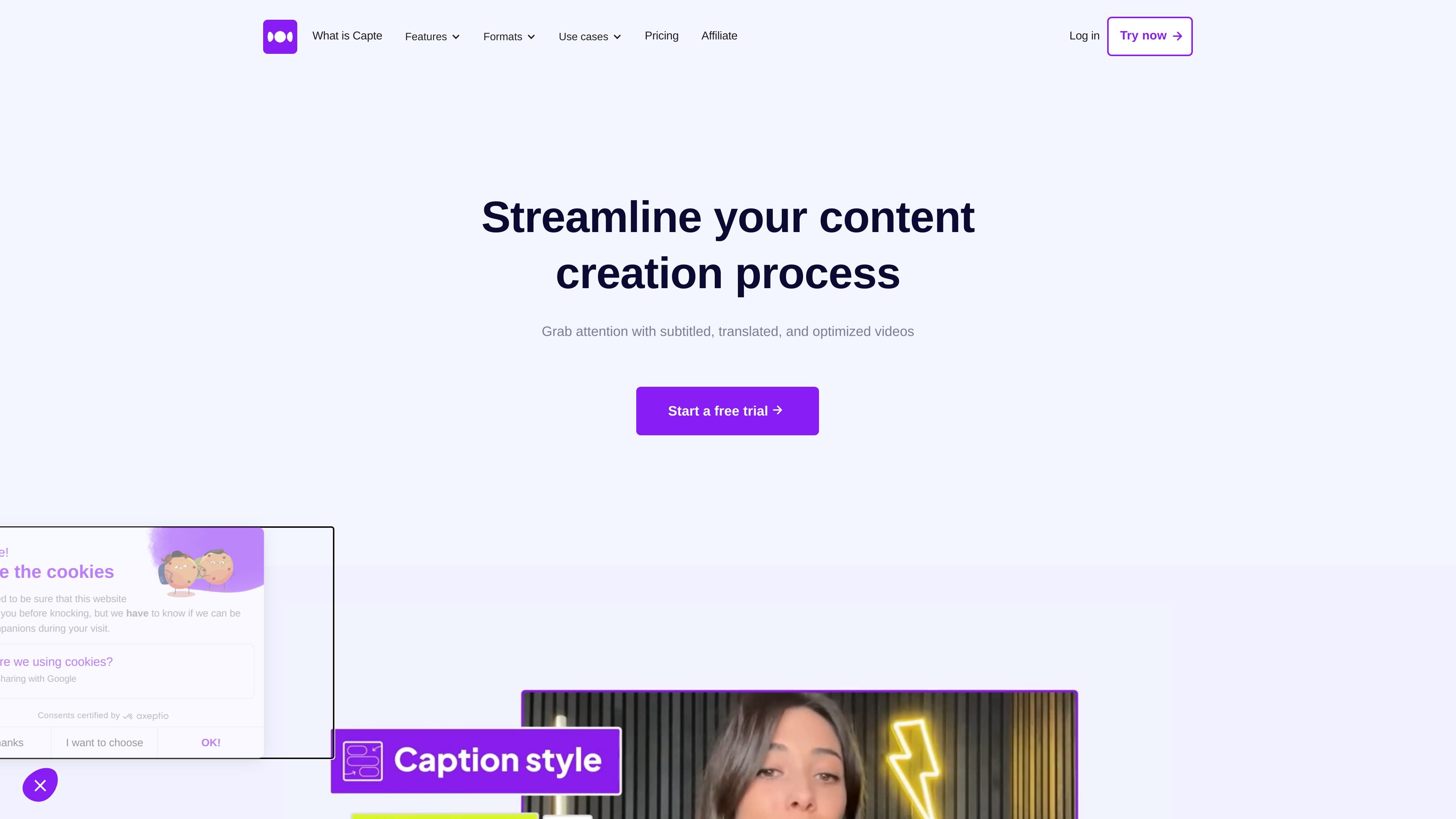
Capte is an online video content creation tool focused on subtitling, translation, and cutting videos into short clips. The site presents it as a simple and fast solution for making videos more visible, more engaging, and more accessible.
The main workflow starts with adding a video, then automatic transcription, editing in a text editor, and exporting derived content. Capte also highlights social-media-oriented features such as themes, safe zones, templates, automatic shorts, and AI-generated posts.
Automatically generate subtitles in a few seconds, with a product page promise of generation in under a minute.
Translate your subtitles into several languages to adapt the same video for different audiences.
Customize the look with styles, effects, emojis, themes, and a brand kit depending on the selected plan.
Create multiple clips from a single video to publish short-form content on social media.
Export in Full HD or 4K depending on the plan, with support for HDR, MP4, and MOV files mentioned on the site.
Use safe zones, social media templates, and social preview elements depending on the plan.
Prepare a short video with subtitles, then adjust the style so it is easier to read and more usable on social media.
Start from a long video, identify relevant segments, and turn them into several clips ready to publish.
Translate your subtitles to make a video accessible in other languages and reach a wider audience.
Use templates, themes, safe zones, and rendering tools to prepare formats suited to social platforms.
Capte is presented as a tool for automatic subtitling and video content creation. The site also highlights video translation and generating short clips from a source video.
The site indicates a 3-day free trial on paid plans. The plans are commitment-free and can be canceled at any time.
Capte offers automatic subtitles, automatic translation, themes, effects, automatic emojis, safe zones, Full HD or 4K exports depending on the plan, and automatic clips.
The prices shown range from Starter to Expert, with monthly or annual subscriptions. The pricing page also states that you can contact the team for larger needs or longer videos.
Traffic-Daten dienen nur als Referenz.
| Mai | 59682 |
|---|---|
| Jun | 49656 |
| Jul | 40604 |
Traffic-Analysen sind noch nicht verfügbar.
Traffic-Analysen sind noch nicht verfügbar.