
Object-based note structure
Create people, books, projects, ideas, and other structured objects instead of filing notes into folders. Each object can carry its own structure and properties.

Capacities is a personal knowledge workspace that turns notes into connected objects, helping you capture ideas, link related content, and find information fast.
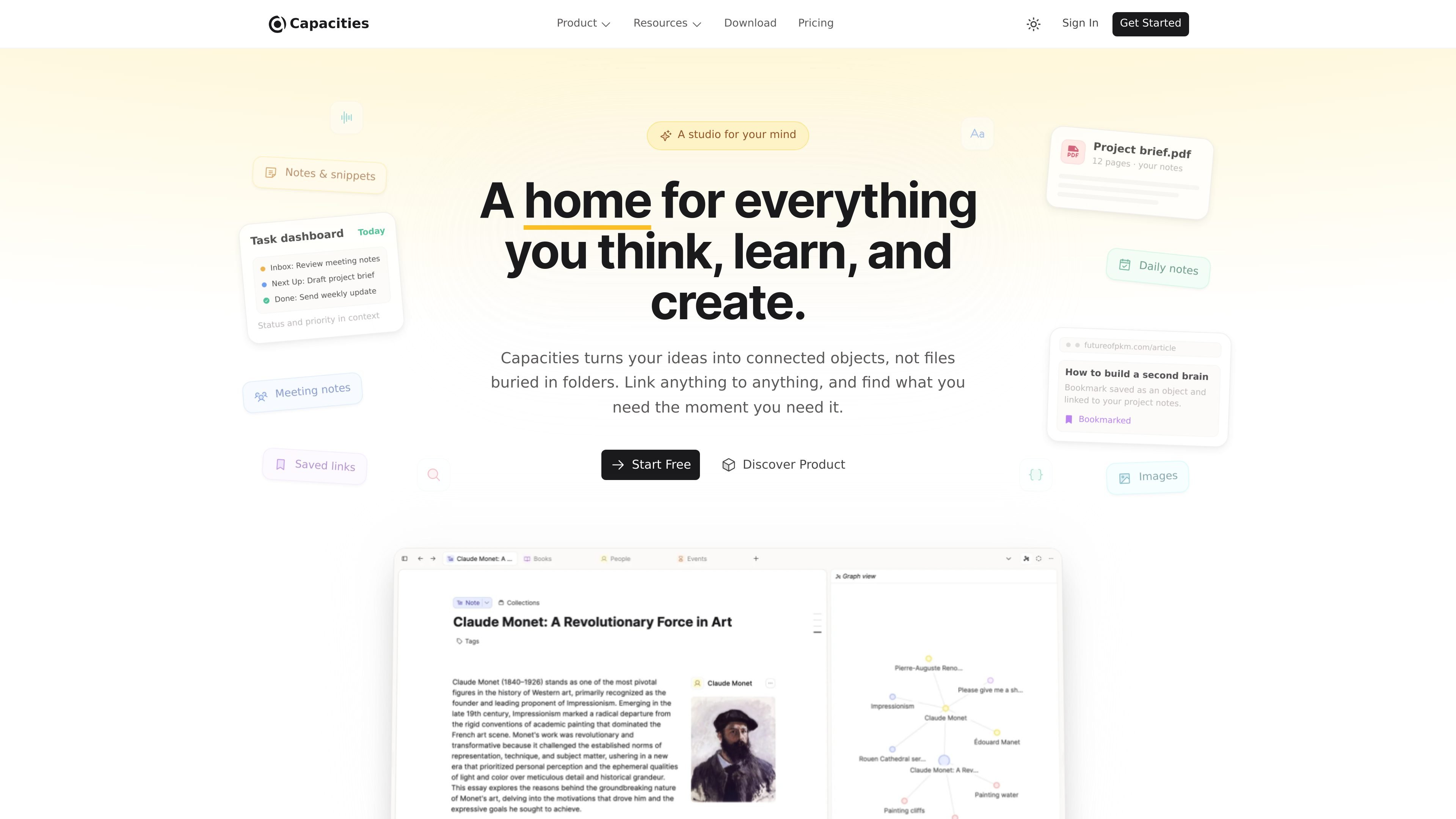
Capacities is a personal knowledge workspace that organizes notes as connected objects instead of files in folders. The product is built around the idea that people think in things — such as people, books, projects, and ideas — and that those things should link together naturally.
Its core workflow starts with a daily note for capture, then lets you turn entries into structured objects with properties, templates, and links. The result is a networked note system that supports writing, research, planning, and finding related material without relying on folder hierarchies.
Create people, books, projects, ideas, and other structured objects instead of filing notes into folders. Each object can carry its own structure and properties.
Define custom object types for different kinds of information, then add the fields that matter for that type. The source examples include dates, ratings, tags, links, numbers, and checkboxes.
Use templates to define how new objects should start, so recurring items like meetings, books, or projects follow a consistent shape.
Move between list, gallery, table, and card views to review the same information in different layouts.
Link notes in both directions, inspect backlinks, and use related content to surface unlinked connections found across your notes.
Capture thoughts in a daily note and send items in via WhatsApp, Telegram, email, the web extension, or Raycast. Daily notes are timestamped and can appear in a timeline view.
Keep meeting notes, project ideas, and reference material in one place, then link them to the people, projects, or topics they belong to. This reduces the need to decide on a folder before you start writing.
Track books, articles, research papers, and inspiration as objects with their own structure. Backlinks and related content help surface earlier notes that connect to what you are working on now.
Use the daily note as an inbox for tasks and thoughts throughout the day. Items can arrive from messaging tools or email, then become part of a connected timeline.
Plan stories, worlds, and character references in a linked system that keeps ideas and background material connected. The source specifically calls out support for writers and creative work.
Create a structured home for projects, goals, and recurring meeting notes. Templates and object types help keep repeated items consistent over time.
Capacities is built as a personal knowledge workspace. The source emphasizes individual use for people who think for a living, rather than collaboration-focused team workflows.
The product centers on a daily note, where you can capture thoughts without deciding on a folder first. The daily note acts as an inbox, and items can later become connected objects.
Capacities supports note exports in Markdown, Microsoft Word, HTML, and LaTeX, plus database export to CSV. Spaces can be exported automatically and manually.
The pricing page says the core product is free and will remain free. Paid plans add advanced features, including AI, smart queries, calendar integration, task management, and reading integrations.
The product page and pricing pages mention integrations with WhatsApp, Telegram, email, web extension, Raycast, Readwise, Kindle, Todoist, Things, TickTick, Apple Reminders, Google Tasks, Google Calendar, and Outlook.