
Text-to-design generation
Create multi-screen, editable designs from simple text prompts, with Autodesigner 2.0 positioned as the main UI generator inside the editor.

Uizard is an AI-powered UI design tool for apps, websites, and desktop software that helps users generate and edit mockups, wireframes, and prototypes from text prompts, screenshots, and templates. It offers a Free plan and paid team tiers with collaboration, export, and developer handoff features.
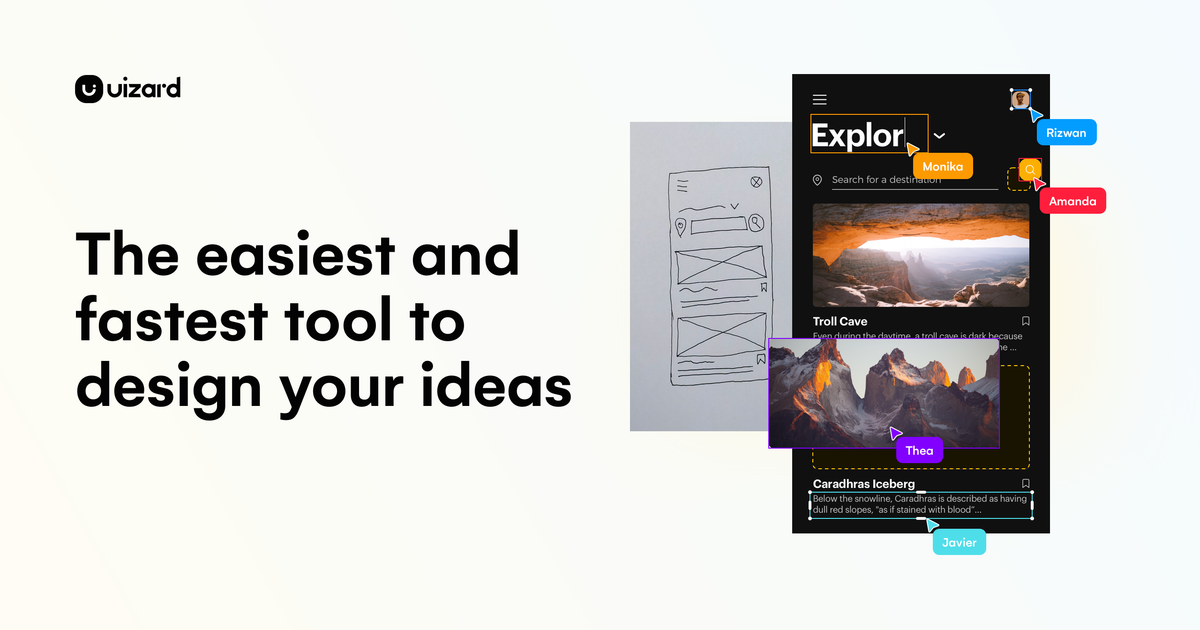
Uizard is an AI-powered UI design platform for creating app, website, tablet, and desktop software mockups, wireframes, and prototypes. The product pages position it as a tool for people who want to move from idea to editable design in minutes, using text prompts, screenshots, templates, and drag-and-drop editing.
Its Autodesigner feature is the core AI workflow: users can generate projects, screens, themes, and multi-screen prototypes, then continue iterating inside the editor. The site also highlights screenshot scanning, wireframe scanning, real-time collaboration, and export or developer handoff features across its plans.
Create multi-screen, editable designs from simple text prompts, with Autodesigner 2.0 positioned as the main UI generator inside the editor.
Modify existing components by selecting an element, describing the change, and letting Autodesigner apply the update.
Turn screenshots into editable mockups and digitize hand-drawn wireframes from the scanner tools shown on the product pages.
Start from pre-made templates for mobile apps, websites, web apps, tablet apps, app wireframes, and website wireframes.
Collaborate with teammates through real-time multiplayer editing, commenting, public links, project sharing, and private projects.
Export designs as JPG, PNG, or PDF, and access developer handoff in CSS and React components on supported paid plans.
A product manager or product team can draft mockups and iterate on flow ideas quickly, using AI generation to get from brief to editable screens.
Designers and UX professionals can generate a first pass from text, then refine components and screens in the editor instead of starting from a blank canvas.
Marketers, consultants, and agencies can build interactive mockups to share with clients and speed up review cycles.
Startup founders can turn a rough idea into an MVP-style prototype for internal alignment or early validation.
Developers can use exported design assets and handoff output to bridge design work into implementation on supported plans.
Uizard is an AI-powered UI design tool for apps, websites, and desktop software. It is built around generating and editing designs from text prompts, screenshots, and hand-drawn wireframes.
The pricing page shows a Free plan and paid Team, Business, and Enterprise plans. The Free plan is positioned for students and hobbyists, while the higher tiers add more AI generations, collaboration, and team administration features.
Yes. The pricing page lists multiplayer real-time collaboration, commenting, public sharable links, quick project sharing, project embedding on the web, private projects, and centralized team administration across its plans, with more advanced team controls on higher tiers.
Uizard supports generating projects, screens, themes, images, heatmaps, design reviews, screenshot scans, wireframe scans, and text or image assistant outputs through Autodesigner and related AI features.
The source pages show export to JPG, PNG, and PDF, plus developer handoff in CSS and React components on the Team plan and above. The pages do not provide a full integration list beyond those features.
流量數據僅供參考。
| 4月 | 599682 |
|---|---|
| 5月 | 543029 |
| 6月 | 420455 |
尚無流量分析數據。
尚無流量分析數據。