
AI tattoo generation
Create tattoo concepts from plain-English prompts and reference images, then refine the result into a clearer reference for an artist.

TryOn.ink is a web-based AI tattoo studio for generating custom tattoo designs, previewing them on your body, and preparing references for a tattoo artist. It also includes tools for fonts, names, Roman numerals, size, price, and cover-up planning.
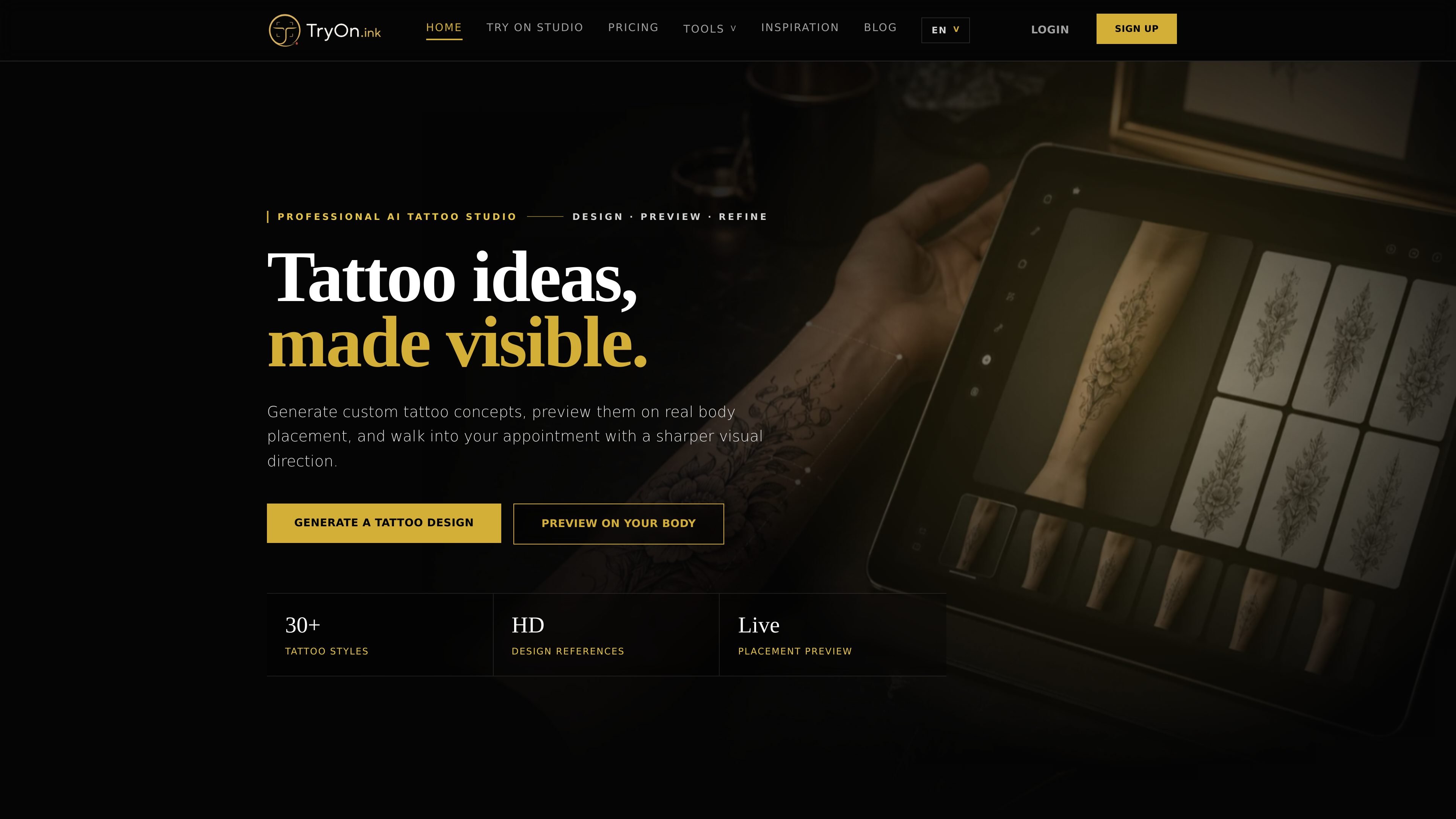
TryOn.ink is an AI tattoo studio for generating custom tattoo concepts, previewing them on a body photo, and preparing a clearer reference before a real tattoo appointment. The site combines image generation, virtual placement previews, and focused planning tools for lettering, dates, sizing, and budget estimates.
The product is aimed at people who want to compare tattoo ideas before committing to ink. Its workflow supports prompt-based concept creation, cover-up planning, and style exploration across options like blackwork, Japanese, minimalist, realism, and traditional designs.
Create tattoo concepts from plain-English prompts and reference images, then refine the result into a clearer reference for an artist.
Upload a photo of the placement area to preview how a design sits on your own body, including scale, angle, and flow.
Test alternate versions with clearer lines, stronger contrast, new palettes, or simpler silhouettes to improve readability.
Explore style directions such as traditional, blackwork, realism, Japanese, minimalist, watercolor, and neo-traditional before settling on one approach.
Use focused planning tools for lettering, names, Roman numerals, size estimates, price estimates, and image-to-tattoo conversion.
Save references in a gallery and use high-resolution outputs and unlimited downloads on paid plans.
Compare different directions for a first tattoo by generating multiple styles, then checking which version stays readable at the intended size and placement.
Upload a photo of an arm, shoulder, back, rib, leg, or smaller area to test how a design follows body curves and available space.
Use the cover-up mode to test new concepts over an existing tattoo before deciding on a replacement direction.
Turn a name, date, Roman numeral, pet photo, portrait, logo, or object into a cleaner tattoo reference for a consultation.
Use the price calculator, size chart, and font tools to narrow the design before booking time with an artist.
You can generate tattoo ideas from text prompts, compare styles, turn pictures into tattoo references, and use the result as a visual brief for a tattoo artist.
The virtual try-on tool helps you preview placement, size, flow, and contrast on a photo of the body area before booking a tattoo appointment.
The site says you can create tattoo concepts from a prompt, with examples across styles such as blackwork, Japanese, minimalist, realism, and traditional art.
Yes. The gallery and homepage encourage downloading a high-resolution design or using the preview as a clearer reference for a tattoo artist.
The site says virtual try-on works on multiple body parts, including arms, shoulders, back, ribs, legs, and smaller areas such as ankles or wrists.
流量數據僅供參考。
| 4月 | 0 |
|---|---|
| 5月 | 0 |
| 6月 | 0 |
尚無流量分析數據。
尚無流量分析數據。