
Text-to-speech generation
Create speech from text with high-quality neural voices. The site positions the service around realistic speech synthesis and 44.1K WAV output.

SteosVoice is an AI speech synthesis platform for creating realistic voiceovers from text. It supports creators, game developers, businesses, and voice talent through a web platform, a Telegram bot, voice monetization, and API access.
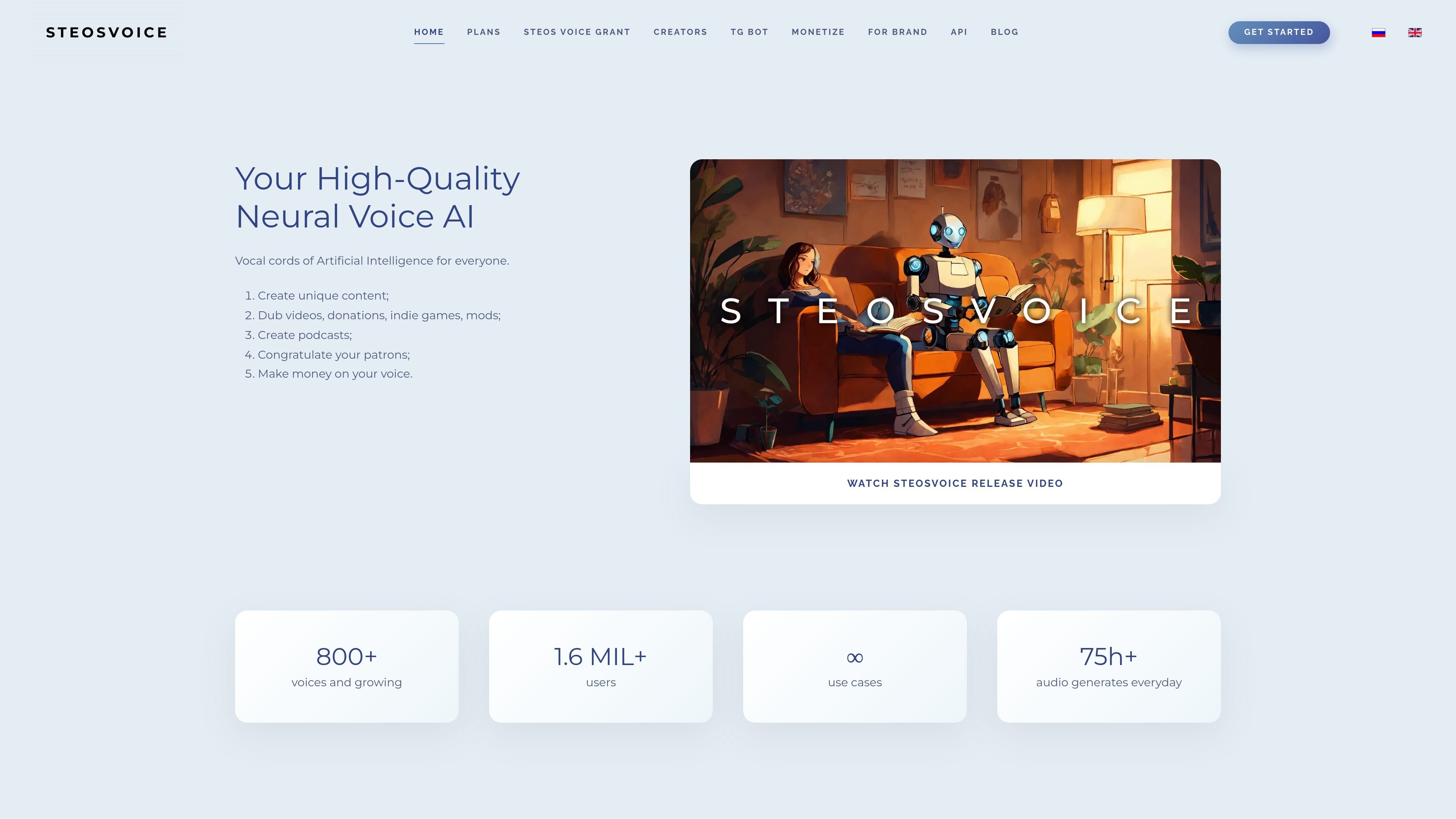
SteosVoice, formerly CyberVoice, is an AI speech synthesis platform for creating realistic voice output from text. The site describes it as "artificial intelligence vocal cords" and focuses on high-quality sound for content creators, game makers, businesses, and voice talent.
The platform offers both a full web experience and a Telegram bot for limited free use. Source pages also describe voice publishing, royalty-based voice monetization, and an API and grant program for teams that want to build products on top of the service.
The product is positioned around practical voice work: dubbing videos, generating voiceovers for articles and podcasts, voicing game characters and mods, making donation messages, and supporting brand or support use cases. The source also states that outputs can be downloaded as 44.1K WAV files, and the FAQ notes support for speed control, pitch control on paid tariffs, and pronunciation hints using punctuation and stress markers.
Create speech from text with high-quality neural voices. The site positions the service around realistic speech synthesis and 44.1K WAV output.
Use the Telegram bot for limited free synthesis. The home page says every user gets free access through the bot for fast voice generation without using the full platform.
Choose from character voices and update to new voices as they are added. The site highlights a growing set of voices and a voice library that can be refreshed.
License your own voice and receive royalties for each synthesis. The platform includes a voice monetization flow for creators who want their voice available to others.
Adjust pronunciation and narration behavior with supported controls. The FAQ documents stress marking with "+", punctuation-based pauses, speed changes, and pitch control for paid plans.
Generate output for different content workflows, including dubbing, podcasts, articles, and game audio. The product is described as a tool for creators and businesses rather than a single-purpose voice app.
Generate narrations for YouTube videos, podcasts, reels, and other content where a synthetic voice is faster than recording from scratch. The source specifically calls out video dubbing and article voice-over workflows.
Create character voices for indie games and mods, including quests, dialogue, and alternate-language dubbing. The site highlights game characters, mods, and multiple languages as common uses.
Publish a voice on the platform and earn royalties when others synthesize with it in the bot or on the platform. This is meant for actors, narrators, and other voice owners who want ongoing usage-based income.
Use the Telegram bot for fast, limited synthesis when you do not need the full web platform. The home page positions the bot as a convenient way to convert text messages into voice format.
Build a product on top of the service using the API or grant access. The grant page targets startups and small teams in AI, EdTech, game development, communications, accessibility, and audio products.
SteosVoice is an AI speech synthesis platform for creating voiceovers from text. The FAQ describes it as artificial intelligence vocal cords for high-quality AI voice acting, with uses such as video dubbing, podcasts, donations, indie games, mods, and voice monetization.
You can influence stress by placing a "+" before the stressed vowel in a word. The FAQ also says pauses between words can be created with punctuation such as "." and ",".
Yes. The FAQ says you can change narration speed on the platform or in the Telegram bot if you have purchased a tariff, and purchased tariffs also add options such as pitch control and audio format selection.
The FAQ says free bot access is limited, and if you run out of free symbols you can buy symbols through the bot using the /symbols command. The purchased symbols are available for one month.
To publish your voice, the FAQ says to go to the platform, open the "my voices" block, choose the option to provide a voice, fill out the form, and wait for a response. Approved voices receive royalties for each synthesis.