
Prompt-to-deck generation
Enter a topic, notes, or a rough outline and SlideAI turns it into a slide-by-slide draft with headings and editable content.

SlideAI is an AI presentation maker that turns topics, notes, or rough outlines into structured, editable slide drafts. It is aimed at users who want a PowerPoint-ready starting point with a credit-based free-to-start workflow.
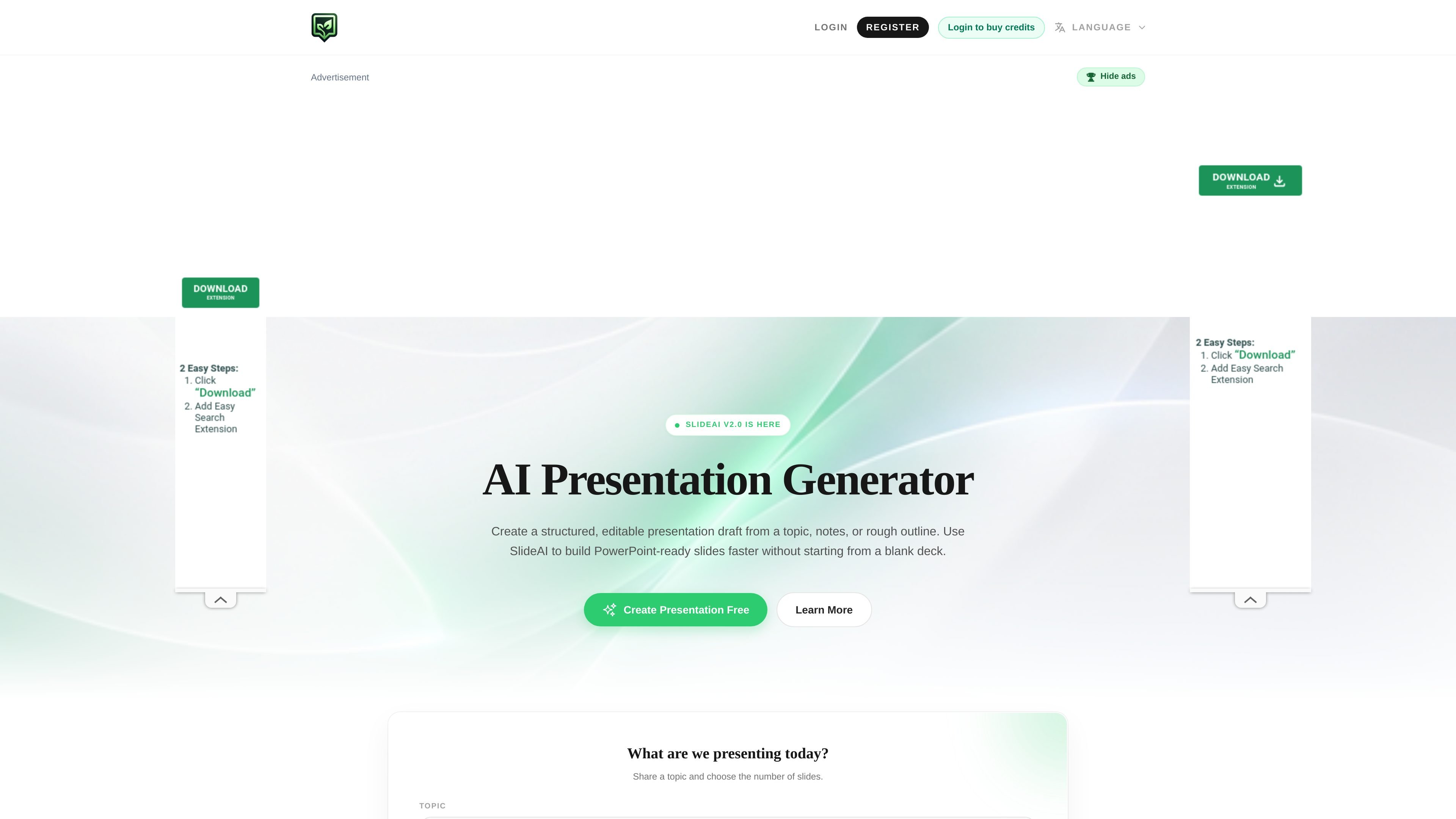
SlideAI is an AI presentation maker that generates structured, editable presentation drafts from a topic, notes, or a rough outline. The homepage positions it as a way to build PowerPoint-ready slide decks faster without starting from a blank file.
The product is aimed at people who need a usable first draft rather than a finished design. It supports a workflow where you provide context, choose the slide count, generate the deck, and then review and refine the content before presenting.
Enter a topic, notes, or a rough outline and SlideAI turns it into a slide-by-slide draft with headings and editable content.
The form lets you choose the number of slides so the generated deck can match a short update, a class talk, a pitch, or a longer session.
The homepage says you can use web research as part of the input flow, which suggests support for research-backed prompting.
The output is described as a structured, editable presentation draft rather than a finished locked design, so users can revise content before presenting.
The page emphasizes PowerPoint-ready output and a workflow that moves from draft to review to final presentation.
The site includes credit-based usage with daily free credits, share rewards, and credit packs for additional generation.
Create meeting updates, strategy decks, reports, product plans, sales enablement material, and client proposals from a short brief.
Draft lecture slides, seminar decks, research summaries, study material, or thesis defense outlines with a slide structure that can be refined later.
Build startup or project pitch decks that cover the problem, solution, market, product, traction, business model, and next steps.
Turn process notes, onboarding material, policies, or tutorials into slide sequences that are easier to present and review.
Explain APIs, architecture, software updates, IT rollouts, incidents, or technical decisions in a presentation format that starts with a coherent outline.
SlideAI takes a topic, notes, or rough outline and generates a structured, editable presentation draft with slide titles and body copy. The homepage describes it as PowerPoint-ready, so it is designed as a starting point for a deck you continue editing.
The homepage says you can enter a topic or notes, choose the number of slides, and then generate a first draft. It also shows examples of using web research, but the product pages do not document a full step-by-step export workflow.
The source describes SlideAI as useful for business, academic, pitch, training, technical, and marketing presentations. It is positioned as a general presentation generator rather than a tool limited to one subject area.
The site does not list formal integrations or export destinations on the collected pages. The homepage does say the output is PowerPoint-ready, which suggests the result is meant to be used in a presentation workflow, but the exact export options are not stated.
The pricing page is not available and returns a 404, but the homepage shows free daily credits, share rewards, and credit packages that require login to buy credits. That indicates a free-to-start model with credit-based usage, while exact plan details are not fully published on the collected pages.