
AI-powered clip detection
Detects punchy quotes, emotional peaks, and key insights in long-form video, then cuts them into short clips that are ready for social platforms.

ShortMind is an AI video repurposing tool that turns long-form videos into short social clips for creators, brands, and teams. It detects highlight moments, generates titles and captions, scores virality, and supports publishing to major short-form platforms.
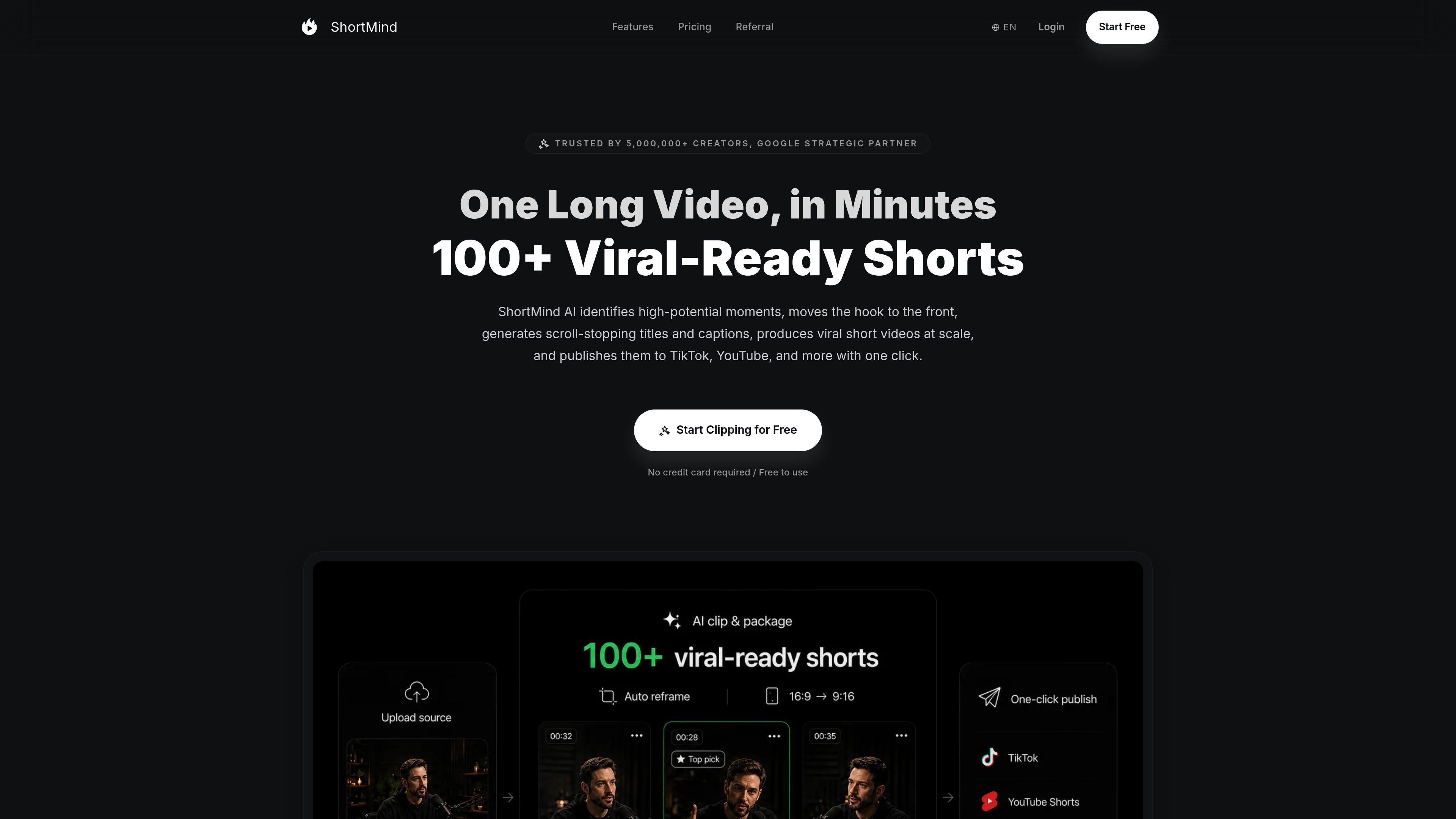
ShortMind is an AI video repurposing tool that turns long-form content into short social clips. It automatically identifies highlight moments, generates packaging elements such as titles and captions, scores clips for virality, and prepares them for publishing across social platforms.
The site positions the product for creators, brands, and teams that want to turn one long video into multiple short posts. Supported source inputs include YouTube, Bilibili, and local uploads, and the workflow is framed as upload, analyze, and publish.
Detects punchy quotes, emotional peaks, and key insights in long-form video, then cuts them into short clips that are ready for social platforms.
Scores clips for virality on a 0-100 scale and generates titles, descriptions, hashtags, and dynamic captions to support packaging and discovery.
Reframes shots and centers subjects for formats such as 9:16, 1:1, and 4:5 so the same source video can fit different channels.
Lets you trim, crop, add captions, change fonts, overlay B-roll, and adjust aspect ratio inside the editor without switching to another tool.
Supports organizing, scheduling, and pushing clips to platforms such as TikTok, YouTube Shorts, Instagram Reels, and LinkedIn from one workflow.
Adds AI B-roll suggestions and brand templates, and includes team collaboration features on paid plans.
Turn podcasts, interviews, and other long recordings into multiple short clips that can be reviewed, captioned, and scheduled for social posting.
Extract product-demo or live-commerce moments, then package them with titles, captions, and shoppable short-video variations for distribution.
Adapt the same source footage for different channels by reframing it into formats such as 9:16, 1:1, and 4:5 before publishing.
Use the virality score and generated metadata to compare clips, test packaging options, and decide what to post first.
Let teams collaborate on clip review and publishing in one workspace instead of moving assets through separate editing and scheduling tools.
ShortMind provides a free plan that includes 30 credits per month and exports with a watermark. Paid plans remove the watermark and can be upgraded or downgraded from the account settings.
The pricing page says ShortMind supports publishing to TikTok, YouTube Shorts, Instagram Reels, LinkedIn, X, and Facebook, with more platforms coming soon.
On Pro and above, ShortMind lets you invite team members, assign roles, and collaborate on clip review and publishing from one shared dashboard.
ShortMind says you can upload a video from YouTube, Bilibili, or your local drive, then the product analyzes the content and lets you select clips and publish them.
The pricing page says one credit equals one minute of AI video processing or generation. The number of credits used depends on video length and the features you use.