
Multi-model AI chat
Chat with 32+ models in one interface and switch between them when you need a different tradeoff between speed and reasoning.
Raycast AI is a Mac-focused AI layer inside the Raycast launcher. It combines multi-model chat, web-backed answers, and AI Extensions for tasks and automation.
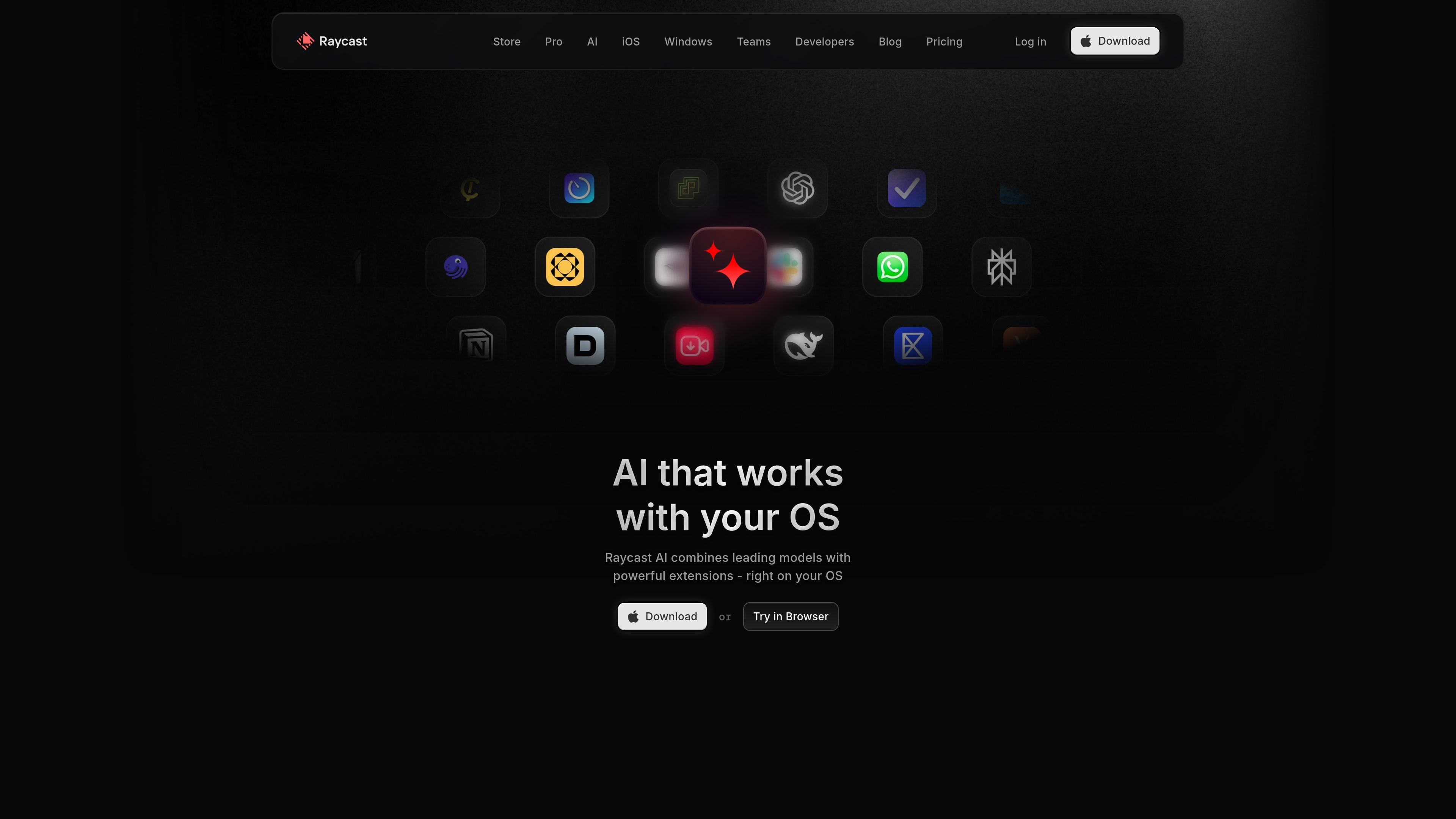
Raycast AI is the AI layer inside Raycast’s desktop launcher, designed to bring chat, web-backed answers, and automation into the same interface you already use on your Mac. It combines access to multiple AI models with OS-level extensions so you can ask questions, draft text, and trigger actions from a single place.
The product is aimed at individuals and teams that want AI to sit closer to everyday desktop work rather than in a separate tab. Raycast presents Quick AI, persistent chat, AI Extensions, presets, and custom commands as ways to move between thinking, searching, and doing without switching tools repeatedly.
Raycast also positions AI alongside its broader productivity features such as Clipboard History, Calendar, Window Management, Notes, and Cloud Sync. That makes the AI experience part of a wider launcher-based workflow instead of a standalone chatbot.
Chat with 32+ models in one interface and switch between them when you need a different tradeoff between speed and reasoning.
Use Quick AI as a fast, floating entry point for questions, summaries, and other short tasks without leaving your current app.
Turn natural-language requests into actions with AI Extensions that can control Raycast features and connected apps like Calendar, Linear, Slack, Jira, Zoom, and more.
Create custom AI Commands and chat presets to tailor prompts, tone, and workflows to recurring tasks.
Attach PDFs, CSVs, and on-screen content so the model can work with the context you already have open.
Enable web search for answers with inline references and use Cloud Sync to keep chats available across Macs.
Use Quick AI to ask a question, get a summary, or draft a response while you stay in your current app window.
Ask for project updates, issue status, meeting context, or next steps and route the result into tools such as Linear, Calendar, Slack, or Jira through AI Extensions.
Use chat presets and custom commands to standardize recurring work such as coding help, market research, or writing prompts.
Attach a PDF, CSV, or visible screen content when you need the model to work from documents or what is currently on your display.
Keep chats and productivity tools in sync across Macs with Cloud Sync when you use Raycast as part of a multi-device workflow.
Raycast AI is built into Raycast’s launcher and can be used from the app’s AI features such as Quick AI, Chat, and AI Extensions. The product pages show both browser and app access entry points, with the Mac app presented as the main OS-integrated experience.
Raycast AI can return chat responses, web-backed answers with references when web search is enabled, and actions through AI Extensions. The product pages also show support for chat presets, attachments, and regenerating answers with another model mid-chat.
Raycast offers a limited number of free AI messages to any user. Continued use requires a Pro plan, which includes a 14-day free trial, and Advanced AI models are available only as an add-on to the paid Pro plan.
Yes. Raycast says the Pro plan is for individuals, while the Team plan is for organizations. Team plans can share Extensions, Snippets, and Quicklinks privately, and a Team Manager can add the Advanced AI add-on for the whole team.
Raycast says its AI features are powered by multiple providers, including OpenAI, Anthropic, Perplexity, Groq, Together AI, Mistral AI, Google Gemini, xAI, and Replicate. It also supports bringing your own keys for OpenAI, Anthropic, and Google.