
Wide voice selection
Choose from a large library of celebrity and character voices, with the site noting that new voices are added by the community.

Parrot AI is an AI celebrity voice generator and video maker for creating short clips from typed text. It is aimed at users who want to make parody-style messages, roasts, birthday greetings, and other shareable audio or video content.
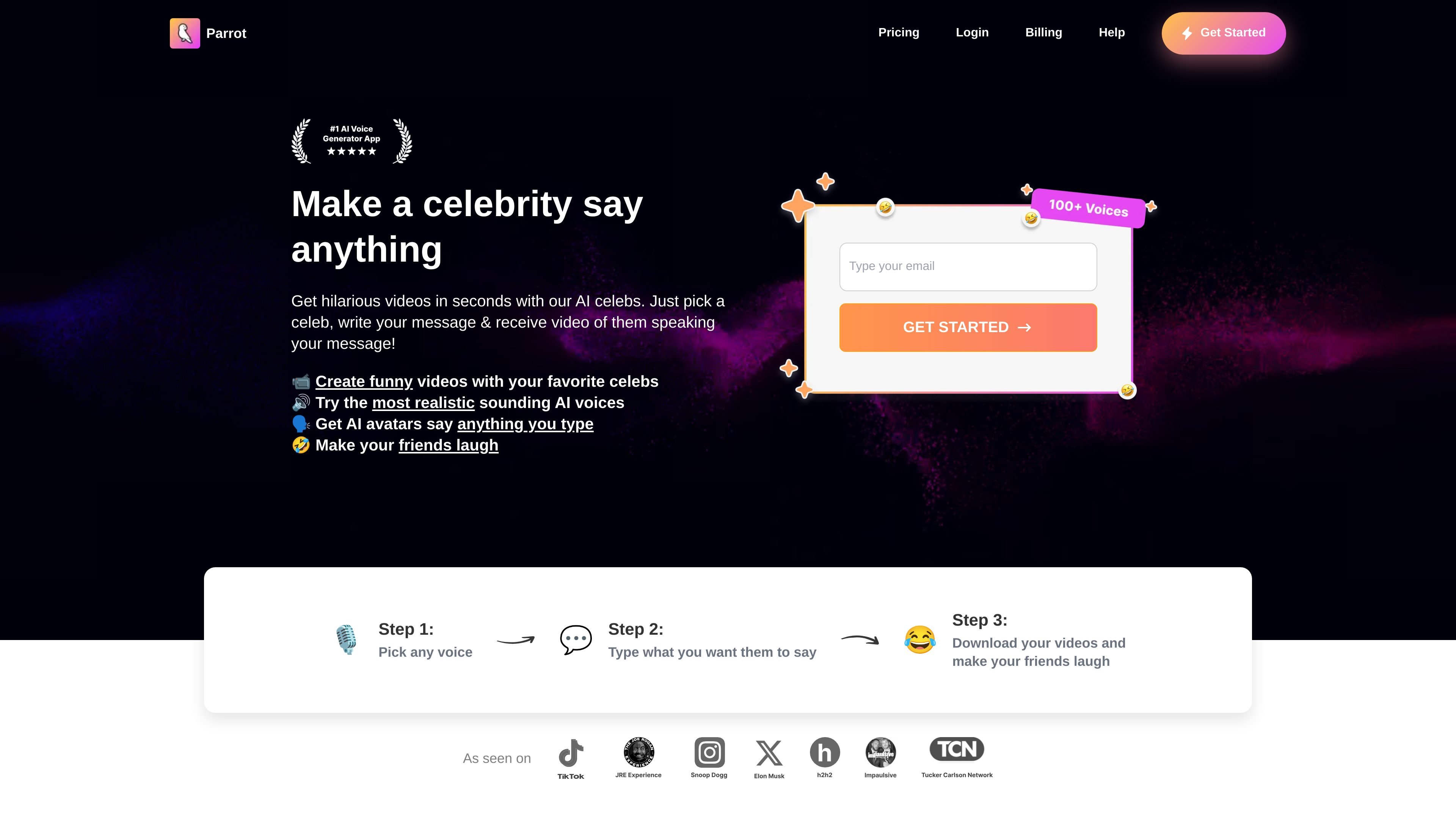
Parrot AI is an AI celebrity voice generator and video maker that lets users create short audio or video clips from typed text. The site presents it as a tool for making parody-style content, birthday messages, roasts, pep talks, and other shareable clips.
The product centers on a simple workflow: choose a voice, enter what you want it to say, generate the result, and download or share it. The site also highlights a growing voice library, community-added voices, and custom voice cloning as part of the experience.
Choose from a large library of celebrity and character voices, with the site noting that new voices are added by the community.
Generate both audio and video outputs from typed text, including clips with lip sync according to the home page.
Create clips by entering text after selecting a voice, making the workflow simple enough for quick social posts or jokes.
Remove the on-site watermark on paid plans, which is useful when sharing output more broadly.
Export and share finished videos after generation, with the Joe Biden page describing a pick-voice, type, download, and share flow.
Use community-added voices and custom AI voice clones, both referenced on the home page as part of the product experience.
Create short, humorous clips for group chats, including roasts and playful messages that use a celebrity-style voice.
Generate birthday greetings or other occasion-based messages with a recognizable voice and share them as a clip.
Make parody-style social content for platforms mentioned in the About page, including Instagram, Snapchat, and Facebook.
Produce quick pep talks, advice clips, or personalized messages for friends or followers.
Use the voice generator as a starting point for custom cloned voices or community-added voices when you want more variety.
The site shows Parrot AI as a celebrity voice generator and video maker where you pick a voice, enter text, and generate audio or video clips.
The pricing page shows paid plans and states that users can access all AI voices, with different generation limits and processing speeds depending on the plan.
Yes. The contact page says you can reach support through live chat on weekdays from 9am to 5pm PST or by emailing help@tryparrotai.com.
The site says users can create clips for pranks, birthdays, pep talks, roasts, and other shareable moments.
The source does not describe API access, integrations, or platform compatibility beyond the app-site experience and app download references.
流量數據僅供參考。
| 4月 | 337555 |
|---|---|
| 5月 | 279400 |
| 6月 | 309975 |
尚無流量分析數據。
尚無流量分析數據。