
Multiple input methods
Upload a recording, record directly, or use a YouTube link as the source for transcription. This supports both live recordings and existing audio references.

Klangio is an AI music transcription platform that converts audio, YouTube links, and recordings into sheet music and related notation formats. It includes a browser-based Transcription Studio, a DAW plugin, and dedicated apps for specific instruments.
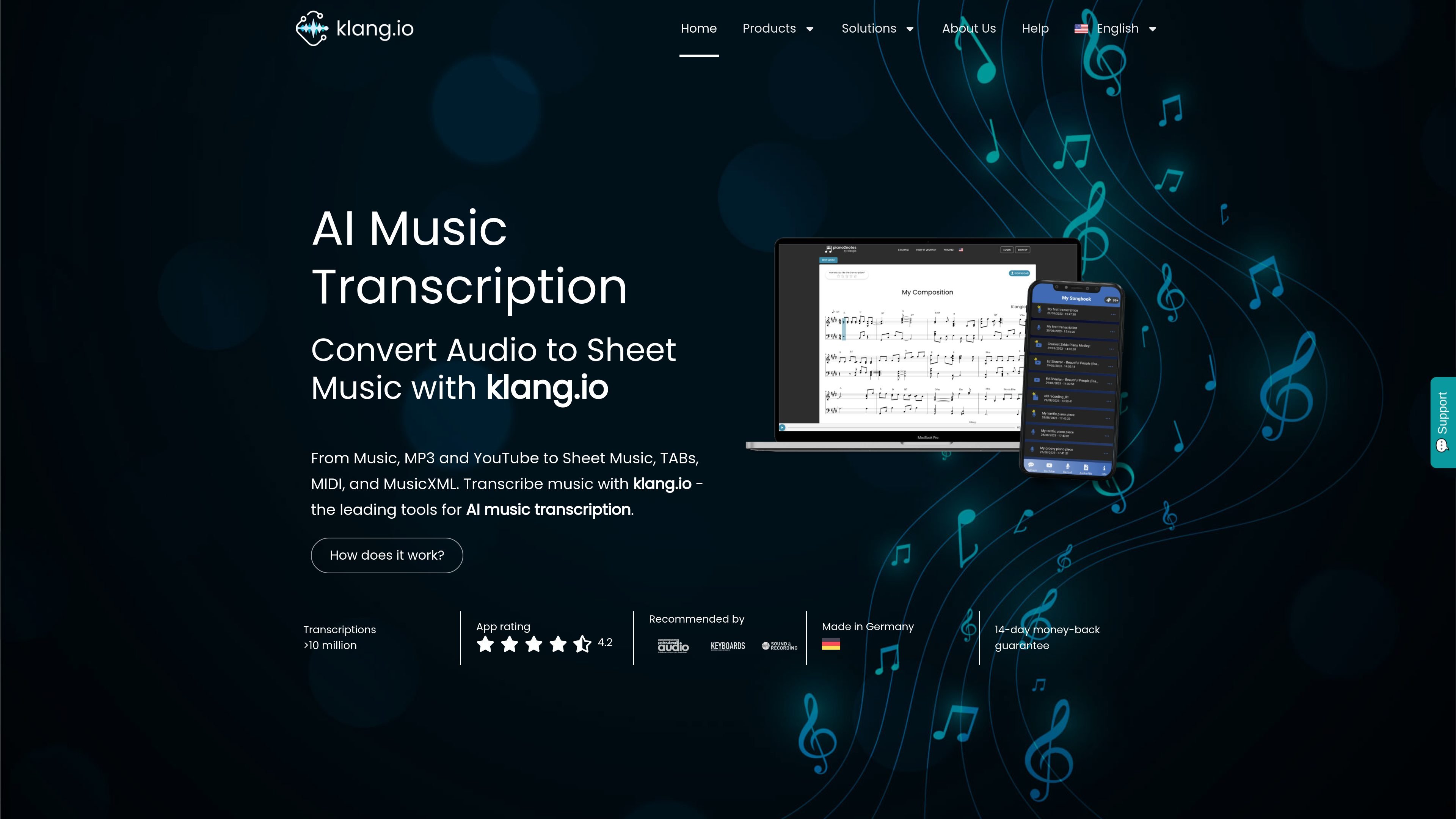
Klangio is an AI music transcription platform that turns audio, YouTube links, and recorded performances into sheet music and related notation formats. Its product family includes a general Transcription Studio plus instrument-specific apps such as Piano2Notes, Guitar2Tabs, Sing2Notes, Drum2Notes, Violin2Notes, and Wind2Notes.
The Transcription Studio is positioned as the most complete option for multi-instrument songs. It can identify notes for multiple parts, generate sheet music within seconds, and let users review, edit, and download results as Sheet Music, MIDI, MusicXML, or Guitar Pro files.
Upload a recording, record directly, or use a YouTube link as the source for transcription. This supports both live recordings and existing audio references.
The studio analyzes melody, chords, rhythm, and multiple instruments to generate notation from songs and performances.
Review generated music as sheet music, then make changes in the integrated edit mode before exporting.
Export transcriptions as Sheet Music, MIDI, MusicXML, and Guitar Pro, with TABs available for instrument-specific outputs.
Use Klangio in the browser or as a plugin in a digital audio workstation, depending on whether you want a standalone or DAW-based workflow.
Choose from dedicated transcription tools for piano, guitar, vocals, drums, violin, brass, and woodwinds, or use the multi-instrument studio for full songs.
Convert a full song with vocals, drums, bass, piano, and guitar into separate notation parts using the Transcription Studio when you need a multi-track view.
Turn a piano performance into notation with Piano2Notes when the goal is a focused piano score rather than a general arrangement.
Convert guitar or bass audio into TABs with Guitar2Tabs when fretboard notation is more useful than standard staff notation.
Capture sung melodies or instrumental lines for quick note reading with dedicated apps such as Sing2Notes, Violin2Notes, Drum2Notes, or Wind2Notes.
Use the browser app or DAW plugin to review, edit, and export notation as part of an existing music production workflow.
Klangio’s browser-based Transcription Studio can be used by uploading audio, recording a performance, or pasting a YouTube link. The site also offers dedicated tools such as Piano2Notes, Guitar2Tabs, Drum2Notes, Sing2Notes, Violin2Notes, and Wind2Notes for instrument-specific workflows.
Klangio says it can export transcriptions as Sheet Music, MIDI, MusicXML, and Guitar Pro, and the studio page also mentions TABs for relevant instruments.
The site describes Klangio Transcription Studio as available in the browser and as a plugin for a digital audio workstation.
The homepage mentions a free first 20 seconds for trying the service, and the studio page invites users to create a free transcription. The pricing page available in the provided sources is not the active pricing page, so specific paid plan details are not confirmed here.