
Prompt-first image generation
Start from a written prompt, then continue into the generator with the same setup carried over. The home page says you can choose ratio, model, and generation mode before generating.

GPT Image 2 is an AI image generator for product visuals, marketing creatives, social graphics, and image edits. It supports text-to-image and image-to-image workflows in the browser, with an API path for automation.
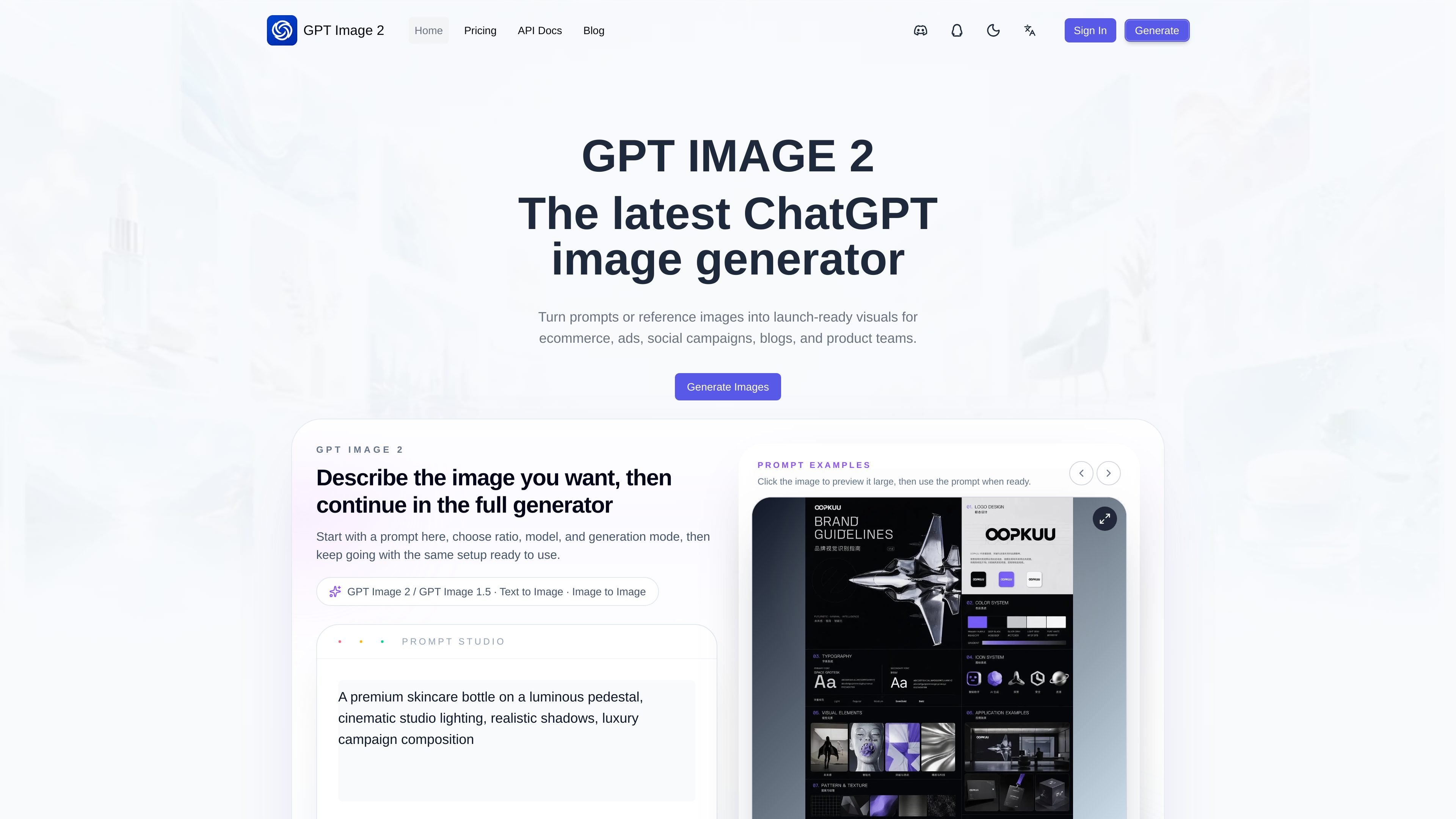
GPT Image 2 is an AI image generator focused on product visuals, marketing creatives, social media graphics, and polished image edits. The site frames it as a practical workflow for people who want strong output without a complex creative stack.
It supports text-to-image and image-to-image creation, with a prompt-first interface on the web and an API path for automation. The product site also emphasizes controls such as ratio selection, model choice, generation mode, and reference-based editing for iterative work.
Start from a written prompt, then continue into the generator with the same setup carried over. The home page says you can choose ratio, model, and generation mode before generating.
Upload or work from an existing image when you need revisions, cleanup, or consistency. The site describes this as image-to-image and reference-based editing.
Prepare outputs for storefronts, blogs, ads, and social placements with flexible aspect ratios. The pricing page also mentions more aspect ratios on paid plans.
Generate product visuals, campaign creatives, social graphics, and polished edits from the same workflow. The site positions the product for launch assets and product teams.
Use the web flow first, then move to API usage when automation is needed. The docs page shows a public API base URL, authentication header, and task polling flow.
Work in English or Chinese within the same experience. The home page calls out a bilingual experience.
Create launch-ready product shots, mockups, and campaign images for ecommerce pages or storefront listings.
Turn a short brief into ad creatives, social graphics, or blog imagery without moving between multiple design tools.
Upload a reference image to clean up details, adjust part of a composition, or keep a visual direction consistent across revisions.
Generate visuals in the browser first, then reuse the same creative workflow through the API when a team needs automation or higher-volume output.
No account is required to browse the workflow, and the site indicates you can start with the web generator before moving to API usage. The pricing page also suggests a free monthly tier for trying the workflow.
The pricing page shows a free monthly plan and paid Starter and Pro plans. The free plan includes 4 credits per month, while Starter and Pro add more credits and broader workflow access.
Yes. The site states that GPT Image 2 supports both text-to-image and image-to-image workflows, and the API docs list image generation as the available public API page.
The site presents GPT Image 2 as useful for everyday commercial work such as product pages, ads, blog visuals, launch assets, and internal concept work, but it does not provide a detailed licensing policy in the sources provided.
The site links to API docs and says the workflow is API-ready. The docs page lists the base URL and image generation endpoint, with other modalities marked as coming soon.
流量數據僅供參考。
| 5月 | 0 |
|---|---|
| 6月 | 0 |
| 7月 | 0 |
尚無流量分析數據。
尚無流量分析數據。