


OS-level telemetry
Monitors from the kernel rather than relying on the agent’s own logs, so activity can be reviewed independently of what the agent reports.
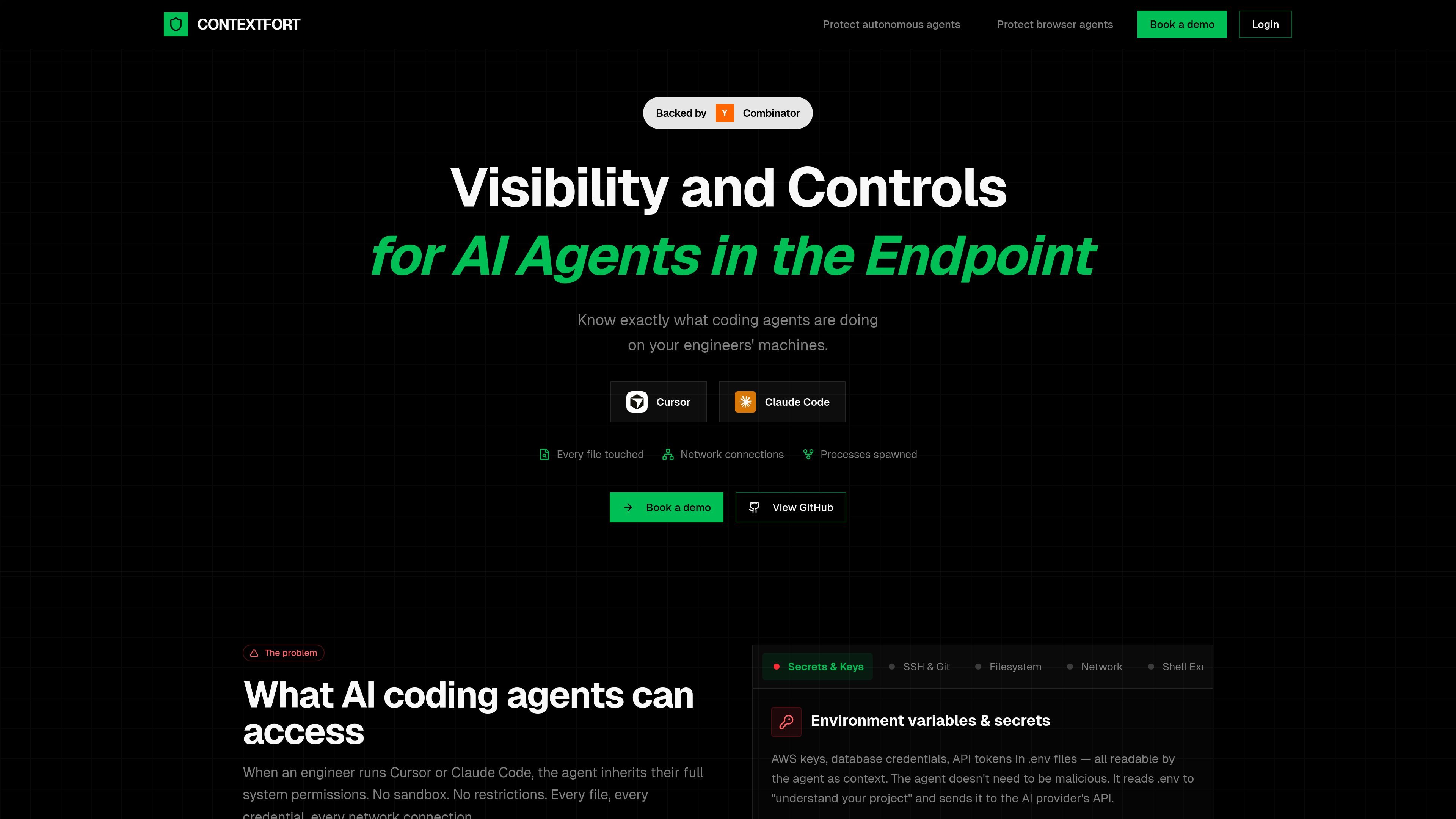
ContextFort is an endpoint visibility product for AI coding and browser agents. The site positions it as a way to detect and track AI agents in real time so engineering teams can see what those agents are doing on developers’ machines.
Its core purpose is to provide independent, OS-level visibility into file access, network activity, and spawned processes. The product is framed as a response to the access that agents like Cursor and Claude Code inherit when they run with a user’s system permissions.
Monitors from the kernel rather than relying on the agent’s own logs, so activity can be reviewed independently of what the agent reports.
Captures every file the agent reads or writes, including source code, credentials, SSH keys, and environment files such as `.env`.
Tracks outbound connections initiated during agent activity so teams can see what data may have been sent and where it went.
Records subprocesses and shell activity, giving visibility into commands, installs, and build steps launched by the agent.
Maintains an audit trail of agent actions that the product says the agent cannot tamper with after the fact.
Describes platform coverage across Linux, macOS, and Windows using eBPF, Apple’s Endpoint Security Framework, and ETW plus Minifilter.
Review what an AI coding agent accessed during a session, including files opened, commands launched, and network connections made.
Investigate whether an agent read sensitive files such as `.env`, SSH keys, or cloud credentials while working on a repository.
Track subprocesses and shell execution when an agent installs packages, runs builds, or spawns helper processes.
Correlate outbound network activity with agent behavior to understand what data may have left the machine.
ContextFort is designed for engineering environments where AI coding or browser agents run with broad system access. It helps teams understand what those agents touched so they can review activity after the fact.
The source describes OS-level monitoring for file access, network activity, and process trees, plus an independent audit trail. It is presented as monitoring from the kernel rather than relying on agent self-reported logs.
The site references Linux, macOS, and Windows support through eBPF, Endpoint Security Framework, and ETW plus Minifilter, respectively.
The public site does not provide setup steps, pricing details, or integration documentation. It points users to book a demo or view the GitHub repository for more information.

Orca 是一款 Agent 開發環境,專為搭配 coding agents 發佈軟體而設計。可在隔離的 worktrees 中平行執行多個 CLI agents,並提供桌面與行動裝置輔助工作流程。

Firebase Studio 是一個以瀏覽器為基礎的全端應用開發工作區,提供 Gemini 輔助編碼、應用預覽、雲端模擬器,可匯入既有專案、原型設計、協作與瀏覽器部署。

EZsite AI 是一款 AI 網站建置工具,可將網址轉換成完整的 React 或 Vue.js 應用程式,並提供主機、網域、程式碼匯出與後端功能,適合需要可部署成果的團隊。

AI Magicx 是整合式 AI 工作區,將聊天、圖片、影片、語音、音樂、電子郵件與開發任務集中於一處,方便創作者、團隊與開發者整合多模型,免切換工具與訂閱。

Paper 是一款設計工具,串連畫布、程式碼與 AI agent,讓團隊可在同一工作流程中建立、分享並交付作品。支援桌面應用程式、MCP agent 存取,以及真實內容與設計 token 工作流。

blop 是一款 QA agent,將瀏覽器測試以程式碼形式寫入你的 repo,在 CI 中執行,彙整重複失敗,並可開啟 PR 修復損壞測試。適合使用 coding agents 並希望瀏覽器 QA 保持可審閱與版本控管的團隊。