Canva icon

Canva

Canva is an online visual design platform for creating graphics, presentations, videos, print materials, and branded content. It supports individual creators, teams, and organizations with templates, AI tools, collaboration features, and app integrations.

Canva

Overview

Canva is an online visual design platform for creating graphics, presentations, videos, print materials, and related content in one place. The site describes it as a free-to-use graphic design tool and a visual suite for individuals, teams, and organizations.

Its main workflow combines templates, drag-and-drop editing, AI-assisted creation, and collaboration tools. The homepage and pricing page also show options for brand management, content scheduling, app integrations, and plan tiers that scale from Free to Pro, Business, and Enterprise.

Features

Template-based design editor

Create designs with a drag-and-drop editor and start from a large library of templates, photos, videos, graphics, and audio. This supports common jobs like social posts, posters, presentations, and other visual assets.

AI-assisted creation and editing

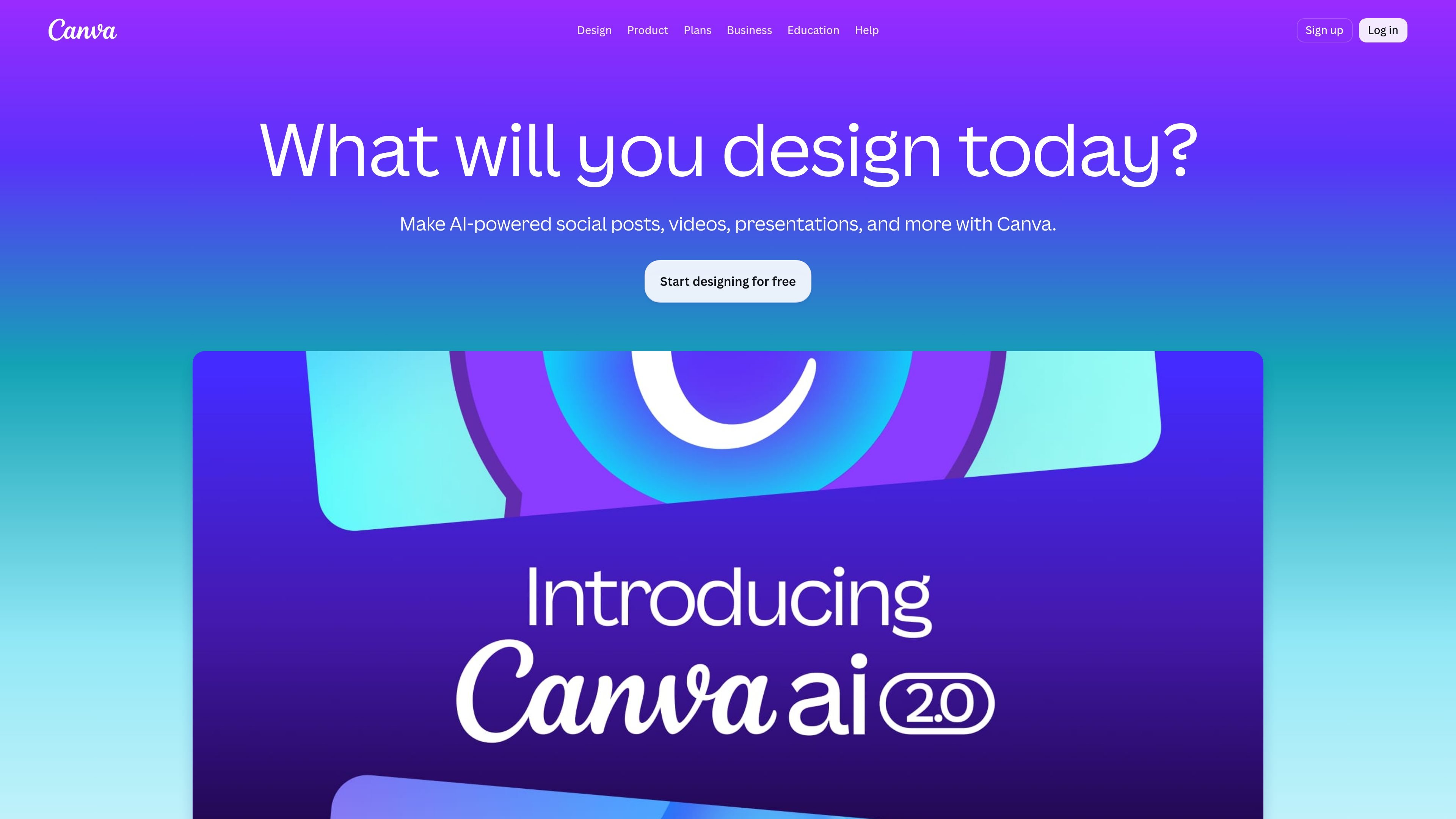
Use AI tools such as Canva AI 2.0, Magic Write, Magic Layers, Magic Resize, Magic Eraser, and related AI creation tools. The site positions these tools for generating, editing, resizing, and repurposing content.

Presentation workflows

Build and present slide decks with presentation templates, multiple presentation modes, animations, and smart collaboration. The homepage highlights presentations as a core workflow, and the pricing page lists multiple presentation modes.

Video and motion tools

Produce and adapt video content with video templates, a video editor, captions, background removal, and image-to-video or video creation features. These tools are presented as part of the broader visual suite.

Brand management controls

Manage brand work with Brand Kits, Brand Templates, approvals, brand controls, and larger-scale brand management options on higher-tier plans. This is intended for consistent output across individuals, teams, and organizations.

Apps and integrations

Extend Canva with apps, integrations, and connectors for tools such as Slack, Asana, Microsoft Teams, Salesforce, Google Workspace, ChatGPT, and Claude. The app marketplace also includes design, communication, and workflow apps.

Use cases

  • Presentations

    Build slide decks for meetings, pitches, or classroom presentations using templates, animation options, and presentation-specific tools. Canva positions presentations as a major part of its visual suite.

  • Social media and marketing content

    Create social posts, ads, and other marketing graphics from templates, then adapt sizes and variants for different channels. The pricing page also highlights ad insights and AI ad creation.

  • Video production

    Edit short-form or promotional video content using templates, the video editor, captions, and background-removal tools. This fits teams that need to turn clips into ready-to-publish assets.

  • Brand-managed team work

    Maintain visual consistency with Brand Kits, brand templates, approvals, and team controls. Higher-tier plans expand this into larger brand and multi-team management.

  • Integrated workflows

    Connect Canva to productivity tools and AI assistants to move content between systems and streamline repetitive tasks. The apps pages point to Slack, Asana, Microsoft Teams, Salesforce, Google Workspace, ChatGPT, and Claude.

Pros and Cons

Pros

  • Offers a broad set of design workflows in one product, including presentations, social content, video, print, docs, whiteboards, sheets, and websites.
  • Combines templates with drag-and-drop editing, which makes it easy to start quickly from existing layouts.
  • Includes AI-assisted tools for writing, resizing, editing images, generating content, and creating variants.
  • Supports collaboration, brand controls, and organization-level management on higher-tier plans.
  • Provides an apps marketplace and integrations with common productivity and AI tools.

Cons

  • The source pages do not provide a full, step-by-step setup guide or detailed workflow documentation.
  • Some advanced capabilities are tied to paid plans, and the source does not fully specify every feature limit by plan in plain language on the pages reviewed.

FAQ

Does Canva have a free plan and paid plans?

Canva offers a free plan for one person, plus paid Pro, Business, and Enterprise plans for individuals, teams, and large organizations. The pricing page also shows a start-free-trial or contact-sales path depending on the plan.

Can I use Canva online and offline?

The source pages show Canva as a web-based design platform, and the pricing page lists Canva Offline as a new feature. The pages reviewed here do not provide a complete list of supported devices or operating systems.

What kinds of projects can I make in Canva?

Canva’s source pages emphasize presentations, social content, videos, print materials, whiteboards, docs, sheets, websites, and bulk design workflows. The site also points to templates and editing tools for common design tasks.

Is Canva suitable for teams and organizations?

The pricing page includes collaboration and team admin tools on Business, and enterprise controls such as SSO, SCIM provisioning, custom apps, and multi-team brand management on Enterprise. The apps page also highlights third-party apps and integrations.

Quick Facts

Category
Visual design platform
Primary use
Create graphics, presentations, videos, and print designs
Access
Online web product with Canva Offline mentioned on the pricing page
Plans
Free, Pro, Business, and Enterprise
Integrations
Apps marketplace plus connectors and third-party integrations
Source domain
canva.com