





2026 最佳AI分鏡生成器工具

AI分鏡生成器可將劇本與創意轉化為逐場畫面、鏡頭規劃和視覺參考,協助整理敘事節奏,適用於電影、短片、廣告與動畫製作。

維護者:

影片

探索此分類集合

產品

Morphic preview
Morphic logo

Morphic

AI影片生成器

Morphic 是一款基於瀏覽器的 AI 平台,用於創作、動畫化與編輯視覺故事。

免費及付費方案
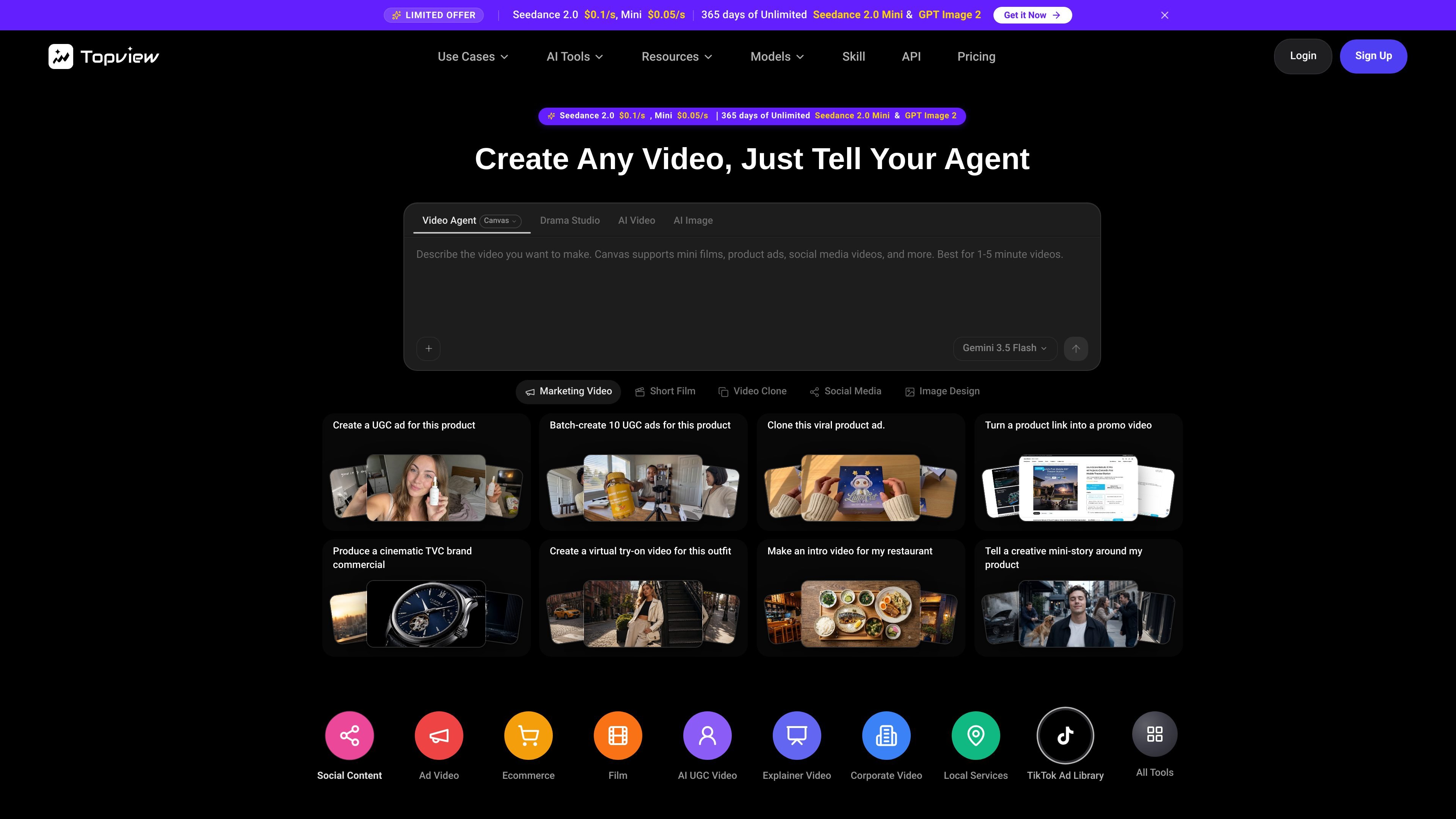
Topview AI preview
Topview AI logo

Topview AI

AI影片生成器

AI video workspace for creating short films, marketing videos, ads, and social content from ideas, scripts, references, or product URLs.

免費及付費方案
Storyboarder.ai preview
Storyboarder.ai logo

Storyboarder.ai

AI分鏡生成器

AI storyboarding for filmmakers, from scripts and concepts to visual production plans.

免費及付費方案
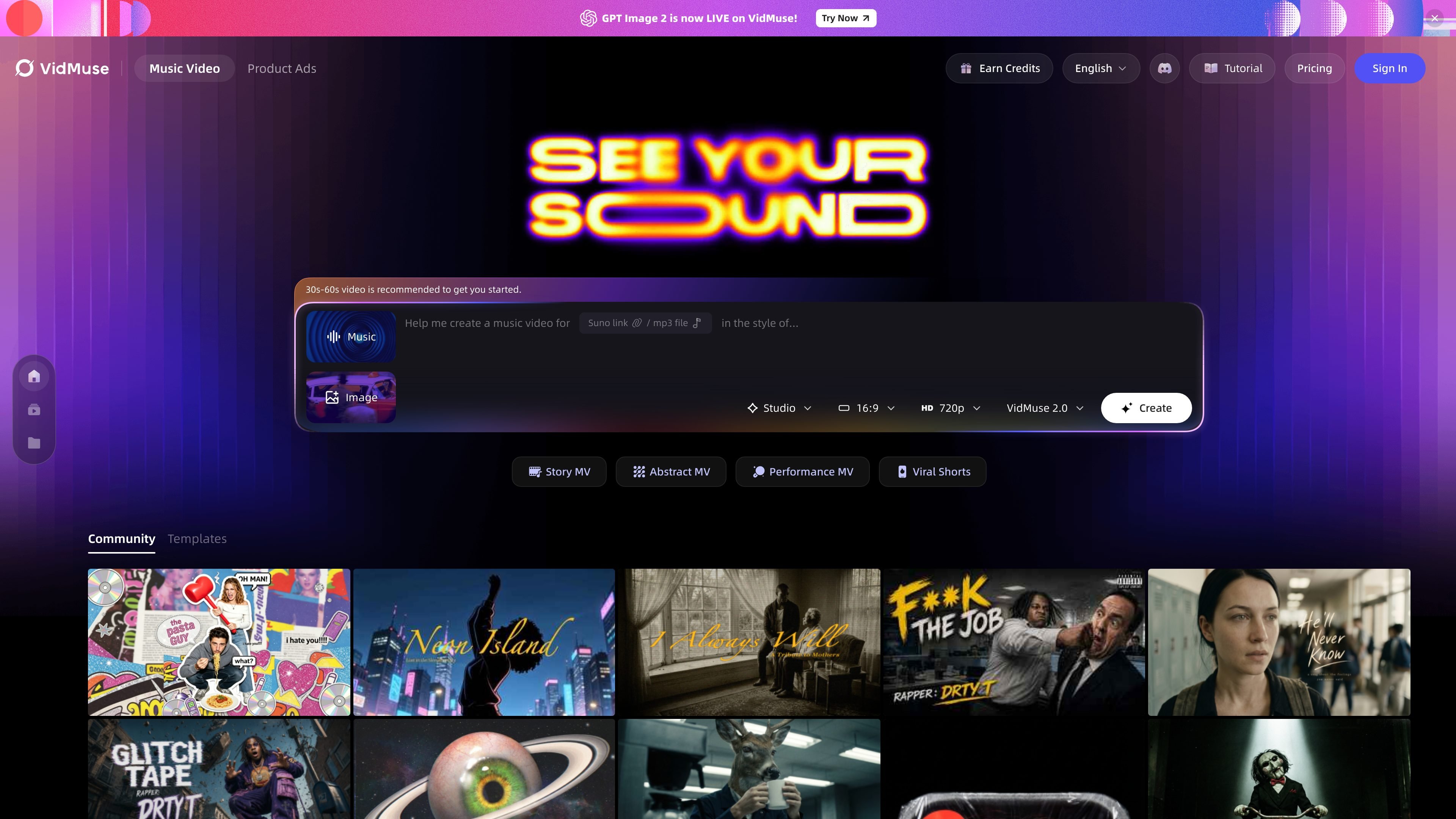
VidMuse preview
VidMuse logo

VidMuse

AI影片生成器

AI 音樂影片生成器,將 Suno、Udio、Spotify、YouTube 或音訊檔案轉換成分鏡式 1080p 影片。

免費及付費方案
Pixo preview
Pixo logo

Pixo

AI影片生成器

AI video workspace for researching, scripting, storyboarding, generating, and editing complete videos.

免費及付費方案
FilmSpark.ai preview
FilmSpark.ai logo

FilmSpark.ai

AI影片生成器

A guided AI filmmaking workspace for developing scripts, storyboards, scenes, and video.

免費及付費方案
OiiOii preview
OiiOii logo

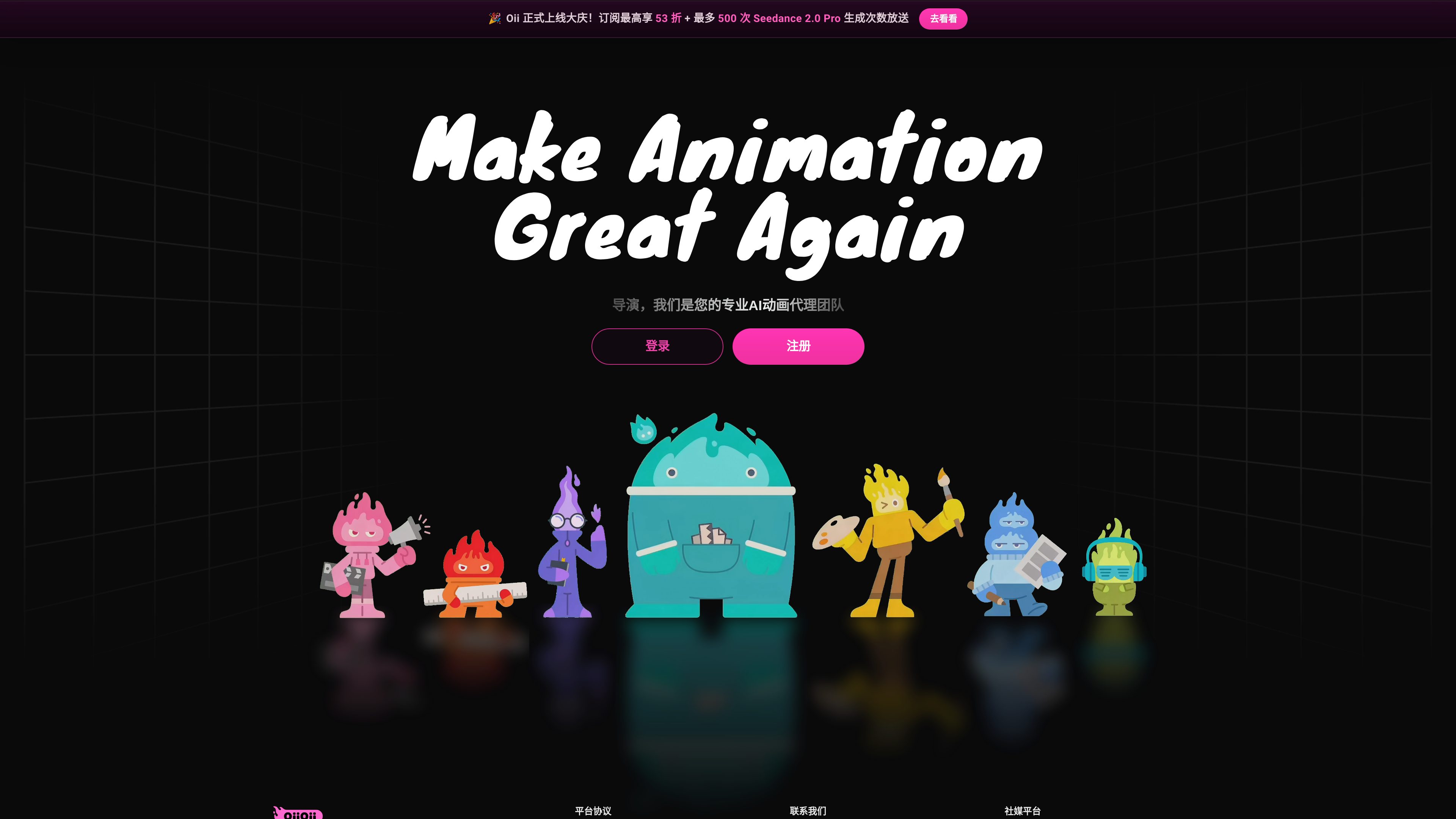
OiiOii

AI 動畫生成器

OiiOii is an AI animation creation agent for turning story ideas and scripts into animated productions. It organizes creative work through specialized roles including writing, scene design, character design, storyboarding, art direction, and music direction.

免費及付費方案
Chushou AI preview
Chushou AI logo

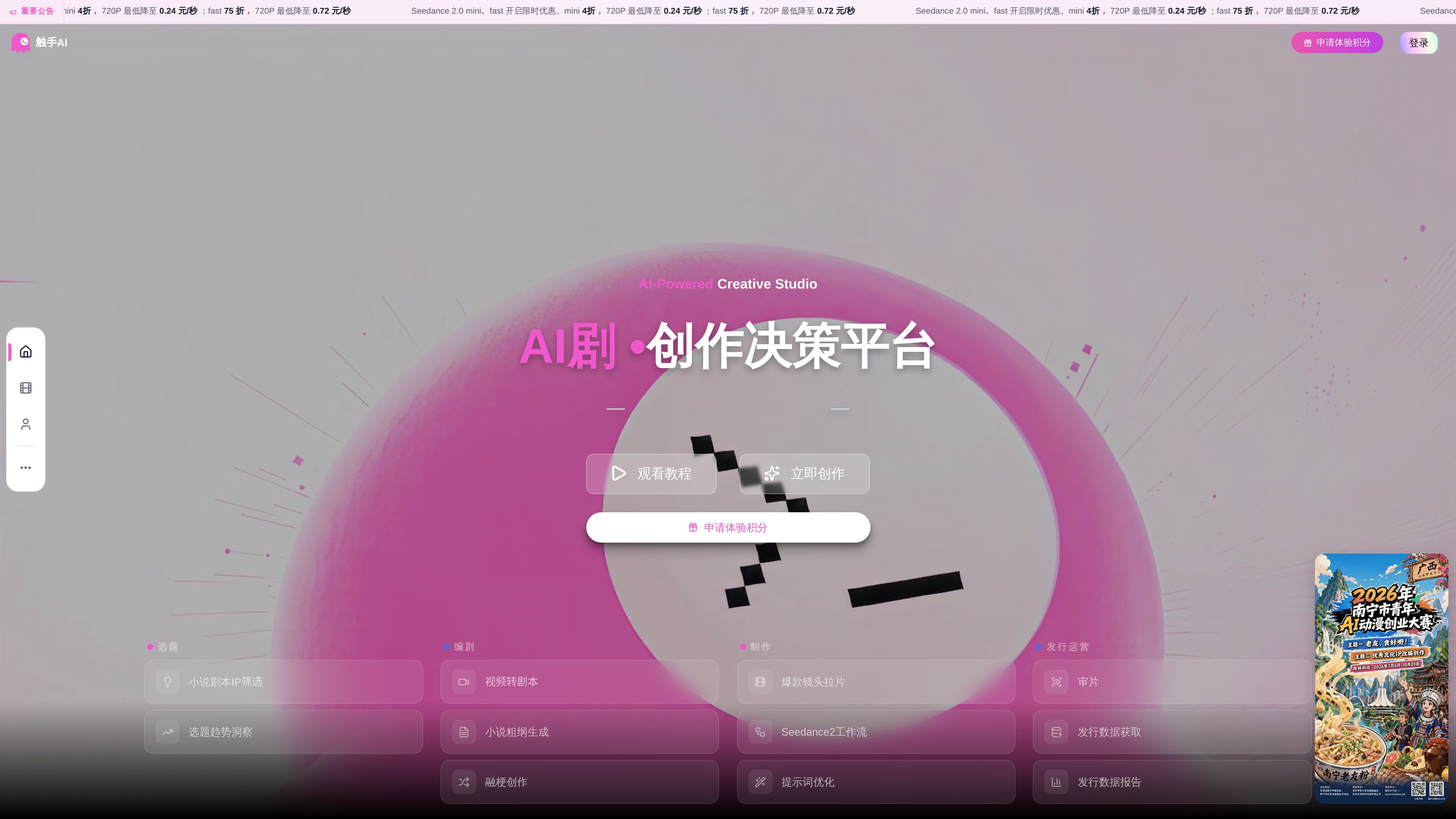
Chushou AI

AI 動畫生成器

Chushou AI is an AI collaboration platform for animated short-drama creation, connecting ideation, screenwriting, storyboarding, video generation, editing, and release analysis on an infinite canvas for creators and teams.

免費及付費方案
Elser AI preview
Elser AI logo

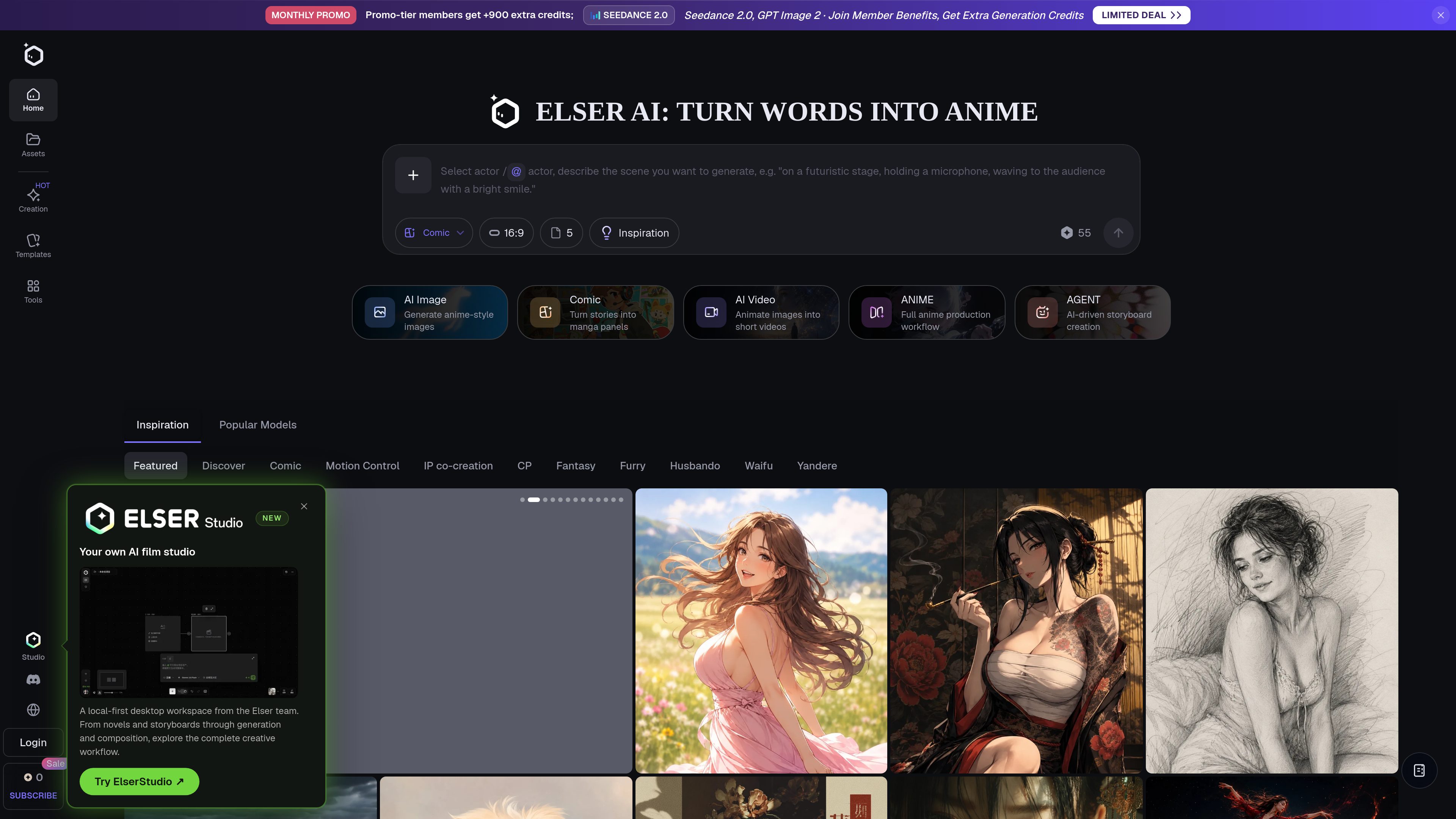
Elser AI

AI動漫生成器

Elser AI is an AI creation platform for generating anime-style images, original characters, storyboards, comics, videos, music, voices, and sound effects. It is designed for anime creators, storytellers, social-content makers, and small studios who want to develop ideas from text or reference images.

免費及付費方案

常見問題

如何比較「AI分鏡生成器」中的產品?

先根據產品簡介和收費模式縮小範圍,再查看工具官網,確認所需功能、使用限制及最新方案。

在哪裡查看功能和價格?

點擊工具卡片進入詳細頁面查看產品介紹,再透過頁面上的官網連結確認最新功能、價格和使用限制。