Yomio icon

Yomio

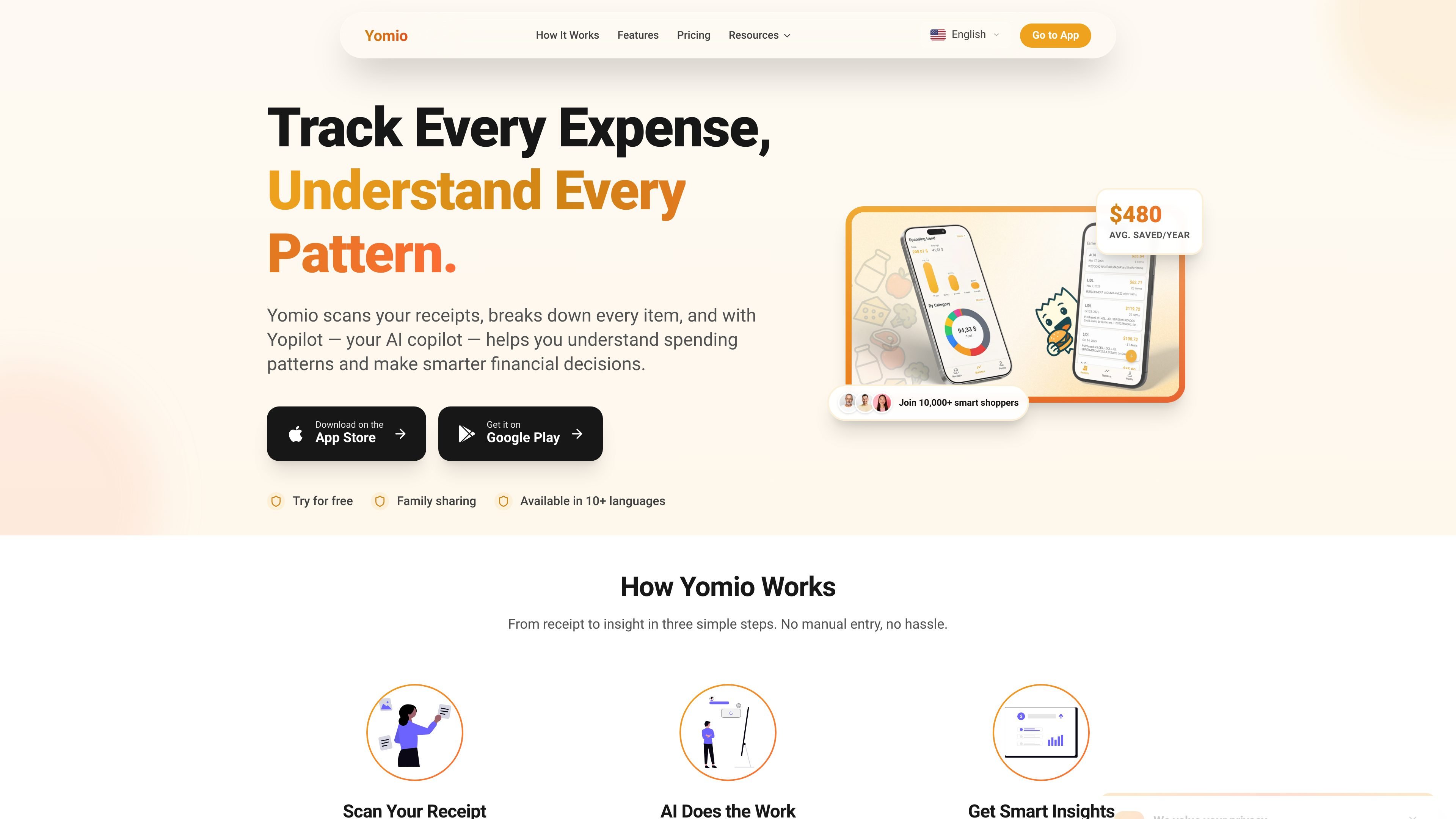
Yomio is a smart expense tracker that scans receipts and documents, categorizes items automatically, and helps users review spending with AI-powered insights. It also supports family sharing, exports, and budget tracking on mobile and the web.

Yomio

Overview

Yomio is a smart expense tracker built around receipt and document scanning, item-level categorization, and spending analysis. It helps people turn everyday purchase records into structured financial data without manually entering each line item.

The app combines AI-powered OCR, analytics, and an assistant called Yopilot so users can ask questions about their spending, spot recurring patterns, and review budgets more efficiently. The user guide also shows that Yomio covers income tracking, recurring transactions, exports, family sharing, widgets, and a web dashboard.

Core features

AI receipt and document scanning

Yomio scans receipts and documents using AI-powered OCR, then turns them into structured expense records so you do not have to enter items manually.

Automatic item categorization

The product automatically categorizes items on documents and surfaces item-level details, which helps users see where small purchases add up.

AI spending analysis with Yopilot

Yopilot is Yomio’s AI assistant for spending questions. Users can ask in plain language and get insights filtered by date, merchant, or category.

Analytics and recurring pattern tracking

The app includes analytics for spending trends, category breakdowns, and budget progress, alongside weekly reports and product-level spending insights.

Family expense sharing and bill splitting

Yomio supports shared household expense tracking, tagging, and splitting costs per person, with family sharing available on premium plans.

Export and history tools

Users can export receipts and item details to CSV, and premium plans add PDF and Excel export plus receipt history search.

Common use cases

  • Personal receipt tracking

    Upload receipts and documents, then let Yomio extract item-level details and categorize purchases automatically instead of entering transactions by hand.

  • Spending review and budget checks

    Ask Yopilot questions like where overspending happens, then use filters and trend views to review spending by date, merchant, or category.

  • Family budgeting

    Track shared household expenses in one place, split costs per person, and keep a common view of what the family has spent.

  • Spreadsheet-based analysis and reporting

    Export receipt and item data to CSV, PDF, or Excel so you can build your own charts, analyze trends, or share records with a spouse or accountant.

  • Ongoing financial monitoring

    Use recurring transaction tools, income tracking, weekly reports, and widgets to keep a broader picture of personal cash flow and day-to-day budget progress.

Pros and Cons

Pros

  • Scans documents with AI-powered OCR and organizes item-level spending automatically.
  • Lets users ask spending questions in plain language through Yopilot.
  • Supports analytics, budget tracking, recurring transactions, and weekly reports.
  • Includes family sharing and bill-splitting workflows for shared household expenses.
  • Offers export options for further analysis in CSV, PDF, or Excel depending on plan.

Cons

  • The source does not provide full details on supported document types, upload limits, or device compatibility.
  • Some capabilities, such as unlimited scans, exports, AI Copilot, and family sharing, are part of premium plans rather than the free tier.
  • Public documentation is limited in the provided source, so setup and workflow specifics are not fully spelled out.

FAQ

How do I get started with Yomio?

Yomio provides a user guide for getting started, scanning documents, managing expenses, and using premium features such as unlimited scans, AI Copilot, exports, and family sharing. The source does not spell out every setup step in detail, but it indicates that account setup and receipt scanning are the starting points.

What does Yomio do after I scan a receipt or document?

The guide says Yomio can scan and upload documents with AI-powered OCR, then help you view, edit, filter, and organise expense history. The homepage also describes item-level receipt analysis and the AI assistant Yopilot for asking spending questions in plain language.

Can multiple people use Yomio together?

Yes. The pricing page includes a family sharing feature on the Premium monthly plan, and the homepage describes a family plan where shared expenses are visible in one place in real time.

What can I export from Yomio?

Yomio offers CSV export on the homepage and export to PDF/Excel in its Premium monthly plan. The guide also points to exports as a premium feature, so export capabilities appear tied to paid access.

Are there any known limitations?

The source does not list all supported file types, device limits, or integrations. It does note a mobile app, a web dashboard, widgets and quick actions, and account settings for currency and language.

Quick Facts

Category
Expense tracking
Platform
Mobile app, web dashboard
Primary use
Receipt scanning and spending analysis
Key assistant
Yopilot
Site
yomio.app
Pricing model
Free tier plus premium plans