
High-fidelity AI rendering
Generate photoreal architectural renders directly from 3D models while keeping geometry, materials, and scene composition intact.

Vibe3D is an AI rendering platform for architects and designers that turns 3D models into photorealistic renders, enhances existing renders, and generates flythrough videos. It supports a no-prompt workflow and includes commercial licensing on all plans.
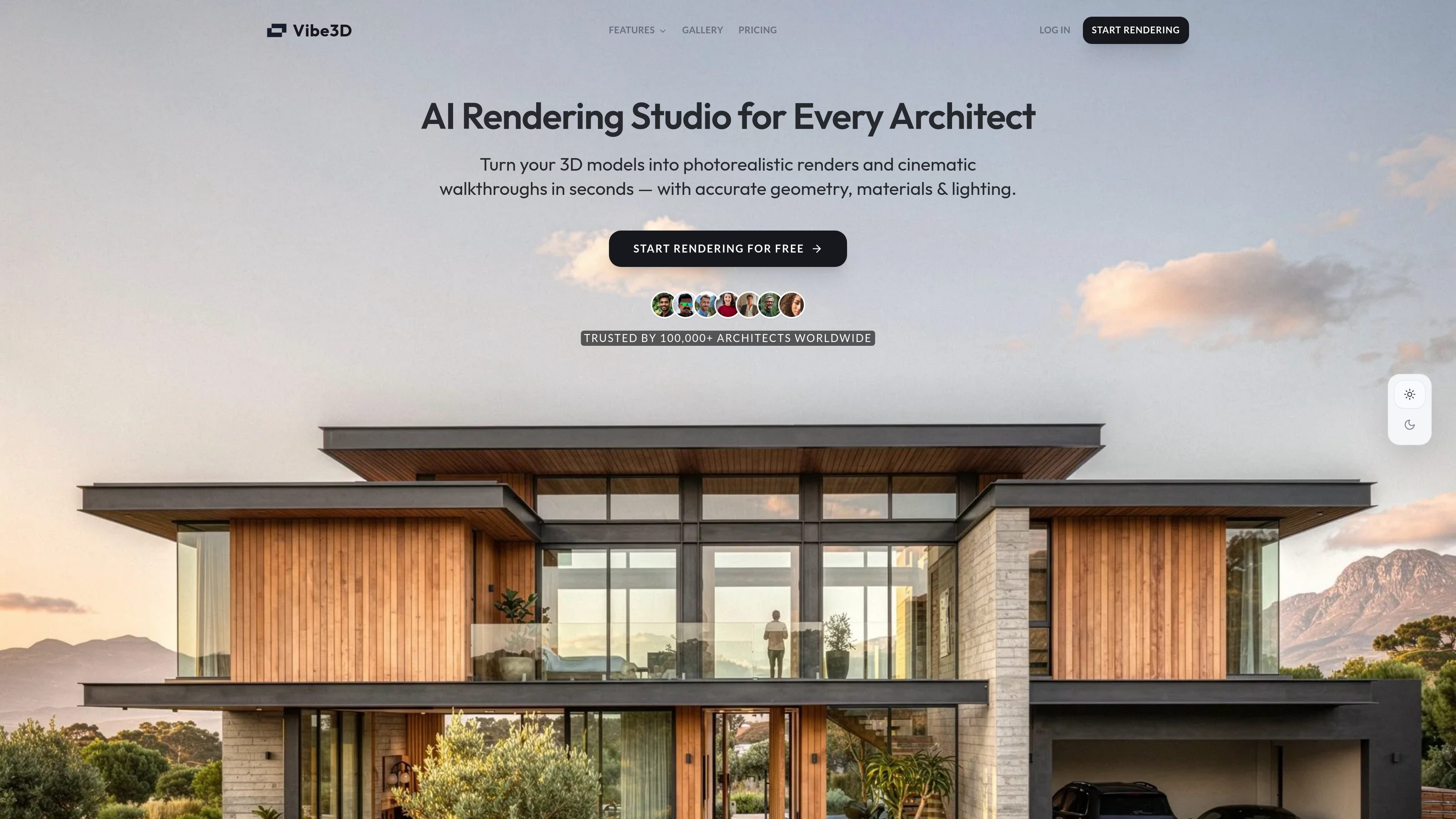
Vibe3D is an AI rendering platform for architects, designers, and visualization teams. It turns 3D models into photorealistic architectural renders, can enhance existing render images, and can generate cinematic flythrough videos from selected scenes.
The product is built around a low-friction workflow: upload a model or image, let the AI handle lighting and output quality, then download presentation-ready results. The site emphasizes no-prompt rendering for model-based workflows, preservation of geometry and materials, and commercial licensing across plans.
Generate photoreal architectural renders directly from 3D models while keeping geometry, materials, and scene composition intact.
Create smooth architectural walkthrough videos from selected renders with preset or custom camera paths, transitions, motion, and music.
Upload an existing render and improve resolution, lighting, color balance, textures, and surface detail without re-rendering the scene.
Make targeted changes by typing what you want adjusted, such as time of day, lighting, material, or landscape updates.
Work from models in supported architectural tools such as SketchUp, Revit, Archicad, and Rhino, with broader software compatibility noted on the homepage.
Choose between monthly plans and one-time credit packs, with a student plan also listed on the pricing page.
Turn design models into client-ready still images for presentations, proposals, and planning submissions without a manual rendering pipeline.
Upgrade draft or low-resolution outputs from other rendering tools into cleaner visuals with better lighting, color, and detail.
Create short cinematic walkthroughs from selected project renders for meetings, websites, or social posts.
Iterate on scene elements such as lighting, material, time of day, or landscape without rebuilding the entire rendering setup.
Produce visuals for interior, exterior, and site-plan style project views across different stages of an architectural workflow.
Vibe3D is an AI rendering platform for architectural workflows. It can generate high-fidelity renders from 3D models, enhance existing renders, and create flythrough videos from selected renders.
The source shows support for SketchUp, Revit, Archicad, Rhino, and mentions compatibility with Archicad, Rhino, SketchUp, Revit, Blender, Vectorworks, Chief Architect, and 3ds Max on the homepage. The product pages also note that render enhancement can work on images from any rendering software.
No. The homepage says you can skip prompting and upload your scene directly, and the high-fidelity page says the AI works with your existing 3D model without manual adjustments.
Pricing includes monthly plans and one-time credit packs. The pricing page also says one-time credits never expire, and monthly credits refresh at the start of each billing cycle.
Yes. The pricing page says all plans include a commercial license for client projects, presentations, marketing materials, planning submissions, and property listings.