Upstage AI icon

Upstage AI

认领

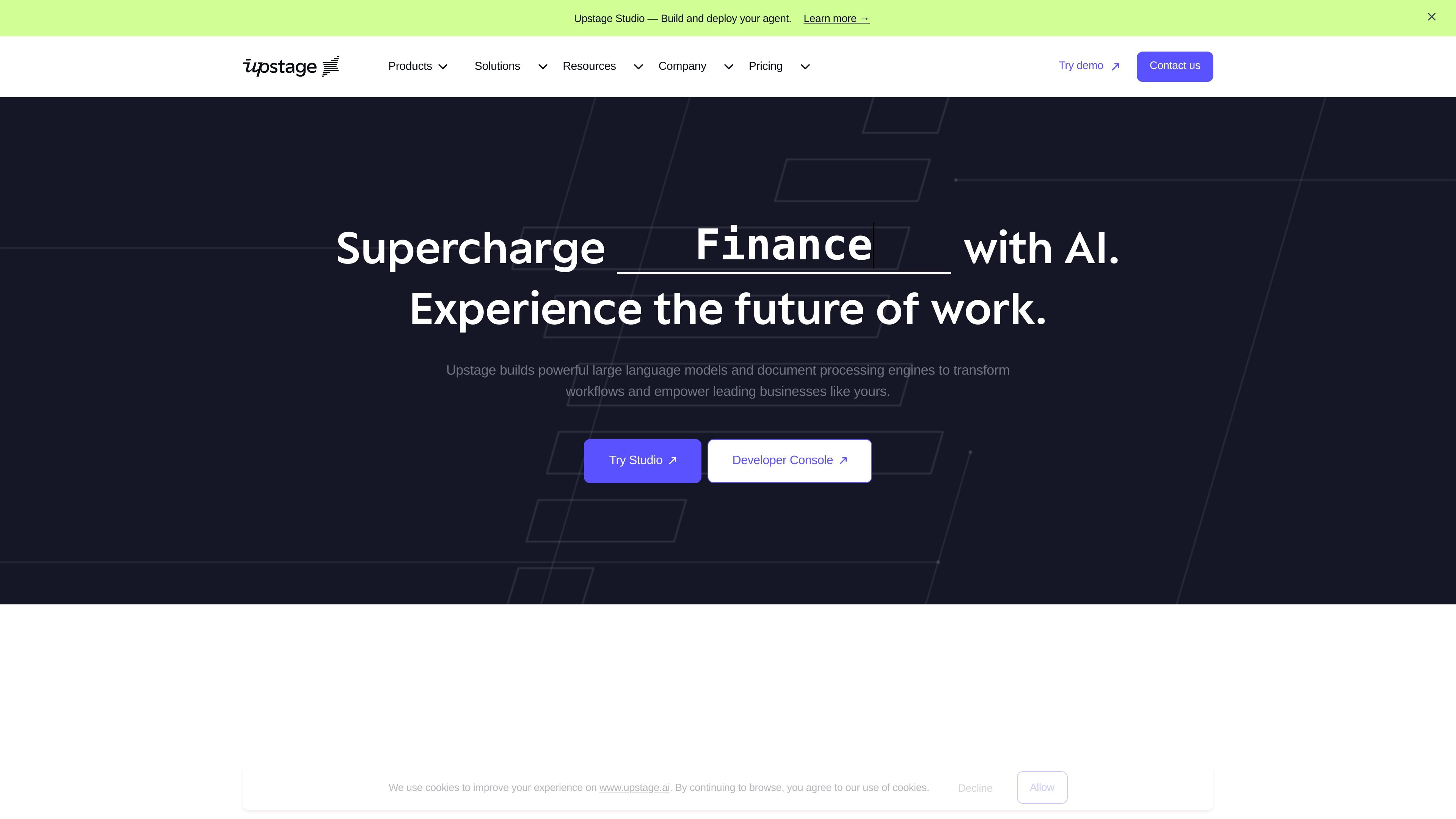
Upstage AI provides document processing tools and large language models for teams that need to convert complex files, extract structured data, and build document workflows. It serves enterprise users that want API-based automation with options for Studio, AWS Marketplace, and on-prem deployment.
Upstage AI

Overview

Upstage AI builds document processing products and large language models for businesses that need to automate document-heavy workflows. Its product line includes Document Parse for converting complex files into structured text, Information Extract for pulling key data from documents, and Studio for building AI agents around those steps.

The site positions the platform for teams that need accuracy, traceability, and control in workflows such as claims, underwriting, contract review, invoice processing, and enterprise search. Pricing is offered through prepaid commitment tiers for API use, plus a separate Studio billing model based on workflow steps.

Core features

Document-to-structured-text conversion

Use Document Parse to turn PDFs, scanned images, spreadsheets, slides, and other complex documents into machine-readable HTML or Markdown for downstream processing.

Structured field extraction

Extract key-value data from invoices, claims, and contracts with Information Extract, which is positioned around audited accuracy.

Agent workflow design

Build agent-based document workflows in Studio using the Agent Editor, setup wizard, or templates from the Agent Library.

Correction-driven tuning

Review outputs in Table View and use Quick Tune to refine an agent after corrections are made.

Workflow observability

Monitor accuracy, speed, and stability across workflows, with step-level visibility for bottlenecks and root causes.

API-first execution

Run and deploy through REST API, with additional support mentioned for connectors, MCPs, and webhooks, plus batch processing for large document volumes.

Common use cases

  • Document ingestion for LLM pipelines

    Convert PDFs, scans, spreadsheets, and slides into clean text or structured markup that can feed search, analysis, or automation systems.

  • Information extraction from business documents

    Pull fields such as vendor, amount, date, obligations, exclusions, or compliance risks from invoices, claims, and contracts.

  • Agent-based workflow automation

    Design multi-step agents that parse, classify, extract, validate, and review documents with human oversight where needed.

  • Operational review and tuning

    Monitor document workflows for accuracy and speed, then refine agents when results need correction.

  • Enterprise document operations

    Process repeatable, high-volume document tasks in industries such as insurance, healthcare, financial services, and manufacturing.

Pros and Cons

Pros

  • Covers both document parsing and downstream workflow automation.
  • Supports multiple input types, including PDFs, scans, spreadsheets, slides, images, tables, and handwritten elements.
  • Provides structured outputs such as HTML and Markdown for LLM pipelines and downstream systems.
  • Offers workflow visibility through monitoring, table-based review, and correction-driven tuning.
  • Includes deployment options for API use, AWS Marketplace, and on-prem environments.

Cons

  • The pricing page shows a prepaid model with commitment tiers rather than simple flat-rate plans, which may require usage planning.
  • Some Studio capabilities are marked as coming soon, including MCPs and webhooks.
  • The source does not provide a complete public integrations list.

FAQ

What is Upstage Studio used for?

Upstage Studio is built for document workflows that include parsing, extraction, validation, and review. The source describes agent-based workflows for claims, underwriting, contracts, policies, invoices, and purchase orders.

What does Upstage Document Parse output?

Upstage Document Parse converts PDFs, scans, spreadsheets, slides, images, and documents with text, tables, charts, and handwritten elements into structured outputs such as HTML and Markdown. The source also describes it as suitable for LLM pipelines.

How does Upstage pricing work?

The pricing page says Upstage uses prepaid commitment tiers and that commitment credits are shared across Console and Studio. It also says Studio agents are billed per step, with Parse billed per page, Extract billed per page on top of Parse, and Classify and Instruct currently free in beta.

Is there a public pricing plan?

The pricing page says the Explore tier starts at $100+ per month prepaid or $1,200+ per year prepaid, with higher Build and Scale tiers above that and an Enterprise plan with custom pricing. It also notes credits are prepaid and purchased through the console.

How can teams deploy or integrate Upstage products?

The source shows Studio integrations via REST API, connectors, MCPs, and webhooks are mentioned, with MCPs and webhooks marked coming soon. The home page also says deployment options include Console, AWS Marketplace, and on-prem.

Quick Facts

Category
AI document processing
Primary products
Document Parse, Information Extract, Studio, Solar LLM
Primary users
Enterprise teams and developers working with document workflows
Source domain
upstage.ai
Pricing model
Prepaid commitment tiers and custom enterprise pricing
Upstage AI - AI Tool, Features, Use Cases & Alternatives | Findings24