SoWork logo

SoWork

认领

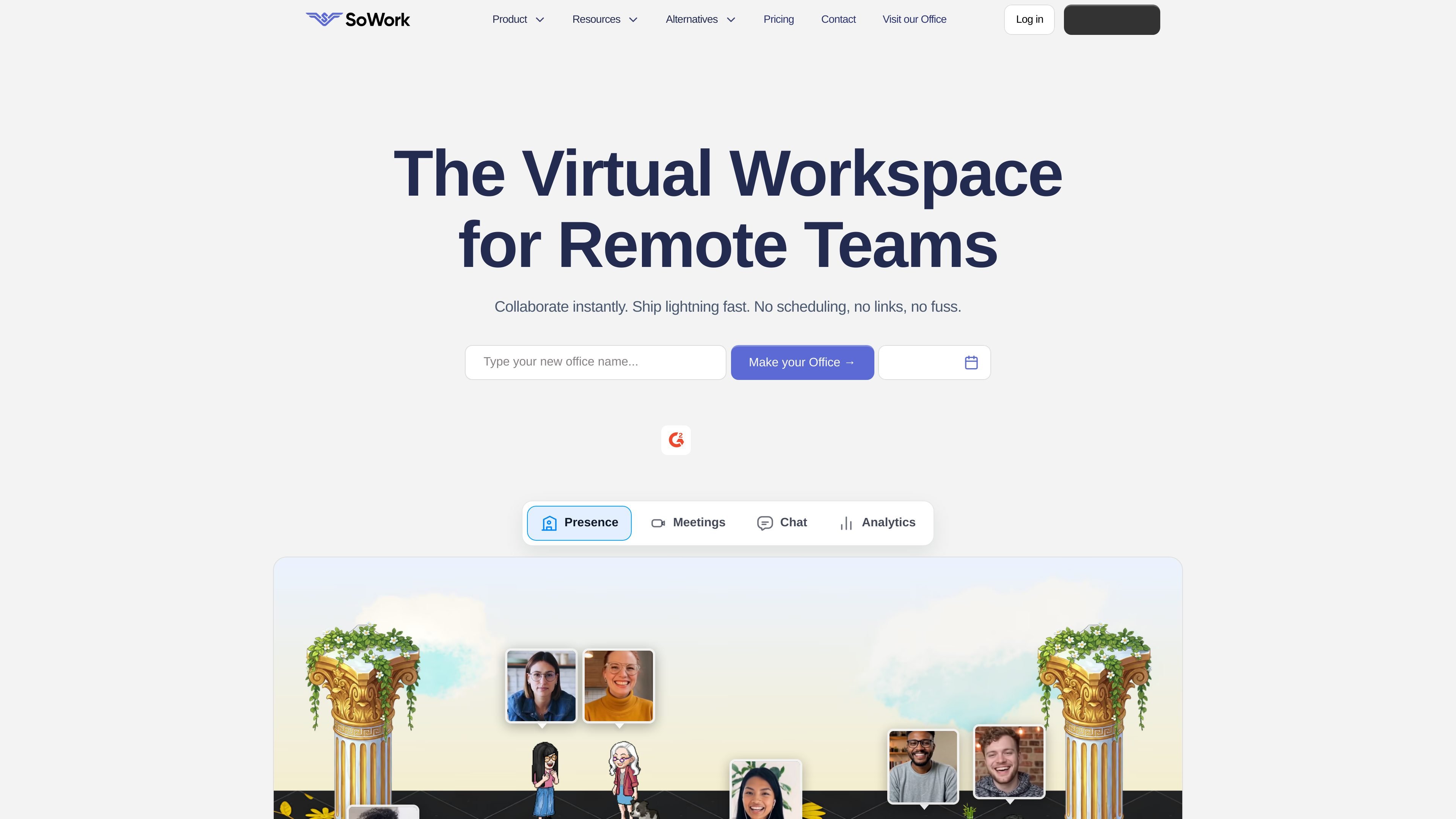
SoWork is a virtual office platform for remote and distributed teams. It combines meetings, chat, presence, office customization, and analytics in a shared workspace.

SoWork preview

Overview

SoWork is a virtual office platform for remote and distributed teams. The site describes it as a digital office or smart virtual workspace where teammates come in each day, work beside each other, and collaborate in a shared space customized to their culture.

Its core purpose is to make remote work feel more immediate and coordinated by combining meetings, chat, presence, office customization, and optional AI features in one product. The pricing page breaks the product into Free, Basic, Premium, and Enterprise plans, with a 7-day trial available and sales contact for enterprise needs.

Features

Integrated communication

Schedule meetings, join coworking sessions, and chat asynchronously in one workspace rather than switching between separate tools.

Meeting tools

Support for video and audio calls, screen sharing, screen drawing, broadcast-style presentation, and noise cancellation on higher plans.

Rich team chat

Team chat includes DMs, threads, emoji reactions, channels, voice messages, pinned messages, group messages, and chat history.

Customizable virtual office

The office can be customized with zones, desk assignment, decor, interactive objects, celebrations, and other layout elements.

Analytics and reporting

Analytics include office activity, productivity dashboards, meeting insights, and team connection reporting on higher tiers.

Integrations and access

Integrations listed on the site include Google Calendar, Outlook Calendar, Slack, GitHub, Zapier, Miro, a Chrome calendar extension, an API, and mobile apps for iOS and Android.

Use Cases

  • Daily remote collaboration

    Teams that want a persistent shared office for day-to-day work can use SoWork to see who is present, move around the office, and talk without scheduling everything as a meeting.

  • Team visibility and coordination

    Managers and team leads can use the presence and analytics features to understand availability, activity, and team connections without relying only on status messages.

  • Meetings and shared updates

    Groups that hold regular meetings, screen-share sessions, or async updates can keep those workflows in the same workspace where chat and office presence already live.

  • Culture and office customization

    Companies that care about office culture can customize the space with desks, zones, objects, and social areas so the workspace reflects their team style.

  • Enterprise deployment

    Larger organizations or teams with special requirements can use the Enterprise option, which the pricing page says includes onboarding, rollout planning, SSO, SCIM, and custom pricing.

Pros and Cons

Pros

  • Combines meetings, chat, presence, and office-style collaboration in one workspace.
  • Supports both structured work and informal interaction through office customization and social spaces.
  • Includes calendar, chat, analytics, and AI-related features on the site’s higher plans.
  • Offers a trial path and a low-cost entry tier for smaller teams.

Cons

  • Some capabilities are limited to higher-priced plans, and the Free tier is restricted.
  • The source does not spell out every setup or installation requirement in detail.
  • Enterprise pricing requires contacting sales rather than listing a public rate.

FAQ

What is SoWork for?

The source describes SoWork as a digital office / smart virtual workspace for remote and distributed teams. It combines meetings, chat, presence, and office-style collaboration in one shared space.

How can a team get started with SoWork?

The contact page says you can book a demo, visit the virtual office, or contact sales. The pricing page also shows Free, Basic, Premium, and Enterprise options with a 7-day trial.

What kinds of features does SoWork include?

The pricing page shows chat, meetings, screen sharing, calendar integrations, analytics, AI meeting summaries on higher tiers, and mobile apps. The testimonials and features text also mention customization, guest access, and office-style collaboration.

Do teams need to install software?

The contact page says SoWork can be used from the browser or by visiting the office, and the pricing page lists iOS and Android mobile apps. The source does not specify every deployment or installation detail.

Quick Facts

Category
Virtual workspace
Primary use
Remote and distributed team collaboration
Platform
Web, plus iOS and Android mobile apps
Source domain
sowork.com
Pricing
Free, Basic, Premium, and Enterprise plans
Trial
7-day trial mentioned on pricing page