
One-tap daily check-in
Mark a daily check-in with a single tap. The app shows a visual countdown so you can see how long you have before the deadline passes.

SoloGuard is a safety check-in app for people living alone, solo travelers, and remote workers on iOS. One daily tap confirms you are okay; if you miss a check-in, the app emails your emergency contacts.
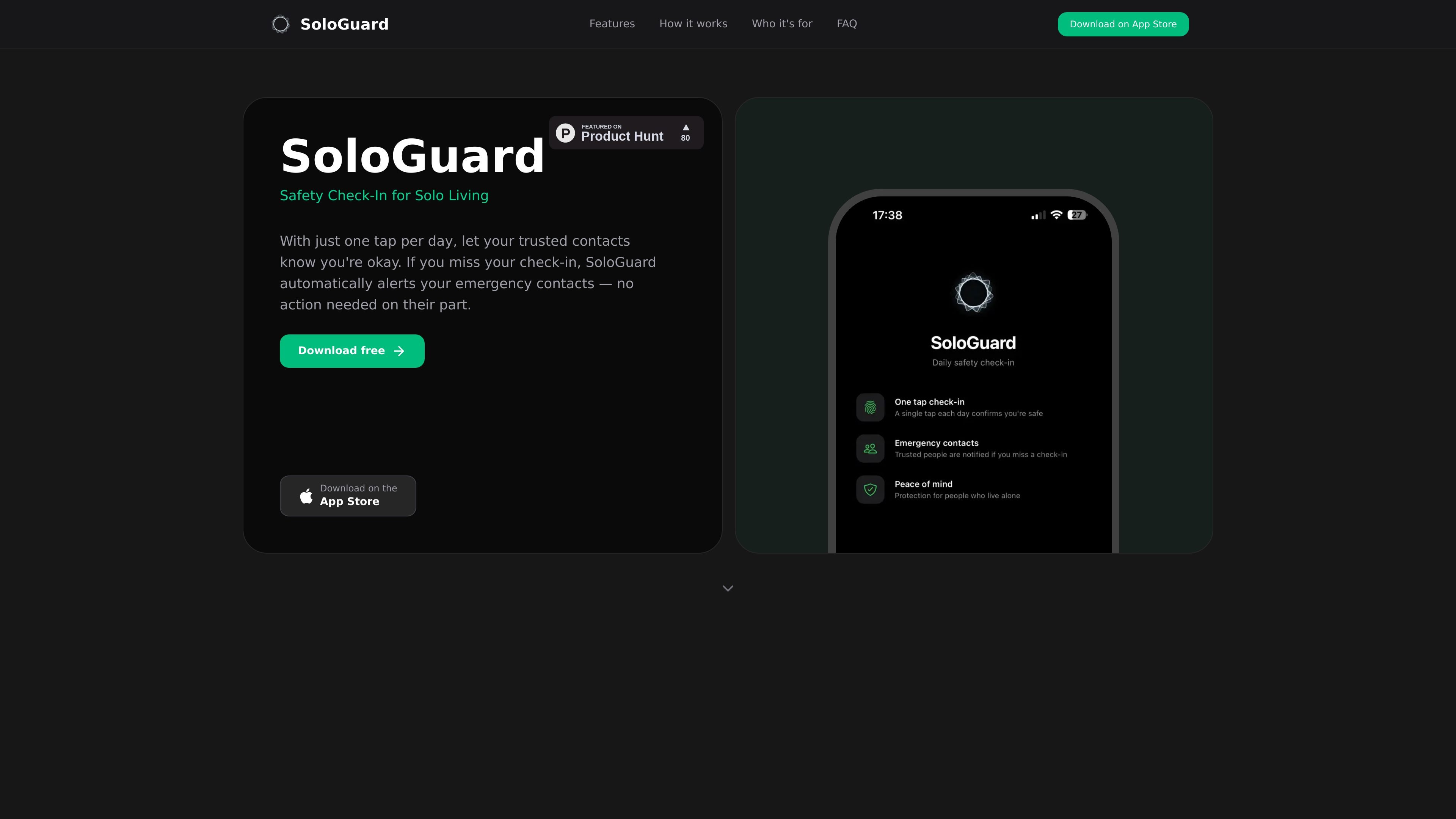
SoloGuard is a safety check-in app for people living alone, traveling solo, working remotely, or spending time in isolated locations. Its core workflow is simple: you tap once per day to confirm you are okay, and if you do not check in by the end of your chosen grace period, your emergency contacts receive an email.
The app is designed to avoid extra complexity. It does not use location tracking or social features, and it supports up to five email-only emergency contacts. SoloGuard is available on iOS through the App Store and uses Sign in with Apple for authentication.
Mark a daily check-in with a single tap. The app shows a visual countdown so you can see how long you have before the deadline passes.
Add up to five emergency contacts. If you miss your check-in, they receive an email alert automatically.
Set the deadline that fits your routine and choose a grace period of 12, 24, 48, or 72 hours before contacts are notified.
Receive reminders before the deadline expires so you have another chance to check in on time.
Pause check-ins during vacations, travel, or other breaks so contacts are not alerted while you are away.
Review past activity in a simple calendar view, and use the clean dark interface for quick daily use.
People living by themselves can set a daily check-in and let family or trusted contacts know they are okay without having to send a message every day.
Solo travelers and backpackers can use pause mode and a flexible grace period while moving between locations, then rely on email alerts if they miss a check-in.
Remote workers in cabins, rural locations, or other low-signal environments can keep a simple safety routine that does not depend on live location sharing.
Elderly individuals and their families can use the app as a lightweight check-in routine when a simple, low-friction signal is more practical than ongoing communication.
Hikers, climbers, and campers can set a deadline around outdoor trips and have contacts alerted if they do not check back in on time.
If you miss your check-in, SoloGuard sends push notifications as your deadline approaches. If the grace period you set expires without a check-in, it automatically emails your emergency contacts with details on when you were last active.
No. Emergency contacts only need an email address. They do not need to install the app or create an account.
SoloGuard is available on iOS through the App Store. The source also notes Sign in with Apple for private authentication.
Yes. Pause mode lets you temporarily stop check-ins for vacations, travel, or other breaks. While pause mode is on, your contacts are not alerted.
SoloGuard says it collects only the check-in times and your emergency contacts' email addresses. The product also states that it does not track location and does not sell data.
流量数据仅供参考。
| 3月 | 0 |
|---|---|
| 4月 | 0 |
| 5月 | 0 |
暂无流量分析数据。