
Natural-language video processing
Compose transcoding and media-processing jobs from plain-language instructions, including MP4 or WebM conversion, audio extraction, HLS or DASH ladders, trimming, stitching, rotation, and deinterlacing.

Qencode MCP Server connects MCP-capable AI clients to Qencode’s video processing and media storage workflows. Developers and content teams can describe transcoding, analysis, delivery, and storage tasks in natural language and run them through Qencode.
Qencode MCP Server is a hosted Model Context Protocol interface for Qencode. It connects MCP-capable AI clients with Qencode’s transcoding API, encoding knowledge base, and media storage workflows, allowing developers and content teams to request video operations in plain language and run the resulting jobs from their AI client.
The server covers video conversion, adaptive streaming, audio extraction, thumbnails, subtitles, speech-to-text, translation, video analysis, editing, delivery protection, and storage operations. It is accessed through https://mcp.qencode.com/mcp and authenticates with a Qencode API key managed per Project.
Compose transcoding and media-processing jobs from plain-language instructions, including MP4 or WebM conversion, audio extraction, HLS or DASH ladders, trimming, stitching, rotation, and deinterlacing.
Request video intelligence, source metadata inspection, speech-to-text, subtitle translation into up to 15 languages, AI-generated-content checks, VMAF scoring, and audio waveform generation.
Create poster frames, interval-based thumbnails, sprite sheets, and animated GIFs; add or remove subtitle tracks; and apply logo or watermark overlays.
Configure adaptive bitrate outputs, per-title encoding, incremental ABR updates, AV1 encoding, AES-128 encryption, and DRM packaging through the documented providers and systems.
Check job status and completion information, retrieve output URLs and rendition details, view warnings or errors, list jobs started in the current chat, and play finished outputs in an inline Qencode player.
Search and read Qencode documentation from the client, list and browse buckets, create buckets, stage inputs from public URLs, generate time-limited download links, and hand off files with download links.
Ask the client to convert a source into MP4 or WebM, or create an HLS or DASH ladder with specified renditions. This suits teams preparing browser, mobile, or CDN playback assets without manually assembling the encoding request.
Transcribe an interview, translate subtitles into selected languages, or mux existing SRT files as selectable tracks. The workflow is useful for producing multilingual or captioned versions from one source.
Inspect source resolution, duration, and codecs; create thumbnails or sprite sheets; browse Qencode Media Storage; stage a public input file; and generate a temporary download link for a stored output.
Request AV1 or per-title encoding, compare an encoded version with its source using VMAF, or package HLS with AES-128 or supported DRM. This combines delivery preparation with specific quality or protection requirements.
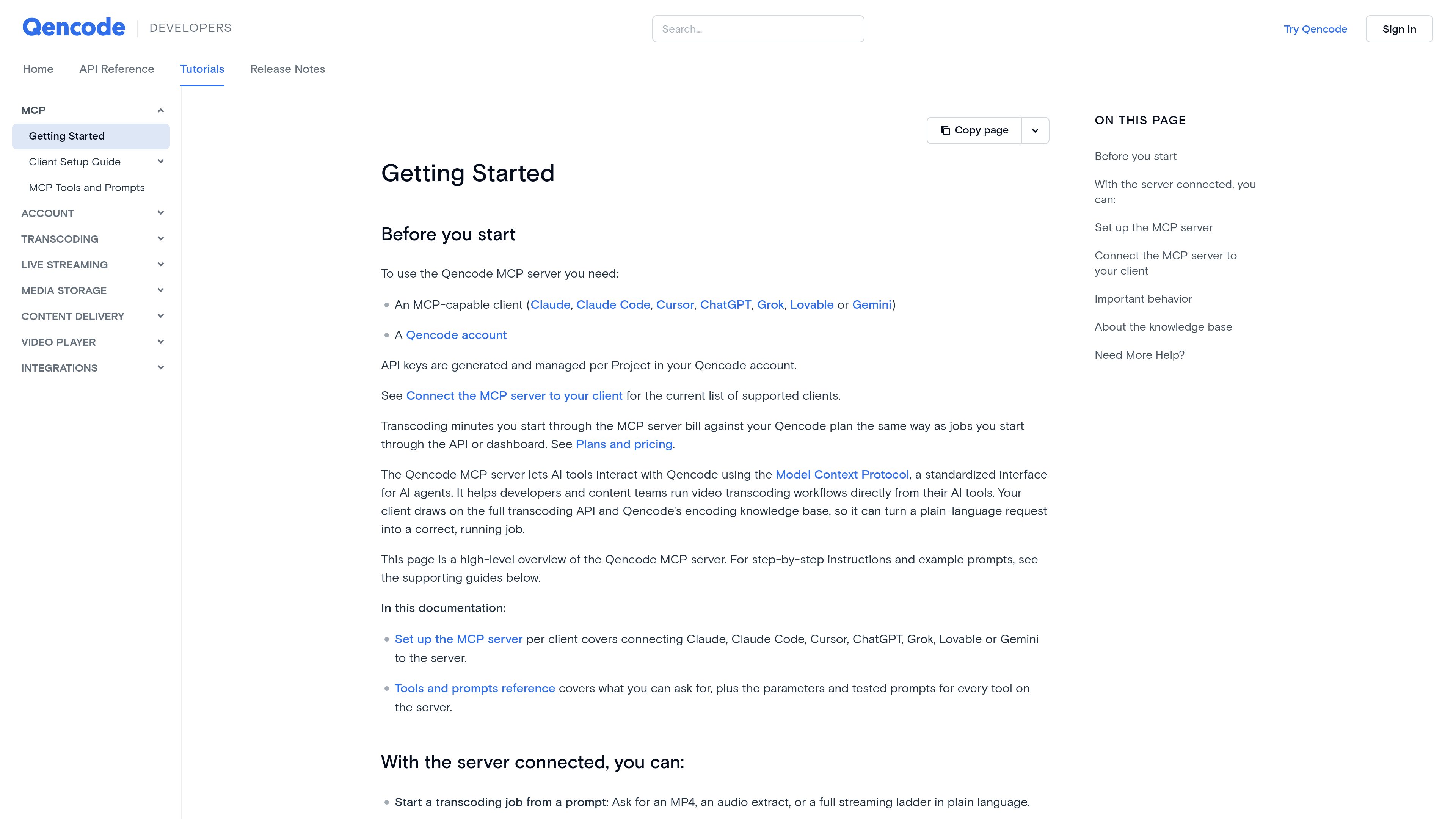
You need an MCP-capable client, a Qencode account, and a Qencode API key. Keys are generated and managed per Project in the Qencode account.
The documentation lists Claude, Claude Code, Cursor, ChatGPT, Gemini, Grok, and Lovable. Claude and Cursor are shown with one-click connector support; the other listed clients can connect using their remote MCP-server configuration.
No additional software or local installation is required beyond an MCP-compatible client. The hosted endpoint is `https://mcp.qencode.com/mcp`.
They are saved to temporary storage and removed approximately 24 hours after the job completes. Specify a permanent storage destination when the files need to be retained.
Use the job’s `status` field as the primary completion indicator. Output arrays can be empty while a job is queued or processing. If `wait_for_job` returns before a terminal state, the documentation advises one follow-up check with `get_job_status` using the same task token.
Transcoding minutes started through the MCP server are billed against the Qencode plan in the same way as jobs started through the Qencode API or dashboard. The supplied documentation does not specify prices or plan limits.
流量数据仅供参考。

sequel.sh
Sequel is an AI data analyst and secure data layer for agents. It connects databases, warehouses, analytics platforms, spreadsheets, and SaaS tools so Claude, Cursor, ChatGPT, and other MCP-capable agents can answer questions using shared data connections and definitions.

shootclip.com
ShootClip 是一款 macOS 视频编辑器,提供专业时间线工具、AI 字幕和内置 MCP 服务器,让 AI 助手在你编辑视频时协同工作。

iconsdb.app
IconsDB is a searchable library of open-source icons, logos, flags, and emoji, with semantic search and code-ready outputs for web developers and designers. Its MCP server lets supported coding agents find icons by intent and return imports suited to a project's existing icon packages.

skilldocs.dev
SkillDocs is a collaborative markdown workspace for editing, commenting on, and sharing the documents that agents run on. It combines live multiplayer editing with an MCP-based workflow for pushing skills from local files, collecting feedback, and pulling changes back.

workato.com
面向企业级智能体 AI 的集成与编排平台

wellapp.ai
将业务工具、文档和数据整合到一个上下文图谱,供团队和智能体使用。