
AI video creation and generation
Create new footage with AI avatars or digital twins, or start from scripts, prompts, or raw footage and turn it into a finished video.

Mirage is an AI video company centered on Captions, an editor and generator for creating, editing, captioning, and translating videos from scripts, prompts, or raw footage. It also offers foundation models and APIs for bulk video generation and captioning.
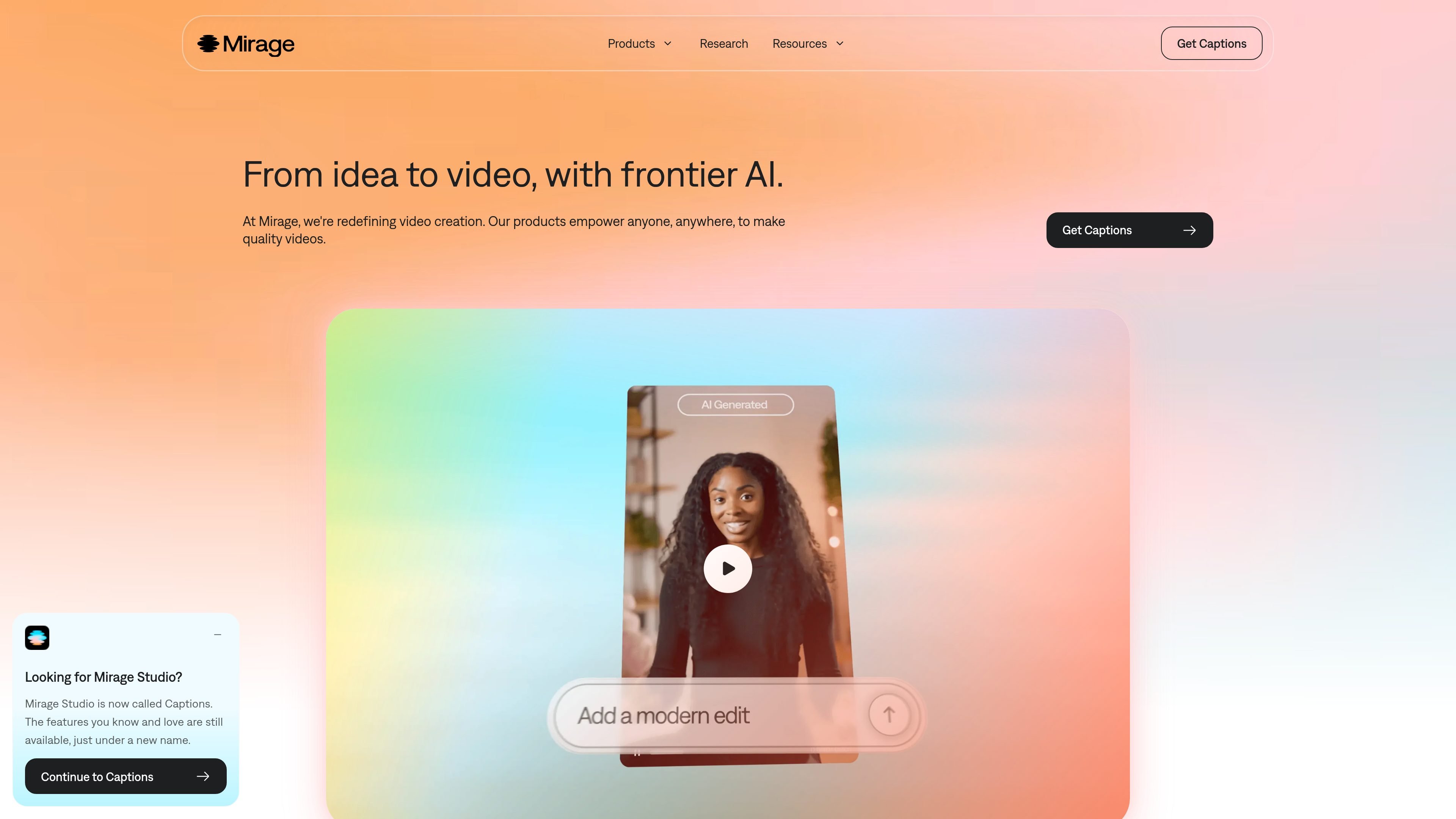
Mirage is an AI video company built around the Captions app, Mirage foundation models, and the Mirage API. The site describes Captions as an all-in-one video editor and generator that helps users create new footage with AI avatars or digital twins, or transform scripts, prompts, and raw footage into polished videos.
The broader Mirage platform also includes research and model development for audio and video foundation models, which the company says power its products and APIs. Across the site, the emphasis is on moving from idea to finished video with tools for editing, captioning, translation, and bulk generation.
Create new footage with AI avatars or digital twins, or start from scripts, prompts, or raw footage and turn it into a finished video.
Use a chat-based editor to make changes with natural language instead of manual timeline work.
Add automated captions, visuals, and audio, with support for captions in 100+ languages and customizable caption styles.
Generate custom B-roll, music, sound effects, images, AI voiceovers, and other supporting media from within the product.
Use one-tap workflows for AI Creator, AI Ads, AI Skits, AI Twin, AI Translate, AI Lipdub, Shorts, and Reddit-to-Reel creation.
Access Mirage APIs for bulk video generation and video captioning, and integrate video intelligence into your own products or workflows.
Creators can start from a script, prompt, or raw clip and use Captions to assemble a polished video with captions, visuals, and audio without stitching together multiple tools.
Marketing teams can generate AI ads, edit with a chat-based workflow, and produce supporting media such as B-roll, voiceovers, images, and sound effects for campaign output.
Teams that need localization or repurposing can use AI Translate, AI Lipdub, or caption tools to adapt a video for different languages or formats.
Product and platform teams can use the Mirage API for bulk video generation and captioning when video production needs to be integrated into a larger workflow.
Enterprises can use custom plans when they need seat management, onboarding, training-data exclusion, and dedicated account support.
Captions is available as an iOS app and on the web. The source also points users to the app store or the web sign-up flow, depending on how they want to get started.
The pricing page says Captions has a free version, but paid plans are needed for advanced generative AI features and more advanced editing tools.
Yes. The pricing page says users can upgrade or downgrade at any time, and plan changes take effect immediately for upgrades or at the end of the billing cycle for downgrades.
The source describes Captions as an all-in-one video editor and generator that can create new footage with AI avatars or digital twins, turn scripts or raw footage into polished videos, and add captions, visuals, and audio.
Captions' enterprise offering is custom-priced and includes bulk credit discounts, custom seat options, dedicated account management, training data exclusion, onboarding, priority training, hands-on support, and early access to beta and new features.