
Unified account management
Combine Gmail, Outlook, Yahoo Mail, iCloud, Exchange, and other IMAP or POP accounts into one desktop inbox so you can work from a single place.

Mailbird is a desktop email client for Windows and Mac that combines Gmail, Outlook, Exchange, iCloud, Yahoo, and other IMAP or SMTP accounts in one workspace. It adds inbox management, tracking, app integrations, and productivity tools for people who want email in a single desktop app.
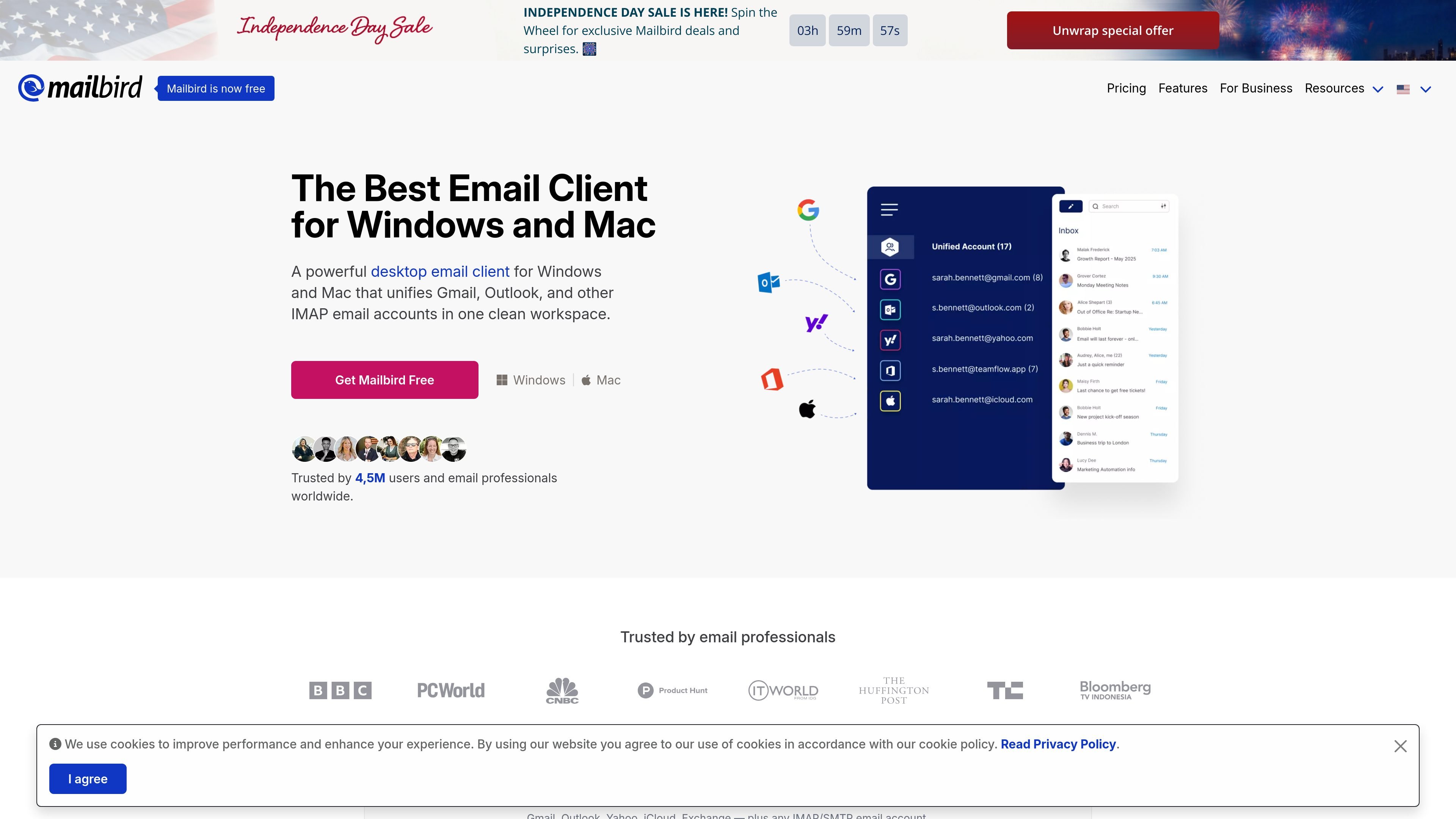
Mailbird is a desktop email client for Windows and Mac that brings multiple email accounts into one workspace. It supports Gmail, Outlook, Yahoo, iCloud, Exchange, and other IMAP or SMTP accounts, so users can manage separate mailboxes without switching between apps.
The product is built around a unified inbox and a set of workflow tools that sit beside email: app integrations, tracking, search, snooze, filtering, templates, and AI-assisted writing. The pricing page shows both a free Basic plan and paid Premium plans, with Premium adding features such as unlimited accounts, email tracking, templates, custom apps, block sender, and filters or rules.
Combine Gmail, Outlook, Yahoo Mail, iCloud, Exchange, and other IMAP or POP accounts into one desktop inbox so you can work from a single place.
See when recipients open messages, which helps with follow-up timing on sales, support, or other email workflows that depend on response tracking.
Open tools such as Instagram, Slack, Dropbox, Google Calendar, and Asana inside Mailbird, and add custom apps or websites to the interface.
Filter clutter by blocking senders and unsubscribing from unwanted messages with a single click, then use folders, snooze, and filters/rules to keep mail organized.
Draft messages with AI help, use email templates and snippets, and support common sending workflows such as undo send and send later on paid plans.
Search messages, attachments, and account content quickly, then use keyboard shortcuts, dark mode, themes, and customizable workspaces to fit your routine.
Bring personal and work mail together in one client when you want to check several inboxes without logging in and out of browser tabs or separate apps.
Use the unified inbox, tracking, templates, and sender controls to keep up with follow-ups and reduce clutter in a fast-moving inbox.
Set up a desktop replacement for a provider’s built-in mail app when you want more account consolidation and workspace customization on Windows or Mac.
Keep email close to calendar and chat tools by opening supported apps inside Mailbird and organizing the workspace around the rest of your routine.
Work with Gmail or Outlook accounts inside a desktop client when you prefer a focused environment over browser-based email handling.
Yes. Mailbird is available for both Windows and Mac, and the site says a license purchased on the website can be used on both versions.
Yes, but Mailbird does not host email itself. You connect Gmail, Outlook, and other IMAP or SMTP accounts inside the app and manage them from one desktop workspace.
Mailbird is designed as a desktop email client with a unified inbox, account management, app integrations, email tracking, search, templates, and sender controls. The pricing page also shows both a free Basic plan and paid Premium plans.
The source highlights individual inbox management, unified inbox use, and tools for personal productivity. It does not present Mailbird as a team collaboration platform.