
AI upscaling and restoration
Upscale images to 2x, 4x, or 8x with AI. The site also calls out dedicated anime upscaling and face enhancement for portraits.

EnhanceCraft is a browser-based AI image toolkit for upscaling, restoring, and editing photos. It is built for creators, e-commerce sellers, photographers, and real-estate workflows that need fast image cleanup and preparation.
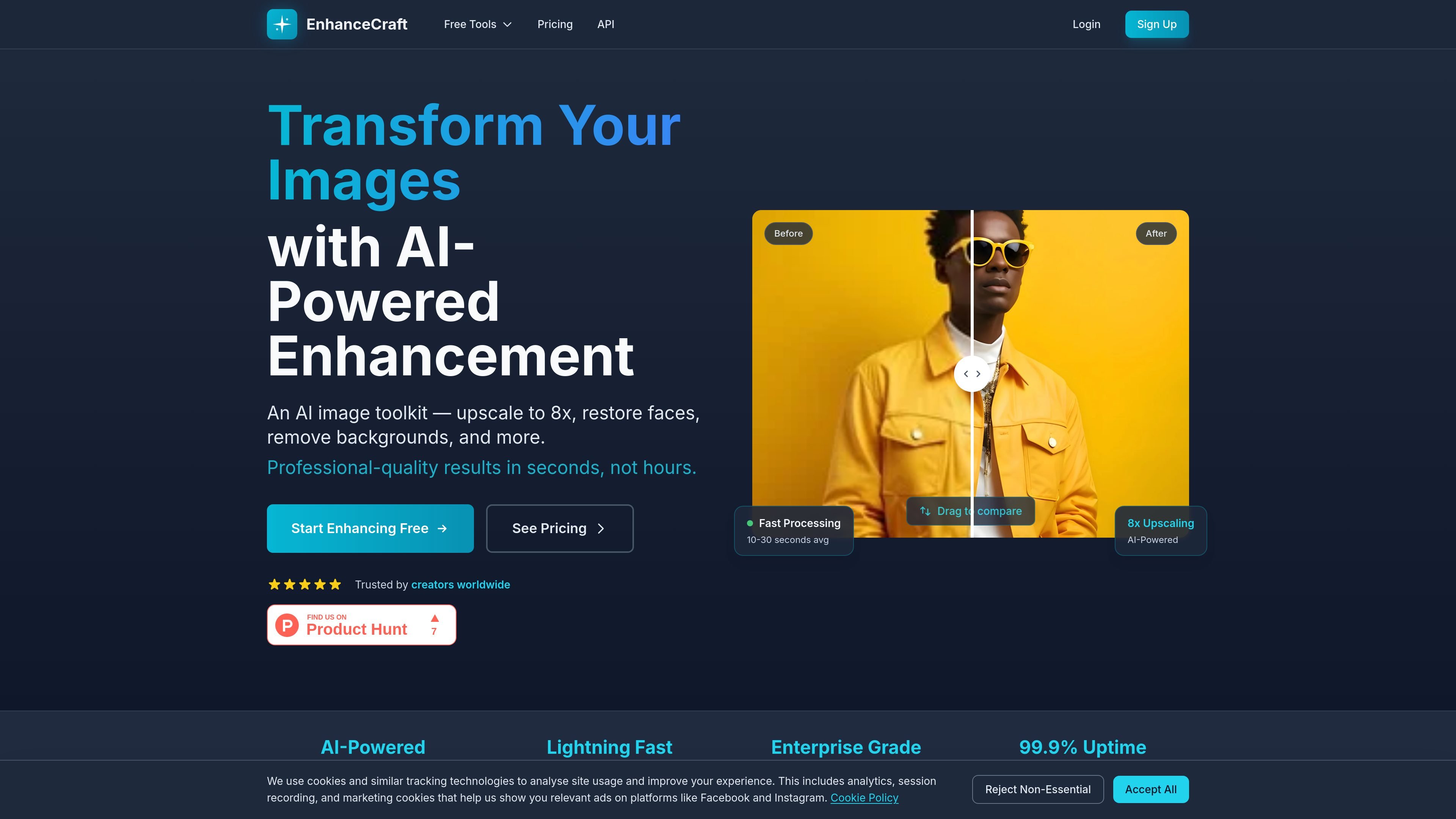
EnhanceCraft is an AI image toolkit for improving, cleaning up, and repurposing photos in the browser. It combines enhancement tools such as upscaling, face restoration, and deblurring with editing utilities for background removal, object removal, cropping, and format conversion.
The product is aimed at creators, photographers, e-commerce sellers, and real-estate workflows that need fast image preparation without installing desktop software. The site describes batch processing, free standard editing tools, and paid plans that add higher credit limits, API access, and priority processing.
Upscale images to 2x, 4x, or 8x with AI. The site also calls out dedicated anime upscaling and face enhancement for portraits.
Remove backgrounds, replace them with another image or prompt, blur them, or add product-friendly reflections and shadows.
Clean up common defects such as blur, noise, haze, unwanted objects, and text or watermarks, using separate tools for each task.
Apply workflow tools such as smart crop, perspective correction, color grading, and AI relighting for product or portrait images.
Run e-commerce and real-estate preset workflows, including Product Pipeline, Ghost Mannequin, Real Estate Edit Pack, Window Pull, Sky Replacement, Twilight, and Virtual Staging.
Use the API to upload images, create processing jobs, and poll for results programmatically on Pro and higher plans.
Improve low-resolution photos by upscaling them to 2x, 4x, or 8x, then use face restoration, denoise, or deblur tools to clean up visual issues.
Prepare product images for marketplaces by removing the background, replacing it, adding a shadow or reflection, and using the Product Pipeline or Ghost Mannequin workflows.
Edit property photos by pulling out window views, replacing skies, converting daylight exteriors to twilight, or staging empty rooms with furniture.
Use the free crop, resize, compress, and format-conversion tools for routine image adjustments without spending credits.
Integrate image enhancement into an application or internal workflow using the REST API to upload files, create jobs, and retrieve completed results.
Yes. The site says 3 standard editing tools are free forever, and you also get 25 free credits to try AI features without a credit card.
The site says most images process in about 10–30 seconds, depending on the operation. Batch jobs run in parallel, and paid plans can receive priority processing.
EnhanceCraft accepts PNG, JPEG, and WebP for upload on the home page, and the pricing page adds HEIF; export formats listed on the site include PNG, JPEG, WebP, and AVIF.
Yes. The site states that enhanced images remain yours to use for personal or commercial projects.
API access is available on paid plans, with Pro, Business, and Enterprise tiers mentioning API access and the API docs noting that authentication uses an API key.