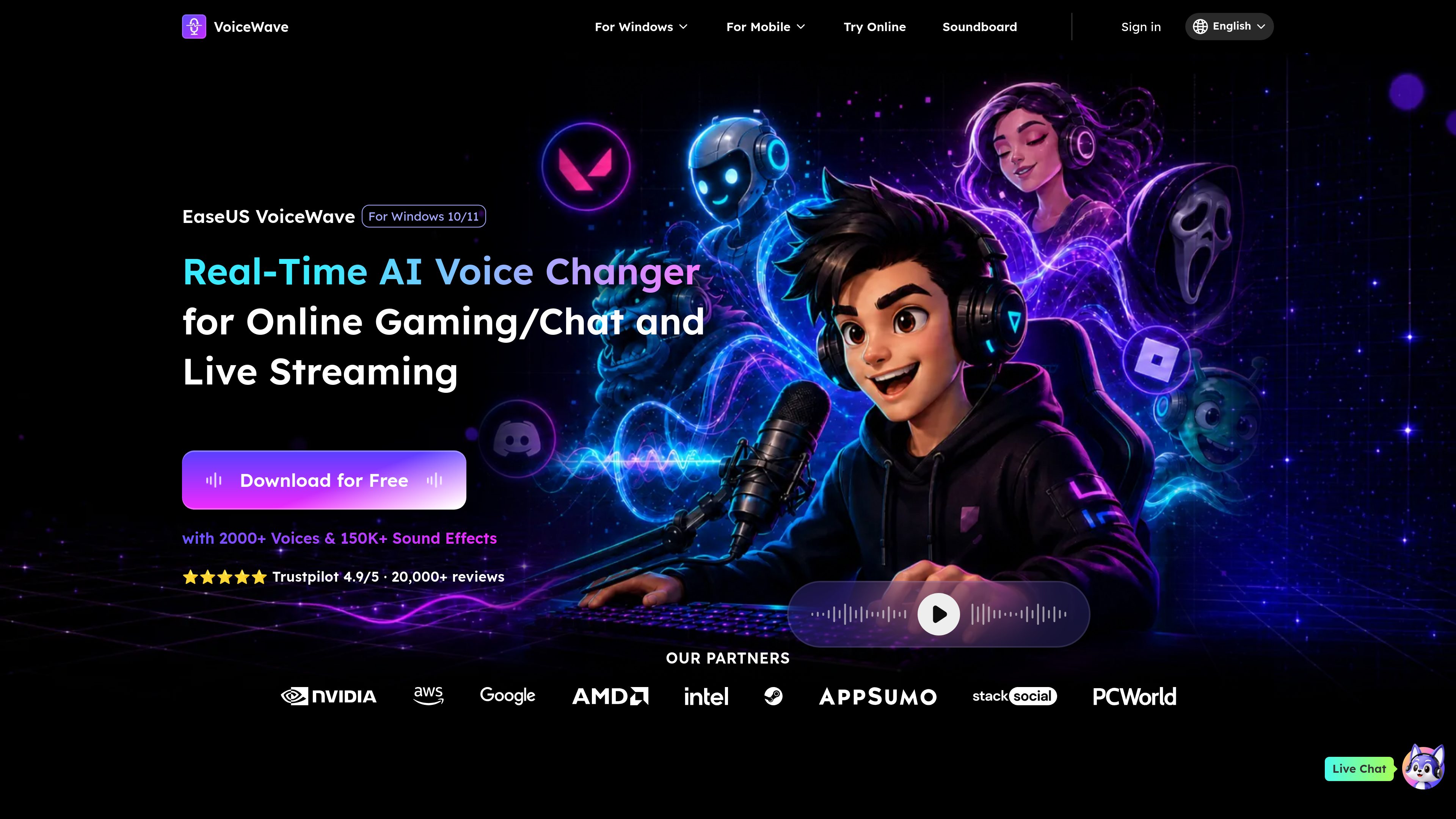
Real-time AI voice transformation
Changes microphone audio during live use, allowing users to apply voice presets while gaming, chatting, meeting, or streaming rather than waiting for a recording to render.

EaseUS VoiceWave is a Windows real-time AI voice changer for gaming, online chats, meetings, and live streams. It routes modified audio through a virtual microphone and also provides voice presets, sound effects, and custom voice creation.
EaseUS VoiceWave is a real-time AI voice changer for Windows 10/11. It modifies microphone audio while you use games, chat applications, online meetings, and streaming software, with the app’s virtual microphone selected as the input source. The product is intended for live voice transformation rather than only processing recorded files.
Its voice library includes AI voice models and sound effects, with the site describing more than 2,000 voices and more than 150,000 sound effects and memes. Users can browse presets or adjust characteristics such as pitch, tone, and effects. Voice Clone can be used to create or modify a voice profile, including combinations of effects such as reverb, delay, and Robotifier.
VoiceWave is positioned for several live-audio contexts. Gamers can use character-style voices and soundboard triggers during role-play or multiplayer sessions. Streamers can apply effects during broadcasts, while chat and meeting participants can route the transformed output into supported microphone-based applications. The site specifically lists Discord, Zoom, Google Meet, Skype, Twitch, TikTok Live, Streamlabs, OBS, and Microsoft Teams among its use contexts.
The basic workflow is to install VoiceWave, select “VoiceWave Microphone” as the input device in the target application or game, and then choose or customize a voice. The product page also identifies real-time noise suppression, custom keybinds, low latency, and low system usage as part of the desktop experience. A separate browser-based EaseUS Online Voice Changer handles uploaded or recorded audio, but it does not provide online real-time voice modification.
Changes microphone audio during live use, allowing users to apply voice presets while gaming, chatting, meeting, or streaming rather than waiting for a recording to render.
Provides a library described on the site as containing more than 2,000 AI voices and more than 150,000 sound effects and memes, including character-style and humorous options.
Voice Clone lets users create or modify a voice profile and combine adjustable characteristics and effects such as pitch, tone, reverb, delay, and Robotifier.
Creates a VoiceWave Microphone input that can be selected in a game or desktop application so the modified audio is sent through the application’s normal microphone workflow.
Includes custom keybinds for triggering effects, along with real-time noise suppression and voice optimization. The site also describes the desktop app as using low latency and minimal system resources.
Apply character-style voices or trigger soundboard effects during sessions in games and communities such as Roblox, GTA V, Minecraft, Valorant, CS:GO, and Apex, which the site cites as example contexts.
Use transformed microphone audio and soundboard reactions in broadcasts through workflows involving Twitch, TikTok Live, Streamlabs, or OBS.
Route a changed voice into voice conversations on platforms such as Discord, Skype, Google Meet, or WhatsApp when the application is configured to use VoiceWave Microphone.
Set VoiceWave as the input source in Zoom, Microsoft Teams, or Google Meet to apply voice filters during meetings or informal calls.
Develop vocal profiles for film, television, gaming, advertising, or music projects, where the site describes using customized voices across different genders, ages, and emotional tones.
The product homepage identifies VoiceWave as a Windows 10/11 application. The supplied sources do not establish support for macOS or other desktop operating systems.
Install VoiceWave, open the target application’s audio or microphone settings, and select “VoiceWave Microphone” as the input device. Then choose a preset or customize a voice in VoiceWave.
No. The separate EaseUS Online Voice Changer processes an uploaded audio file or a recording in the browser, but its FAQ states that online real-time voice modification is not supported. VoiceWave is the desktop product for live use.
The supplied product pages mention Discord, Zoom, Google Meet, Skype, Microsoft Teams, Twitch, TikTok Live, Streamlabs, and OBS, as well as gaming contexts including Roblox, GTA V, Minecraft, Valorant, CS:GO, and Apex. Actual compatibility may depend on selecting the virtual microphone correctly.