
Speech-to-Speech voice morphing
Change your voice into carefully curated AI voices or custom voices for voice-driven performances.

Altered is an AI voice changer and voice content creation platform for media production and live voice use. It combines voice morphing, text-to-speech, transcription, translation, cloning, and editing in one application.
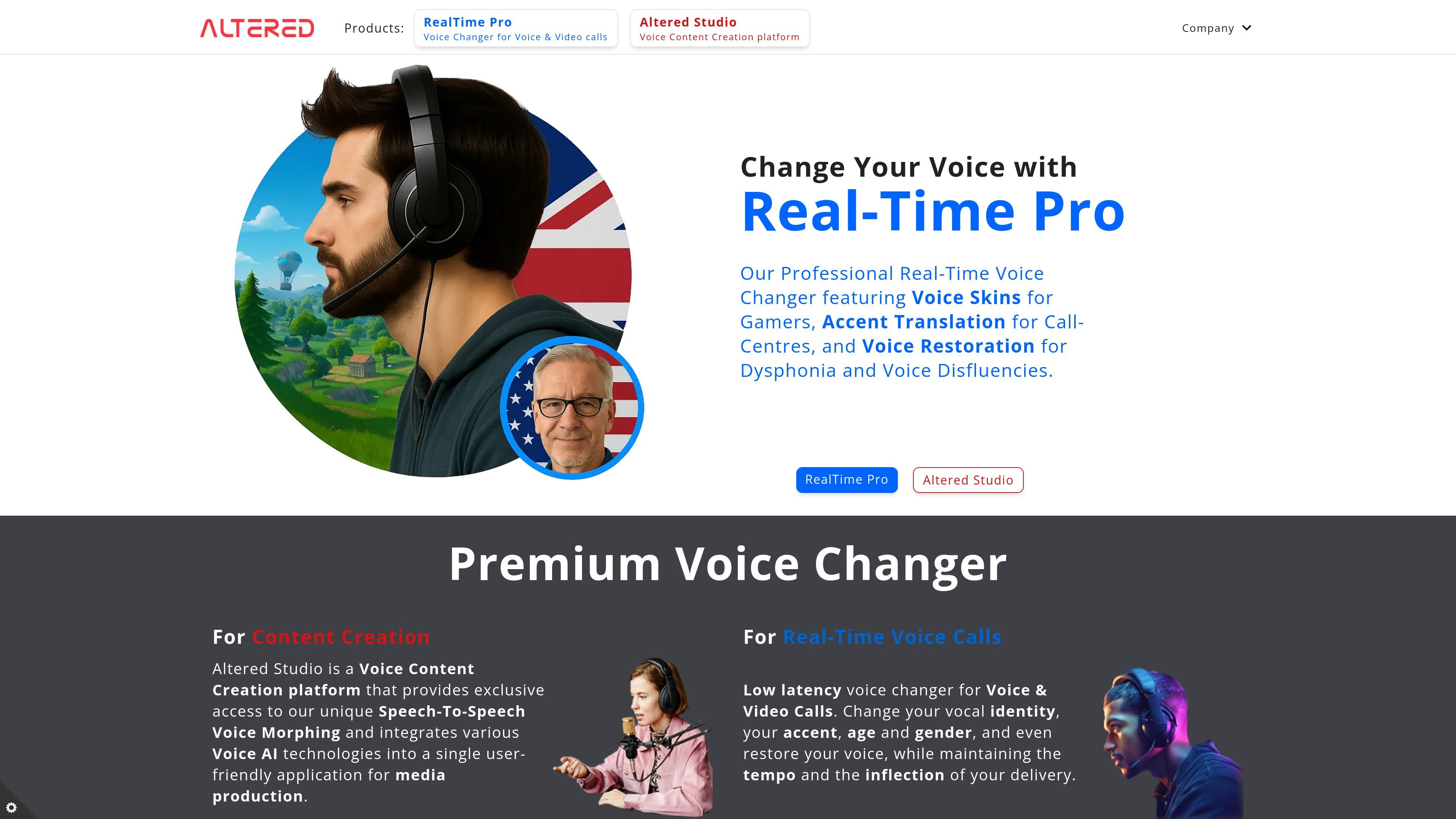
Altered is an AI voice changer and voice content creation platform. It combines speech-to-speech voice morphing, text-to-speech, transcription, translation, voice cloning, and audio editing in one application for media production and live voice use.
The product is split between Altered Studio for content creation and media production, and RealTime Pro for low-latency voice changing during calls, gaming, streaming, and similar live scenarios. The site also presents specialized uses such as accent translation, voice restoration for dysphonia and voice disfluencies, and voice skins for gamers.
Change your voice into carefully curated AI voices or custom voices for voice-driven performances.
Use live voice changing for calls, gaming, streaming, and other low-latency scenarios.
Edit voice inside audio and video files with the Voice Editor, combining DSP effects with AI tools.
Generate voiceovers and narration with text-to-speech, translation, transcription, and dubbing tools.
Work with voice morphing models that alter timbre, clone both voice and accent, or adjust speaking style.
Access a library of 20 professional voices and 800+ common voices, plus local voice cloning.
Create voice-driven scenes, multi-character performances, or accent-specific dialogue for podcasts, videos, and other media projects.
Change your voice during calls, gaming sessions, streaming, or video conferencing while keeping pace and inflection.
Use accent translation and voice restoration tools for call-centre workflows or clearer communication for people with dysphonia and voice disfluencies.
Edit recorded audio or video with the Voice Editor to combine AI voice tools with DSP processing for post-production work.
Generate narration, transcribe content, translate it, or dub it into other languages for content creation workflows.
Yes. The pricing page says trials of the Creator plan are free and do not require credit card details, and the trial is valid for a week.
Altered Studio runs online and also locally on Windows and Mac using local computing resources. The pricing page also lists a desktop version with minimum Windows PC requirements.
The pricing page describes plan-based access to voice morphing, text-to-speech, transcription, editing, and related Voice AI services. It also distinguishes between Free, Creator, Professional, and Enterprise plans.
The source says the platform includes media production voice morphing for higher-quality recording workflows and real-time voice changer features for live use such as calls, gaming, streaming, and video conferencing.
No. The pricing page says subscription payments are processed automatically through the selected billing cycle, and the company uses Stripe and Chargebee to manage payments.