
Location-first alarms
Set a destination radius so the app can trigger when you are nearing a stop instead of only at a preset time.

DestMate is a location-based travel alarm that wakes you as you approach a destination. It is built for buses, trains, and other rides where a private, discreet reminder is more useful than a fixed-time alarm.
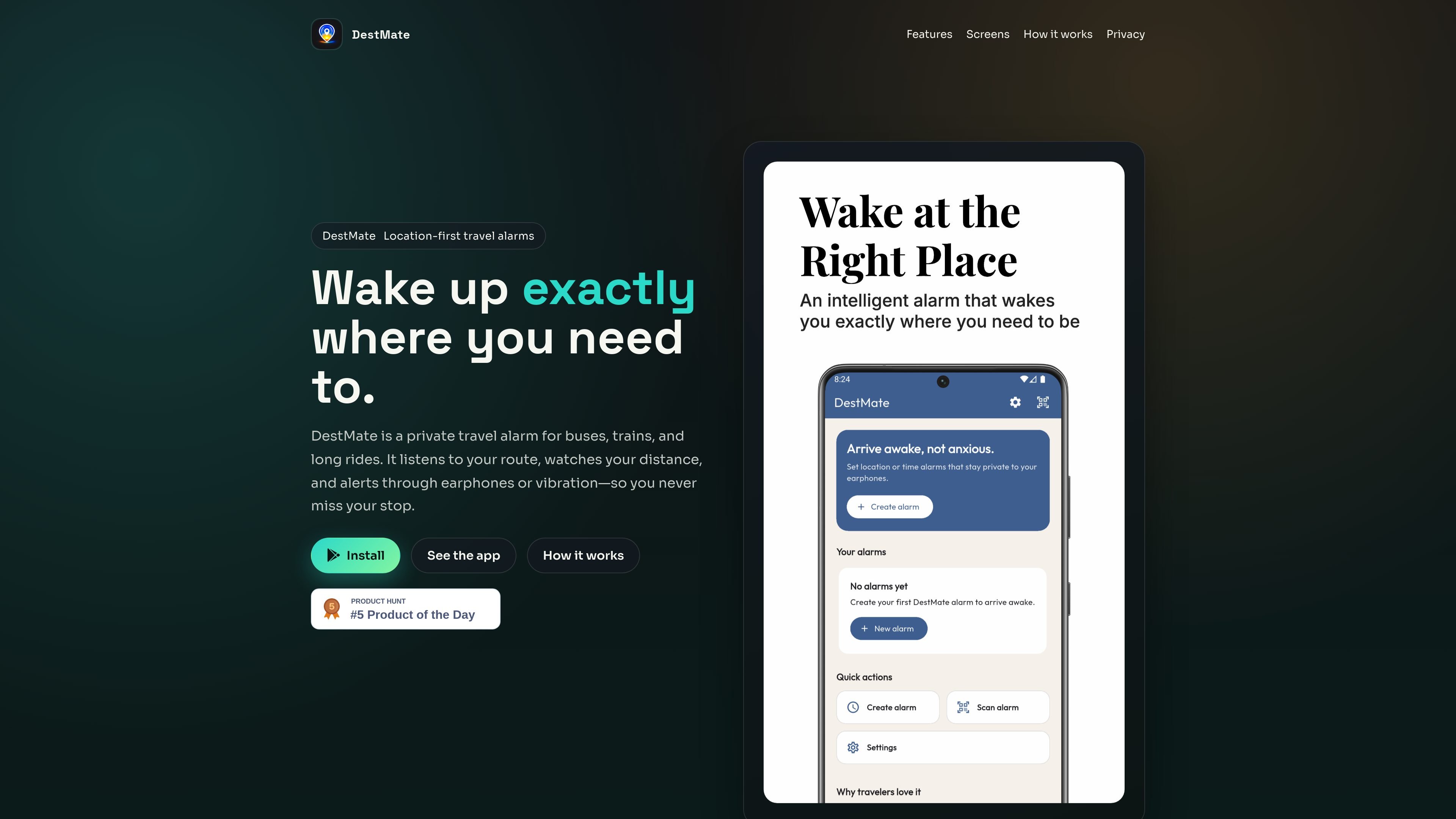
DestMate is a private travel alarm app for buses, trains, and long rides. It is designed to wake you when you are approaching a destination, instead of relying on a fixed time alarm.
The product centers on location-based alerts, discreet earphone delivery, and a time-based fallback for reliability. The site also emphasizes on-device location processing and local storage for alarm settings, so the app can keep the alarm workflow on your device.
Set a destination radius so the app can trigger when you are nearing a stop instead of only at a preset time.
Route alerts to connected earphones to keep alarms discreet in shared travel spaces.
Use vibration and a smart volume ramp as backup alert behavior when a quieter or stronger nudge is needed.
Rely on a time-based backup if GPS gets spotty during the trip, so the alarm can still prompt you.
Monitor live distance, map context, and active status on a focused wake screen during the ride.
Process location on-device for alarm decisions and keep alarm settings stored locally on your device.
Useful for riders who fall asleep on buses or trains and want a reminder when they approach their stop.
Helpful on long-distance trips where you need a private alarm that does not broadcast to the whole cabin.
Works for travelers who want earphone-based prompts and a vibration fallback rather than a loud phone alarm.
Fits trips where signal quality may vary, because the app includes a time-based backup if GPS is spotty.
Useful when you want to track live distance and stay oriented with a focused wake screen during the ride.
DestMate is set up by dropping a pin or searching for a destination, then choosing an alert style and radius. The app tracks your trip and alerts you as you approach the stop.
The site describes earphone-first alerts, vibration fallback, and a smart volume ramp. It also uses a fallback timer if GPS becomes spotty.
The privacy policy says DestMate processes location on-device and stores alarm data on your device. It also says background location is used for the core alarm function.
The source material does not document a supported pricing model because the pricing page returned a 404. No plan details, trial, or subscription terms are available from the fetched pages.
The page describes DestMate as a private travel alarm for buses, trains, and long rides. It is aimed at people who want to wake up near a destination rather than at a fixed clock time.
流量数据仅供参考。
| 4月 | 0 |
|---|---|
| 5月 | 0 |
| 6月 | 0 |
暂无流量分析数据。
暂无流量分析数据。