Decision Jar icon

Decision Jar

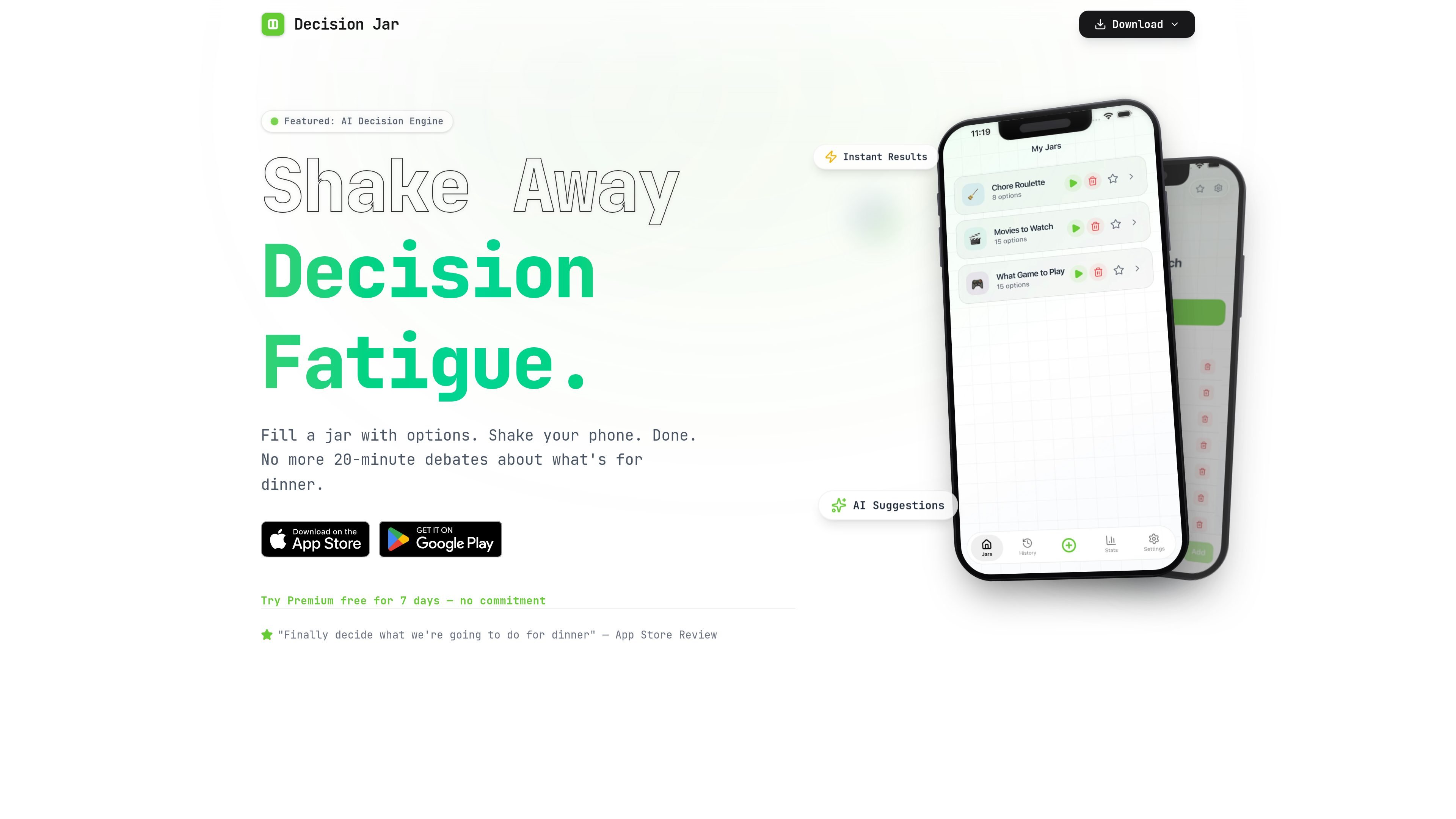
Decision Jar is a mobile app for quickly choosing between options by creating virtual jars and shaking your device. It’s aimed at everyday decisions like meals, movies, and weekend plans, with local storage and a free plan mentioned on the homepage.

Decision Jar

Overview

Decision Jar is a mobile app for making small decisions quickly by putting options into a virtual jar and shaking the device to get a result. The homepage frames it as a way to reduce decision fatigue for everyday choices such as dinner, movies, and weekend plans.

The app emphasizes local storage and privacy-first handling of jars, with AI suggestions available as part of Premium and a free plan listed on the homepage. A QR-based sharing flow is also mentioned, though it is marked as coming soon.

Features

Virtual jars for everyday choices

Create a jar, add options such as dinner spots, movie picks, or weekend plans, and keep the jar on your phone.

Shake-to-decide flow

Shake the device to get an instant result instead of continuing a long decision loop.

AI option suggestions

Use AI-powered option suggestions to broaden the list of choices you add to a jar.

Jar sharing by QR code

Generate a QR code for a jar and share it with other people so they can import it on their device; the page notes this is coming soon.

Decision history logs

Review decision logs to see the choices you have made over time and look for patterns.

Polished mobile interface

Use the app in light or dark mode with a modern glassmorphism interface and smooth shake animations.

Use cases

  • Choosing dinner

    Build a jar with a few dinner options and shake the phone when you want a fast answer instead of another back-and-forth conversation.

  • Picking entertainment or plans

    Add movies, date-night ideas, or weekend activities and let the app pick one without spending extra time debating.

  • Breaking decision loops

    Use the app for recurring small choices that tend to stall a group or household, especially when you want a simple random outcome.

  • Shared group decisions

    Share a jar with friends once the QR flow is available so everyone can use the same set of options.

  • Tracking past decisions

    Review decision logs over time if you want to see what kinds of choices you make most often or notice patterns in your selections.

Pros and Cons

Pros

  • Clear, task-focused flow for choosing between a small set of options.
  • Supports practical everyday scenarios like meals, movies, and weekend plans.
  • Keeps jars stored locally and states that decisions are private.
  • Includes AI suggestions to help expand the choice set.
  • Offers a free plan and a Premium trial path on the homepage.

Cons

  • The pricing page currently returns a 404, so the public site does not provide a separate pricing detail page.
  • QR code sharing is labeled as coming soon, so it is not yet presented as a fully available workflow.

FAQ

Is Decision Jar free?

Decision Jar is presented as a free app with a premium option. The homepage says the free plan has no card required, and Premium includes a 7-day free trial that auto-renews unless canceled during the trial.

How do AI suggestions work?

The homepage says AI suggestions are included as a Premium feature and describes them as intelligent option suggestions that expand the choices you add to a jar.

Can I share my jars?

Yes. The homepage says you can generate a QR code for any jar and share it so friends can scan and import it. The page labels this as coming soon.

Is my data private?

The homepage says jars are stored locally and that the service does not see your decisions.

What's included in Premium?

The source mentions Premium, but it does not provide a full published feature list beyond the homepage pricing card and related marketing copy.

Quick Facts

Category
Productivity
Platform
Mobile app
Primary use
Quick decisions and choice picking
Privacy model
Jars stored locally
Source domain
decisionjar.app
Pricing shape
Free plan plus Premium trial mentioned on homepage