
Lifelike phone calls
Use AI-powered phone calls to handle scheduling conversations through a natural voice interaction instead of manual back-and-forth.

Cal.ai is Cal.com’s AI-powered phone call feature for automating scheduling conversations. It helps teams book meetings, send reminders, confirm attendance, and follow up using lifelike voice agents inside Cal.com workflows.
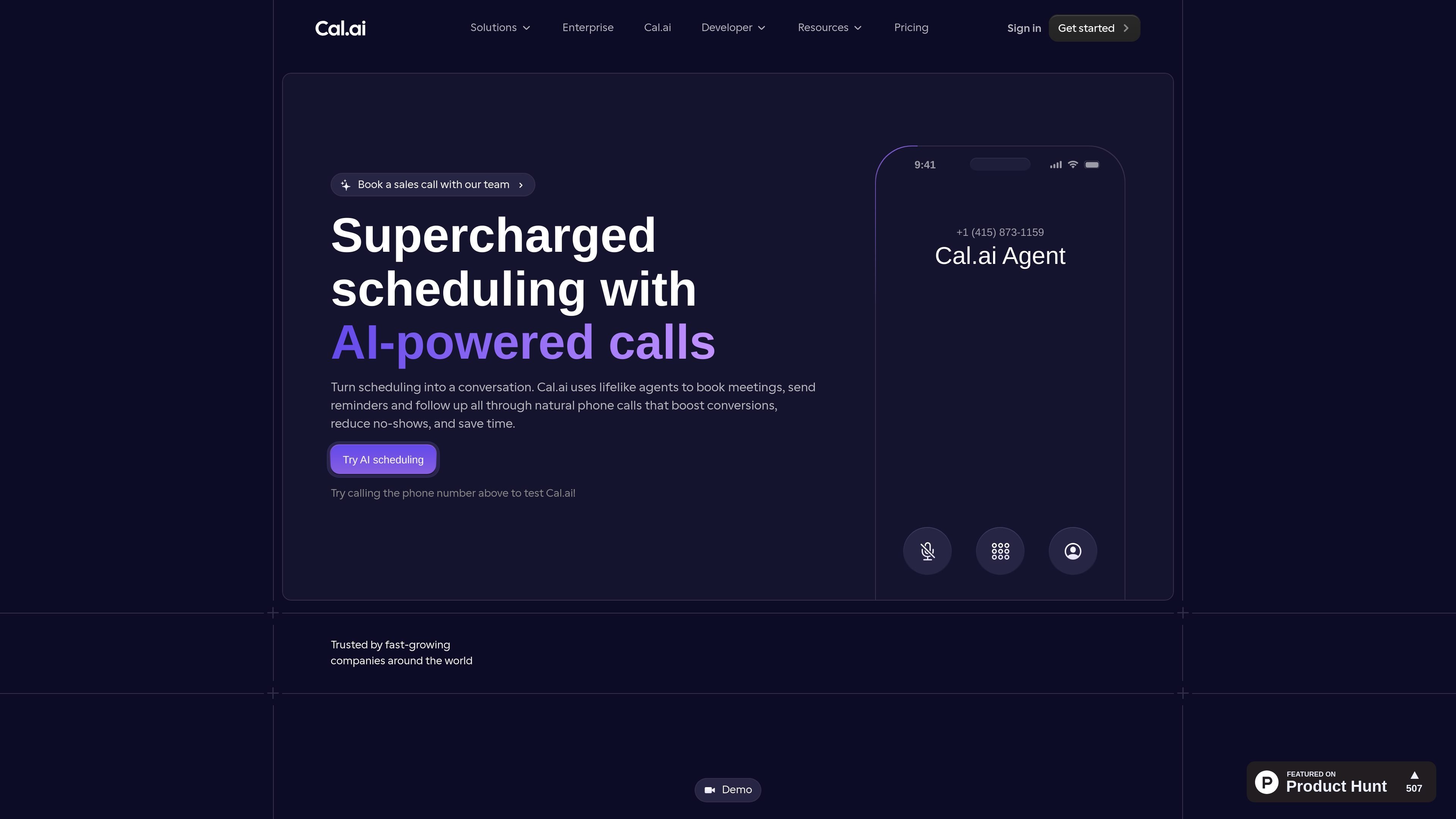
Cal.ai is Cal.com’s AI-powered phone call feature for automated scheduling. It uses lifelike voice agents to make calls that can book meetings, send reminders, confirm attendance, and follow up on scheduling events.
The product is built into Cal.com Workflows, so teams can trigger calls from booking activity such as form submissions, no-shows, or meetings approaching. Users can customize the agent’s prompt, tone, and personality, and then monitor results with transcripts and call analytics inside the Cal.com dashboard.
Use AI-powered phone calls to handle scheduling conversations through a natural voice interaction instead of manual back-and-forth.
Set triggers based on booking events, no-shows, cancellations, form submissions, or upcoming meetings so calls happen automatically from existing workflows.
Write prompts that define the agent’s tone, personality, and call goal, then adapt the script for reminders, confirmations, or follow-ups.
Assign a dedicated phone number or import an existing one for the AI agent to call from.
Review call transcripts, completion rates, booking rates, and customer sentiment in the Cal.com dashboard.
Run the feature inside Cal.com Workflows and combine it with email, SMS, and other automations without third-party tools.
Set an AI call to go out after a form submission so a lead can be contacted quickly and moved toward a booked meeting without manual dialing.
Trigger reminder calls before appointments to confirm whether attendees can still make the meeting and reduce no-shows.
Use the agent to follow up after a no-show or cancellation and give the recipient a simple path to reschedule.
Run phone outreach as part of a sales workflow, with prompts written to sound professional, pleasant, and helpful while pushing the booking forward.
Combine phone calls with email and SMS inside Cal.com Workflows for a multi-step scheduling process that stays in one system.
Cal.ai is set up through Cal.com workflows. The source shows three setup steps: choose a trigger, add a phone number, and write the AI agent prompt for reminders, confirmations, or follow-ups.
The page shows Cal.ai being used to book meetings, send reminders, confirm attendance, and follow up after events such as form submissions, no-shows, cancellations, or upcoming meetings.
Cal.ai is natively integrated into Cal.com workflows and can work alongside email, SMS, and other Cal.com automations.
The source mentions call analytics, transcripts, performance metrics, and customer sentiment analysis in the Cal.com dashboard.
The pricing information shown on the page is usage-based at $0.29 per minute, and the product is presented as a Cal.com feature rather than a standalone pricing page with multiple published plans.