
Centralized asset management
Store digital assets in one central library so teams can organize, find, and reuse files without switching between scattered tools.

Blueberry AI is an AI-powered digital asset management platform for teams that manage 3D and visual assets. It combines browser-based previews, search, sharing, version control, and private deployment options for collaborative workflows.
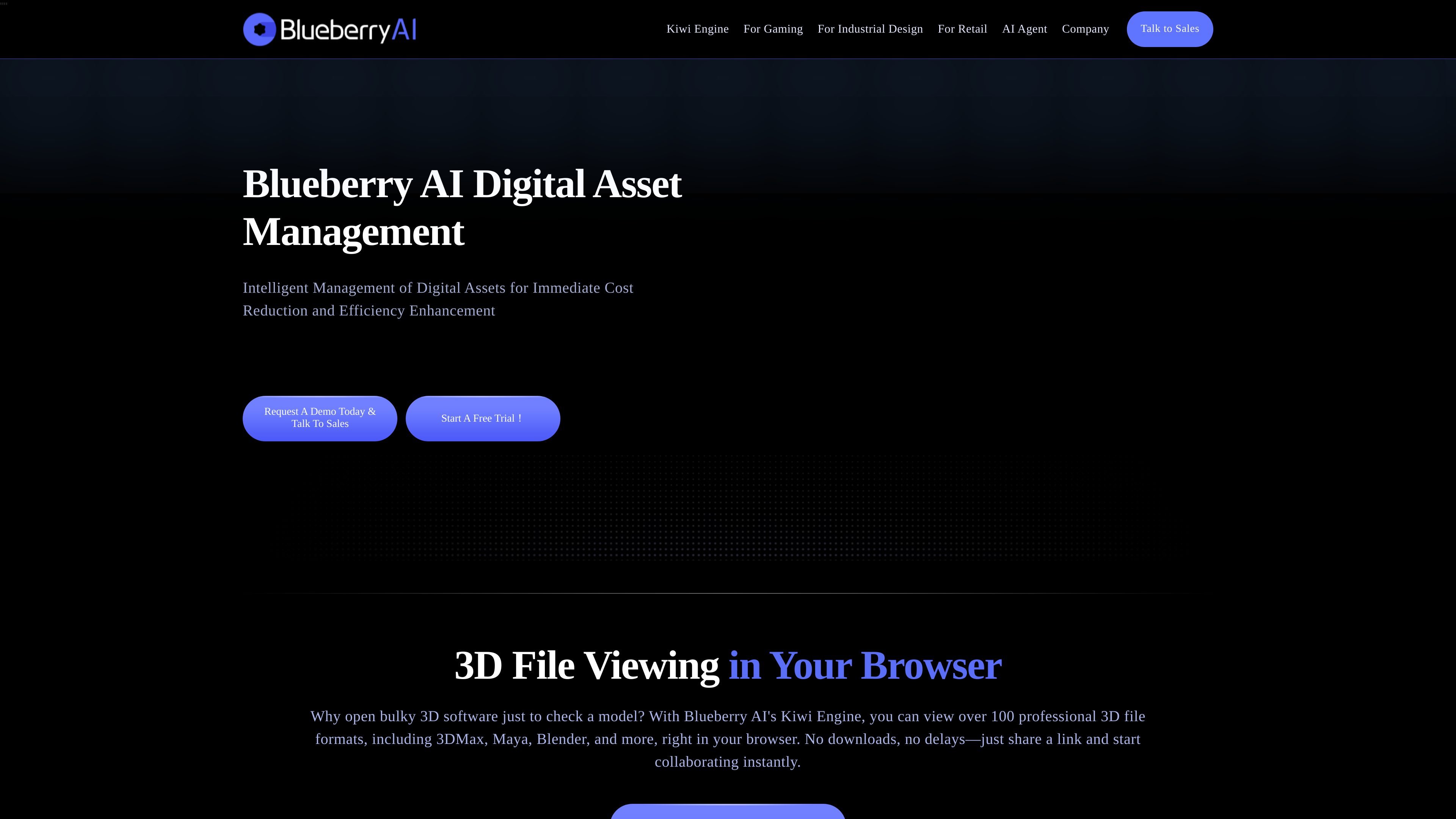
Blueberry AI is an AI-powered digital asset management platform built for teams that work with large libraries of 3D and visual assets. The site positions it for game development, industrial design, retail, advertising, and related creative workflows where search, review, reuse, and secure sharing matter.
Its Kiwi Engine enables browser-based previews of more than 100 3D file formats, so teams can inspect models and collaborate without needing to open separate desktop software for every review. The broader DAM product adds AI search and tagging, centralized storage, file transfer, version control, permissions, and private deployment options for organizations that want tighter control over asset workflows.
Store digital assets in one central library so teams can organize, find, and reuse files without switching between scattered tools.
Use AI semantic search, image search, and tagging to locate assets faster and reduce manual sorting work.
Preview 3D files directly in the browser with Kiwi Engine, including support for 100+ formats and common tools such as 3ds Max, Maya, Blender, and CAD files.
Share large files and review assets with internal or external collaborators while keeping version control, permissions, and feedback flows in place.
Connect the platform to tools such as Jira, Perforce, Slack, Adobe, Shotgun, and Autodesk, with the site also noting integration with communication tools that expose an API.
Use blockchain logs, multi-level permissions, real-time backups, and private deployment options for controlled handling of sensitive files.
Game teams can manage large libraries of models and related files, preview assets in the browser, and move feedback and approvals into a shared workflow instead of relying on scattered desktop tools.
Industrial design teams can preview supported file formats in a browser, compare versions, and collaborate on prototypes without requiring every reviewer to install specialist software.
Retail and ecommerce teams can organize product visuals and use AI search and tagging to find existing materials faster when updating listings or maintaining content libraries.
External vendors and internal stakeholders can share files with controlled permissions and versioning, which helps teams keep track of feedback and reduce confusion over the latest asset.
Organizations with security requirements can use private deployment, permission controls, and backups to keep sensitive assets inside a managed environment.
Blueberry AI is presented as an AI-powered digital asset management platform with browser-based 3D previews, asset organization, search, sharing, and collaboration features.
The site says Kiwi Engine supports browser previews for 100+ 3D file formats, including formats such as 3ds Max, Maya, Blender, OBJ, Spine, CAD, and others mentioned on the site.
The pricing page describes a free trial, and the homepage includes calls to request a demo or talk to sales. No public pricing numbers are shown in the provided source text.
The site says it can integrate with communication tools that have an API and with creative tools such as Jira, Perforce, Slack, Adobe, Shotgun, and Autodesk, but the exact supported configurations are not fully detailed in the provided text.
The homepage says Blueberry AI can be fully deployed in a client’s private environment, including physically isolated environments, and describes private deployment and permission controls.