
Start from your existing product
Capture a page from the browser extension or connect your codebase, then work from the product you already have instead of rebuilding screens from scratch.

Alloy 是面向团队的 AI 原型设计工具,可基于现有产品创建交互式演示,支持浏览器捕获、代码库连接、云端分享,以及交付至 GitHub、MCP 或 Figma 工作流。
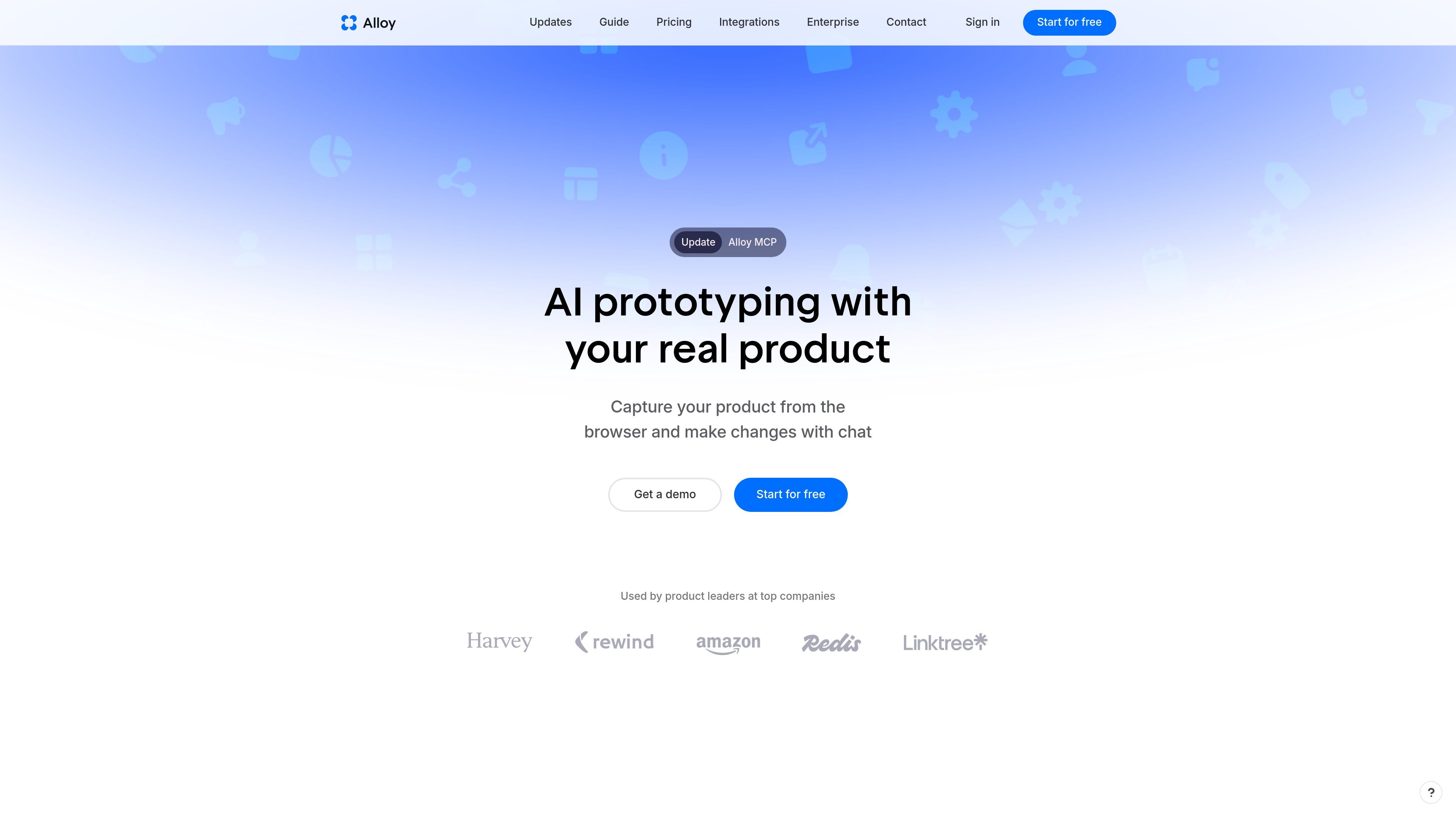
Alloy is an AI prototyping tool that turns an existing product into an editable prototype. It is designed for teams that want to explore changes using their real codebase, components, and pages instead of rebuilding interfaces from scratch.
The product supports two main starting points: capture a page instantly with the browser extension, or connect a codebase for deeper prototyping and production-code output. Sessions run in the cloud, can be shared with teammates or customers, and can be pushed onward to GitHub or exported through MCP and Figma-related workflows.
Capture a page from the browser extension or connect your codebase, then work from the product you already have instead of rebuilding screens from scratch.
Prompt changes in a cloud session while Alloy runs the app in a sandbox, showing a live preview as you iterate.
Share sessions by link, invite teammates, or send prototypes to customers so feedback can happen in the browser without local setup.
Use integration sources such as Linear, Jira, Slack, Intercom, Notion, and Dovetail to turn requests, research, and work items into prototypes.
Push changes to GitHub as a pull request, export sessions, or access them through MCP for downstream use.
Apply design system controls and import from Figma when needed, with support tiers that include admin roles and early access to new features.
Product teams can turn an existing page or workflow into a prototype to test changes without rebuilding the whole app from scratch.
Designers and PMs can use Slack, Linear, Jira, Notion, or Dovetail inputs to turn requests, issues, or research notes into interactive prototypes.
Teams can share a cloud session with colleagues or customers to collect comments before pushing a change onward to GitHub.
Enterprise teams can use higher-tier security and admin features, including SAML/SCIM and API access, when prototyping needs to fit existing controls.
Teams that already maintain a component library or design system can prototype against their existing product structure to keep output aligned with current UI patterns.
Alloy lets you either connect your codebase or use the browser extension. The extension is described as requiring no setup and enabling instant capture, while codebase connection requires admin permissions and around 15 minutes of setup time.
Alloy is positioned around prototyping from an existing product rather than starting from screenshots or a blank canvas. It can run your app in a sandbox, use your component library and design system, and export sessions to GitHub, MCP, or Figma.
Yes. The pricing page lists a Free plan, a Pro plan at $20 per user per month, and an Enterprise plan with custom pricing. Enterprise includes items such as API access, account management, SAML + SCIM, and custom terms.
Alloy supports external sharing, team collaboration, and cloud sessions that can be shared with teammates or customers. The site also lists integrations for tools such as Linear, Jira, Slack, Intercom, and others.
For Figma import, the site says not right now. It recommends capturing the actual web app for best results, and notes that you can export an Alloy prototype to Figma later.
流量数据仅供参考。
| 6月 | 57567 |
|---|---|
| 7月 | 53985 |
| 8月 | 80357 |
暂无流量分析数据。
暂无流量分析数据。

getprojekt.com
Projekt 是面向设计工程师的可视化工作空间,融合 AI 编码代理、实时预览和行内编辑。现已在 macOS 上开放 alpha,提供免费下载和限量创始人版本。

easysite.ai
EZsite AI 是一款 AI 网站构建工具,可将 URL 转换为完整的 React 或 Vue.js 应用,并提供托管、自定义域名、代码导出及面向后端的功能,帮助团队交付可部署项目。

adam.new
Adam 是 CAD 协作助手,可通过 Slack 和电子邮件简化硬件工作流。

build.reflex.dev
Reflex Build 将提示词转换为 Python 应用,可部署到 Reflex Cloud、自有云或本地环境,并提供适用于智能体和编码工具的生产就绪模板与集成。

dreamflow.app
Dreamflow 是一款用于构建生产级移动应用的可视化 AI 构建工具,支持团队和个人开发者通过 AI 提示、可视化编辑、代码控制以及 Web 和移动端部署路径创建基于 Flutter 的应用。

dyad.sh
Dyad 是一款本地开源 AI 应用构建器,支持灵活选择模型、导出代码、全栈开发和多种部署方式,避免平台锁定。