
AI detection check before rewriting
The homepage presents a detector-check step followed by rewriting, so users can review how text performs before humanizing it.

AI Undetect is a web-based AI rewriter that helps users check AI-generated text and rewrite it into more human-like copy. It includes manual and premium Auto-Perfect workflows, plus multiple rewrite styles and language support.
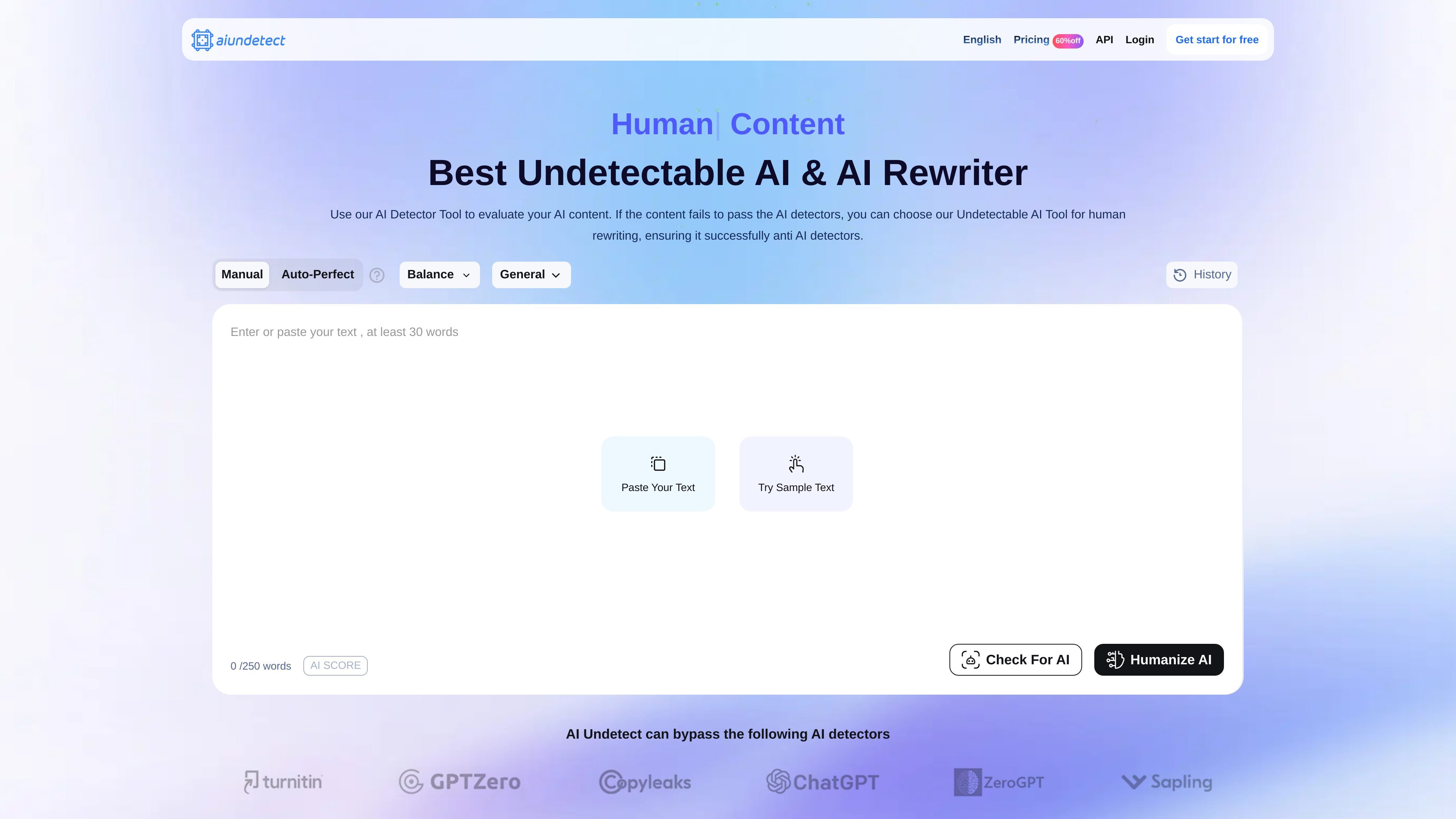
AI Undetect is a web-based AI rewriter and detection-removal tool that helps users rewrite AI-generated text into more human-like copy. The homepage positions it as a freemium product with a detector-check step, a manual rewriting flow, and an Auto-Perfect mode for premium users.
The product is aimed at people who want to review AI text against detector outputs and then reword the text without changing its overall meaning. The site also says it supports multiple languages and offers different rewrite styles, so it can be used for short-form and long-form text adaptation rather than a single narrow workflow.
The homepage presents a detector-check step followed by rewriting, so users can review how text performs before humanizing it.
Users can paste AI-generated text and convert it into human-like text while keeping the original meaning, according to the site copy.
The page offers Manual mode and a premium Auto-Perfect mode, with Auto-Perfect described as continuously refining output until it is ready.
The site lists multiple rewrite styles such as General, Informal, Expand, Academic, Blog, Simplify, Formal, and History.
The homepage says the product supports 20+ languages, with language switching shown for several major languages.
Subscription plans on the homepage include word limits, history access, and support for auto-perfect mode, indicating account-based usage controls.
Use the tool to rewrite AI-generated drafts before sharing them, with the site’s workflow showing a detector step followed by humanizing the text.
Choose styles such as Academic, Formal, Blog, or Simplify when the same source text needs to fit a different tone or reading level.
Use the language-switching options when working with text in different supported languages and you want the rewrite to stay in the same language context.
Review detector output, then switch to Auto-Perfect when a higher-confidence rewrite is needed and manual refinement would take too long.
Use the login and account flow to track rewrite history and manage usage limits within a subscription plan.
AI Undetect provides a login flow and account creation path, and the homepage includes a registration flow with Google sign-up or code-based sign-up. The site text does not show a separate onboarding requirement beyond creating an account.
The homepage describes a manual mode and an Auto-Perfect mode. Manual mode is labeled free, while Auto-Perfect is presented as a premium feature that continuously refines output until it is ready.
The homepage says the tool can rewrite AI-generated text into human-like text and supports multiple languages. It also presents an AI detector step before humanizing the text.
The site says AI Undetect integrates several detection interfaces and mentions GPTZero, Copyleaks, Writer, Winston AI, Turnitin, and Originality AI. It does not provide a full integrations list or API documentation on the pages reviewed.
The pricing page at /pricing returns a 404, so no separate pricing page details were available from the reviewed sources. The homepage does show subscription plans and monthly word limits.