
AI singing voice generator
Turn MIDI and lyrics into singing vocals with pitch, timing, and expression control. The site describes this as the product’s main vocal synthesis workflow.

ACE Studio is an AI music studio for creators that combines vocal synthesis, AI instruments, voice cloning, stem tools, and video scoring. It is aimed at producers, musicians, and teams that want editable, MIDI-based music workflows.
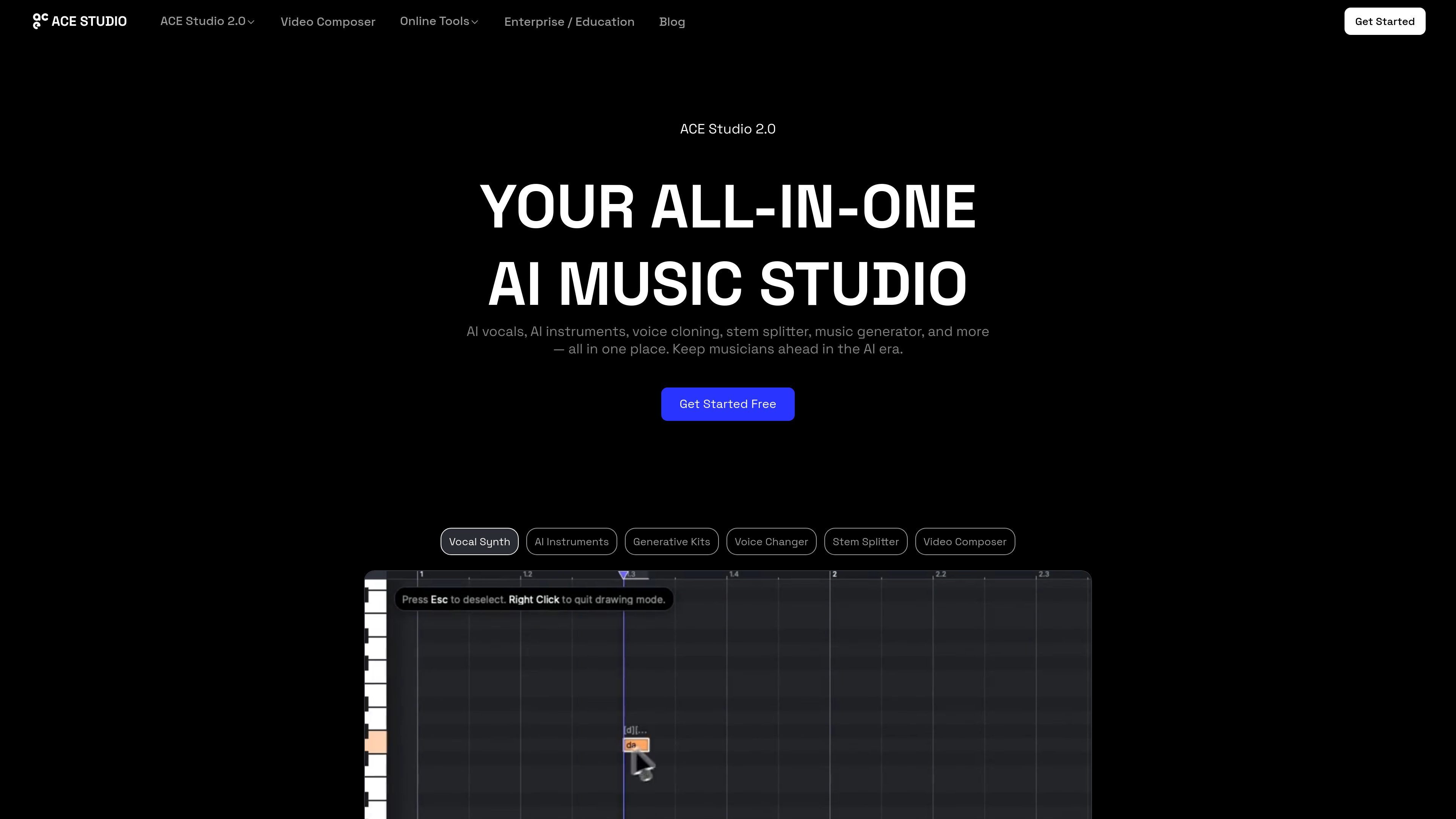
ACE Studio is an AI music studio for creators, producers, and teams that want editable music generation rather than a one-click song generator. Its core workflow centers on AI singing voices, AI instruments, voice cloning, voice changing, stem splitting, and MIDI-based music creation.
The product combines vocal synthesis, instrument generation, and utility tools in one workspace. It also includes Video Composer for generating soundtracks and sound effects from video, plus ACE Bridge for working alongside a DAW with VST3, AU, AAX, and ARA support.
Turn MIDI and lyrics into singing vocals with pitch, timing, and expression control. The site describes this as the product’s main vocal synthesis workflow.
Upload vocal samples to train custom singing voice models, or use voice changer models for personalized voice work. The pricing page shows separate voice-cloning slots for vocal synth and voice changer plans.
Generate realistic instrument performances from MIDI without large sample libraries. The site positions AI instruments as natural-sounding and expressive, with ensemble mode for layered parts.
Split a track into stems and convert vocals to MIDI and lyrics for editing and regeneration. These tools support audio-to-MIDI style workflows inside the studio.
Use generative kits to build tracks layer by layer from prompts and ideas, or enhance rough tracks and stems into more expressive material.
Connect ACE Studio to a DAW with ACE Bridge, which supports VST3, AU, and AAX, plus ARA link mode for tempo and playback sync.
Produce lead vocals or harmonies by entering MIDI notes and lyrics, then shape pitch bend, vibrato, and phrasing for a more controlled result than auto-generation.
Upload your own vocal samples to build a custom singing voice model or voice changer model for personal, branded, or character-specific projects.
Turn a rough stem or finished mix into editable material by splitting stems, converting vocal lines to MIDI and lyrics, and regenerating parts in ACE Studio.
Score video with music and sound effects that respond to scene changes and cuts, using the Video Composer workflow for timeline-based output.
Set up shared licenses and seat management for a team or classroom where multiple people need access to the same creative tools.
ACE Studio is designed for expressive performance editing rather than auto-song generation. It focuses on MIDI-based vocal creation, editable AI instruments, voice cloning, voice changing, and stem-based workflows.
Yes. The site says you can generate studio-quality AI singing vocals from MIDI notes and lyrics, and that this workflow is part of the core vocal creation engine.
Yes. ACE Studio includes tools such as Stem Splitter and Vocal to MIDI & Lyrics for separating vocals, converting vocal lines into editable MIDI, and regenerating them with AI voices.
Yes. The pricing page says pre-made ACE Studio voices and instruments are royalty-free for commercial projects, and the Video Composer page says generated soundtracks and sound effects are royalty-free and ready for commercial use.
Yes. The enterprise page says organizations can manage licenses centrally, add or remove seats, and reassign seats from an admin dashboard.