
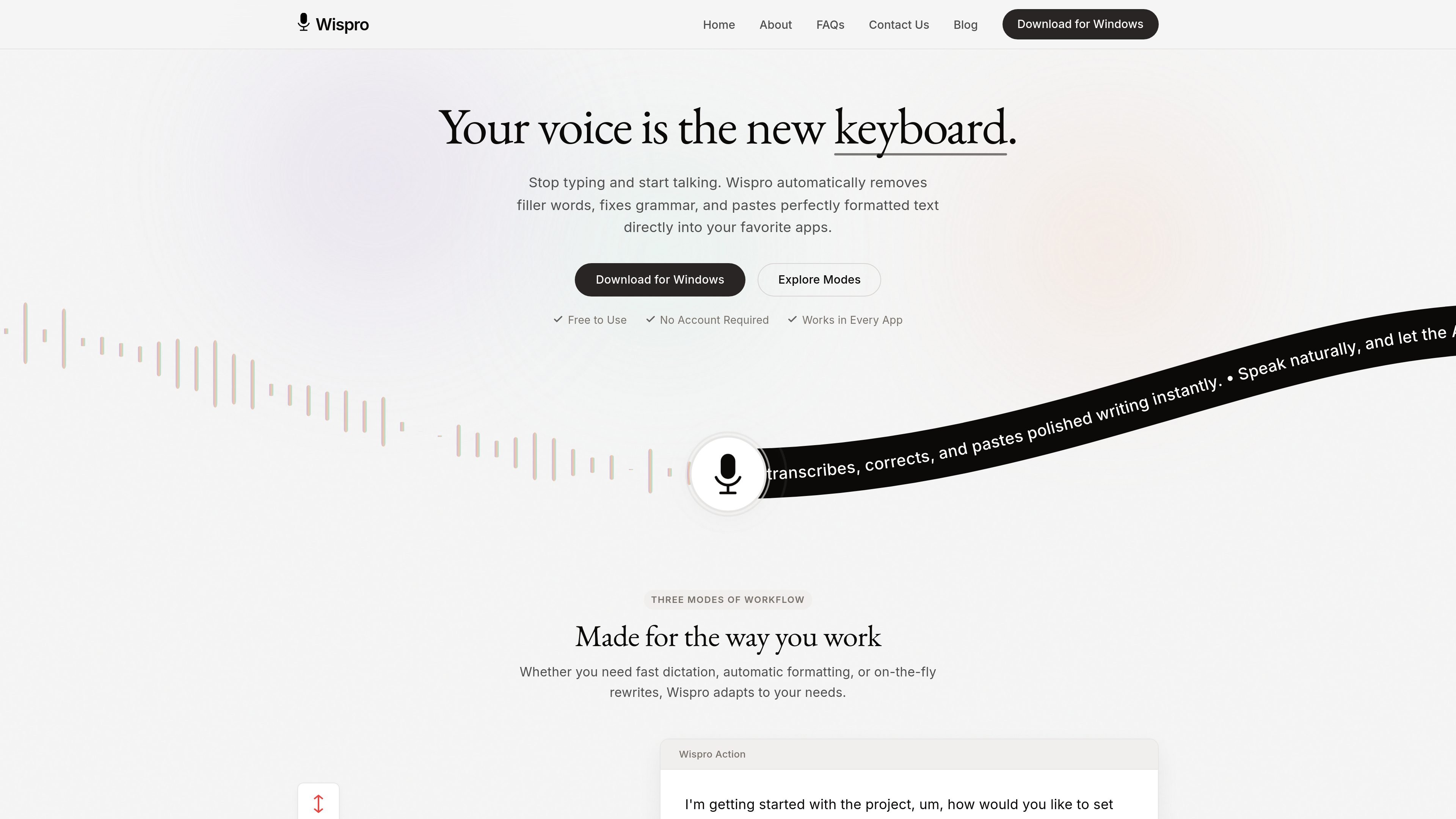
Global hotkey dictation
Hold a chosen hotkey, speak naturally, and paste text directly into the active Windows app. The workflow is designed to reduce switching between apps while you dictate.
Wispro is a native Windows voice dictation app that pastes transcribed or rewritten text into the active application. It helps you write faster with a hotkey, spoken input, and three workflow modes.
Wispro is a native Windows voice dictation app that turns spoken input into formatted text you can paste into other applications. Its main workflow is simple: hold a hotkey, speak naturally, and release to insert the result into the active window.
The product is positioned for people who want to write faster without leaving their current app. It offers three modes—Basic, Smart, and Command—so the same tool can handle raw transcription, cleaned-up prose, or instruction-based text generation.
Hold a chosen hotkey, speak naturally, and paste text directly into the active Windows app. The workflow is designed to reduce switching between apps while you dictate.
Basic Mode captures fast speech-to-text with minimal filtering so you can get raw words onto the screen quickly.
Smart Mode removes filler words, fixes typos, and turns spoken thoughts into cleaner prose before pasting.
Command Mode accepts spoken instructions such as drafting an email or writing a polite decline, then generates the text for you.
Wispro can recognize the app you are typing into and adapt formatting and tone to match the context.
Users can save custom snippets, add a personal dictionary for names and jargon, and define formatting rules for different writing styles.
Use Basic Mode when you want to capture thoughts quickly without rewriting, such as rough notes or first-pass drafting.
Use Smart Mode for emails, messages, or documents when you want spoken ideas cleaned up into more polished text before pasting.
Use Command Mode when you want the app to generate a specific kind of text from an instruction, such as an email draft or a polite refusal.
Use the personal dictionary and custom formatting rules when you work with names, acronyms, code, legal text, or other specialized language.
Use Wispro in any Windows app where you can type, including chat apps, documents, email, and coding tools, when you want to stay in the same workflow.
Yes. The site says Wispro is a native Windows application that works inside any software where you can type, including email clients, coding IDEs, chat apps, documents, and meetings.
Wispro says your API credentials stay on your local machine and that audio is sent over encrypted connections to processing endpoints. The site also states that it does not store or monitor conversations.
No. Wispro runs in the system tray, so you can trigger it with a hotkey in the active window without switching apps.
The homepage says Wispro is for anyone who wants to write faster, and specifically mentions writers, developers, students, and professionals.
The homepage says it automatically detects and supports over 90 languages, and also describes real-time detection and translation for more than 100 languages. The exact supported count is inconsistent on the page, so it is safest to say it supports 90+ languages.
Traffic data is for reference only.

dictately.io
Dictately is a macOS voice dictation app that types spoken text into the active app and polishes it with AI—ideal for faster writing in chats, email, documents, and developer tools.

whisperstream.io
Whisperstream is a Windows dictation app that transcribes speech locally and inserts the resulting text into compatible apps. It is designed for people who want push-to-talk voice input without sending microphone audio to a cloud transcription service.

wisprflow.ai
Wispr Flow is a cross-platform voice dictation tool that turns speech into polished text across Mac, Windows, iPhone, and Android apps, with workflows for individuals and team and admin features for business.

flowvoice.ai
AI voice dictation that turns speech into polished text across Mac, Windows, iPhone, and Android
vtt.the-ihor.com
VTT is a native macOS dictation app for private on-device voice-to-text, with optional cloud engines using your own API keys.

www.assemblyai.com
Blurt is AssemblyAI’s voice-to-text dictation app for entering spoken words into the field or text destination where you are working. Hold a key, speak, and release it to send the dictated text onward.