
Remote machine management
Use the SSH connection manager to switch between remote servers and clusters, with WSL support mentioned on the homepage.

Open-source terminal with previews, editing, browsing, dashboards, and remote management.
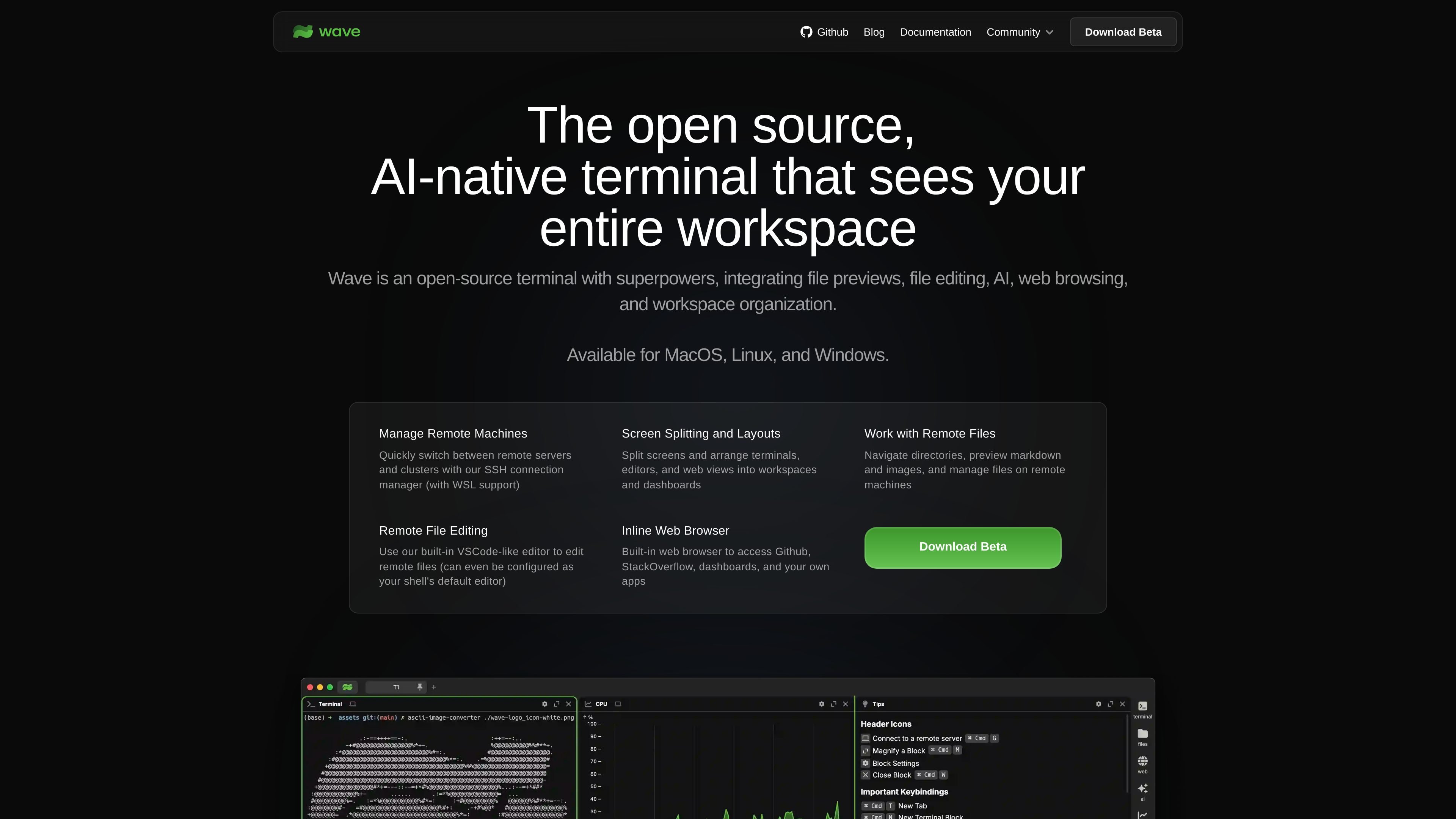
Wave Terminal is an open-source terminal for developers who want more context inside the command line. It combines a terminal with file previews, file editing, web browsing, workspaces, dashboards, and graphical widgets so you can keep related information in one place.
The product is positioned as an AI-native terminal and is available for macOS, Linux, and Windows. The site also emphasizes local storage, no required login, and the ability to work with remote machines and remote files through built-in tools.
Use the SSH connection manager to switch between remote servers and clusters, with WSL support mentioned on the homepage.
Split the interface into workspaces and dashboards so terminals, editors, and web views can sit side by side.
Preview images, Markdown, audio/video, HTML, and CSV files inline before opening them in separate tools.
Edit remote files with the built-in VSCode-like editor, which includes syntax highlighting, indentation, mouse support, and copy/paste.
Open a built-in browser to reach GitHub, Stack Overflow, dashboards, and other web apps without leaving the terminal.
Build reusable HTML widgets and import pre-built dashboards to visualize CLI data inside the terminal.
Manage remote servers and clusters from the same terminal session, using SSH connection management and workspace layouts to keep destinations organized.
Inspect logs, Markdown, images, CSVs, and media inline so you can review content quickly without switching to separate desktop apps.
Edit files on remote machines with the built-in editor, including when you want the terminal to stay the default shell environment.
Keep browser tabs, dashboards, and command output together when checking GitHub issues, Stack Overflow answers, internal dashboards, or web apps.
Create reusable widgets and imported dashboards to visualize CLI data for personal workflows or shared team views.
Wave Terminal is available for macOS, Linux, and Windows. The download page lists installers and packages for each platform, including macOS DMG, Linux Snap, AppImage, .deb, .rpm, .zip, and pacman builds, plus Windows MSI and EXE installers.
Wave Terminal is an open-source terminal that combines file previews, remote file editing, web browsing, screen layouts, and graphical widgets in one workspace-oriented interface.
The site presents Wave Terminal as a beta download and includes an optional beta updates list on the homepage. A legacy download page is also available for the older WaveLegacy build.
Yes. The terms page says Wave Terminal offers a free cloud-based ChatGPT integration, and it also notes that users can use their own ChatGPT API key.
The homepage says you can share dashboards and widgets with coworkers or publish them online, but the site does not provide detailed team-management or permission controls in the materials reviewed.
Traffic data is for reference only.

charm.sh
Open-source CLI apps and libraries for terminal-native workflows

multica.ai
Open-source project management for teams using AI coding agents

fx.sh
fx is a tiny, open, native coding agent and CLI for working with code from the terminal. It is designed for research, embeddability, and use as part of larger systems, with support for local or cloud inference.

openreplay.com
OpenReplay is an open-source session replay and product analytics platform for understanding user behavior, diagnosing issues, and team collaboration.

mentra.glass
An open-source smart glasses platform for field teams and developers building camera workflows, AI assistants, and custom apps with MentraOS.

twillot.com
Twitter data management for anonymous browsing, backups, search, and AI organization