
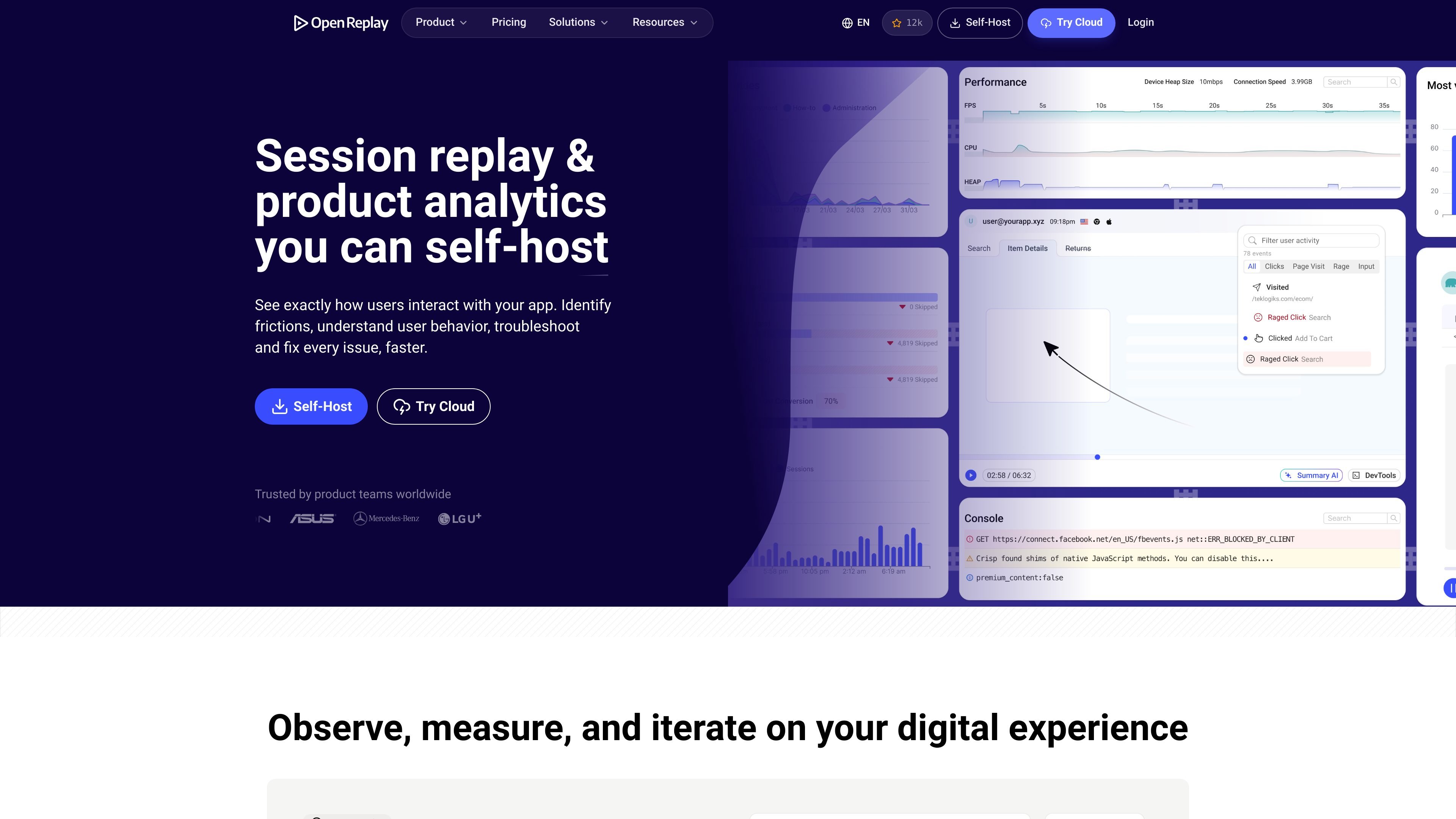
Session replay
Replay user sessions to see clicks, hesitation, navigation paths, errors, slowdowns, and crashes in context.

OpenReplay is an open-source session replay and product analytics platform for understanding user behavior, diagnosing issues, and team collaboration.
OpenReplay is an open-source session replay and product analytics platform that you can self-host or run as a managed deployment. It is built to help teams see how users interact with an app, understand where they struggle, and investigate issues with more context than analytics alone.
The product combines replay, analytics, co-browsing, and developer tools so different teams can work from the same user activity data. The site positions it for engineering, product management, customer support, research, and design, with an emphasis on self-hosting, privacy, and control over customer data.
Replay user sessions to see clicks, hesitation, navigation paths, errors, slowdowns, and crashes in context.
Use logs, errors, network payloads, application state, and built-in developer tools alongside replays to reproduce issues.
Track funnels, journeys, trends, heatmaps, and web analytics to understand where users convert or drop off.
Co-browse live with users, annotate their screen, and take control with consent to help them while they are active in the app.
Mask sensitive data, configure retention rules, and self-host to keep control over where customer data is stored and processed.
Deploy with SDKs for React, Vue, Angular, and other frameworks, and review or customize the source code when self-hosting.
Investigate a production bug by replaying the session and checking errors, logs, and network activity around the failure.
Review funnels, journeys, heatmaps, and trends to understand where users drop off and which product changes affect behavior.
Join a live user session, co-browse, and guide someone through a blocked workflow without switching to a separate meeting.
Observe how users interact with an interface, share sessions with designers and developers, and use the replay as evidence for UX changes.
OpenReplay can be self-hosted on your own infrastructure, or deployed as a managed Dedicated instance or Enterprise installation. The pricing page also lists a Serverless option, and the Enterprise page describes self-hosting inside your own VPC.
OpenReplay is used by engineering, product, support, and design teams. The source highlights session replay, developer tools, product analytics, and live co-browsing as parts of team workflows.
The pricing page says Open-Source is free and self-hosted, Dedicated starts from $199/month and is billed hourly, and Enterprise uses custom pricing on a multi-year contract.
The source says Dedicated is billed hourly for the selected instance, with a 7-day free trial and no credit card required. If you stop a Dedicated instance, a small amount can still be billed for disk storage.
The engineering page says OpenReplay supports React, Vue, Angular, and more, and the enterprise page shows SSO/SAML, role-based access, audit trail, service accounts, encryption, and self-hosting inside a VPC.
Traffic data is for reference only.

onestory.art
OneStory is a web-based AI creative workbench for free-canvas content creation, team collaboration, credit control, and custom integrations via an open API.

charm.sh
Open-source CLI apps and libraries for terminal-native workflows

multica.ai
Open-source project management for teams using AI coding agents

waveterm.dev
Open-source terminal with previews, editing, browsing, dashboards, and remote management.

mentra.glass
An open-source smart glasses platform for field teams and developers building camera workflows, AI assistants, and custom apps with MentraOS.

www.tryaidiy.com
ai.diy is an open-source, browser-owned AI workspace for BYOK chat, local tools, and provider switching. Keep workspace state in your browser while connecting to 20+ cloud and local AI providers through a self-hosted relay.