
High-resolution upscaling
Upscale images by up to 8x, with the site describing support for image outputs up to 256 MP.

AI image upscaler and editor for enlarging and enhancing images on the web, with print settings, batch processing, and a browser extension.
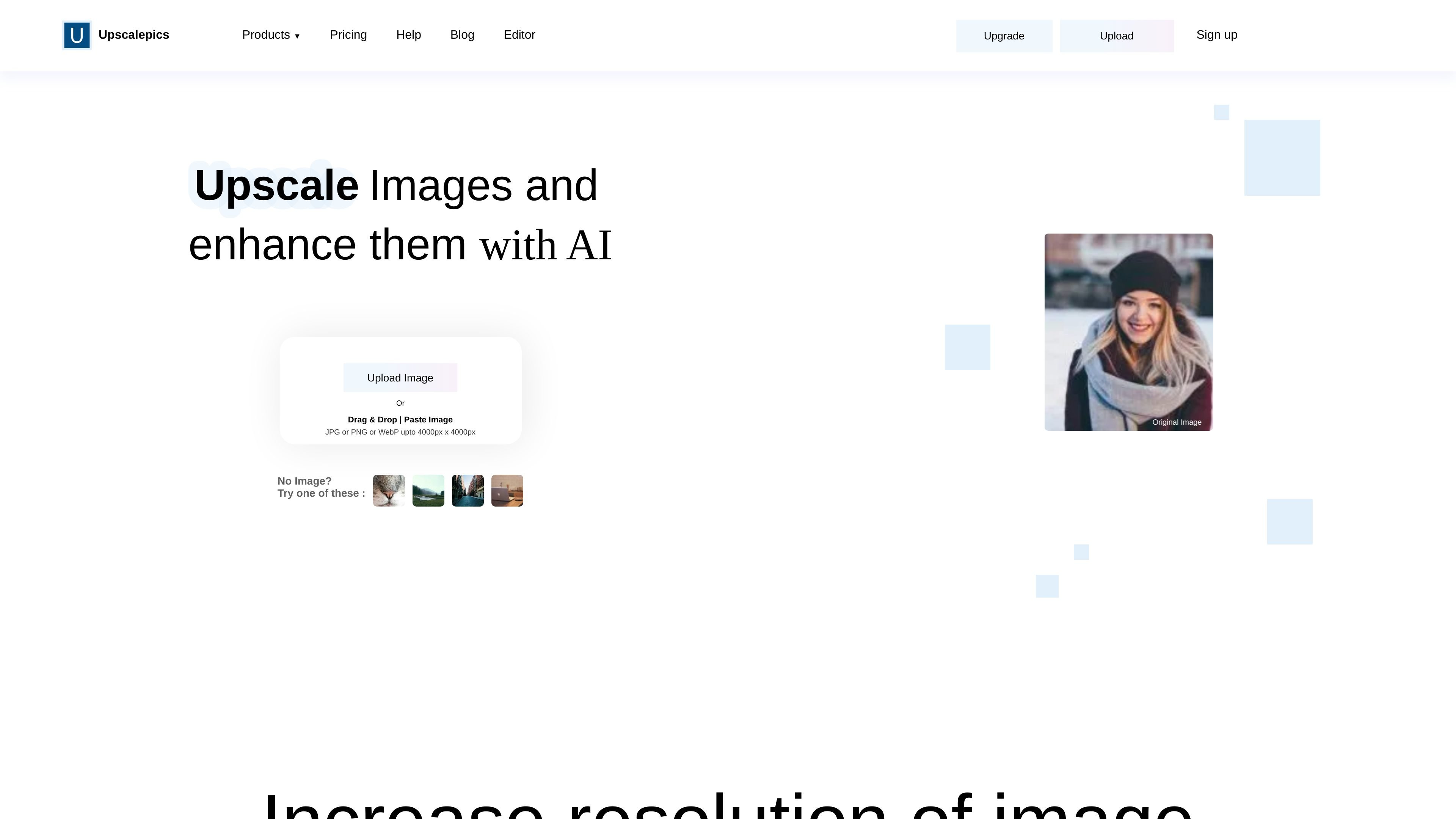
Upscalepics is an AI image upscaling and enhancement tool that increases image resolution while trying to preserve the content and defining characteristics of the original file. The home page positions it as a way to make low-resolution images clearer for photographers, artists, graphic designers, and businesses.
The product includes a web editor for uploading images, choosing scale or dimension-based resizing, and adjusting output settings such as format and color mode. The help content also describes a browser extension for upscaling from other websites, plus support for print-focused workflows and batch processing.
Upscale images by up to 8x, with the site describing support for image outputs up to 256 MP.
Choose a target width or height and maintain the original aspect ratio, rather than relying only on fixed multiplier steps.
Prepare files for print with DPI, color mode, and physical-dimension settings in the editor.
Upload multiple images and download the upscaled results in bulk.
Work directly from supported browsers through the Upscalepics Integrate extension.
Use output settings such as format selection, compression, and an anime mode for graphic or AI-generated images.
Upload a low-resolution photo and enlarge it for a clearer web or print result without manually editing every file.
Set a target width or height when you need the image to fit a layout or output specification.
Apply bulk upscaling when you need to process multiple images and download the results together.
Use the browser extension when you want to upscale an image from another site without a download-and-reupload step.
Prepare artwork or photos for print by selecting DPI, color mode, and physical dimensions in the editor.
Upscalepics uses AI to increase image resolution and enhance clarity so images look less blurry or pixelated. The help page also notes an editor for upscaling, output settings, and workflows for print and transparency handling.
The help page says the browser extension works with Chrome, Edge, and Brave. It lets you upscale images from other websites with a right-click workflow instead of downloading and re-uploading files.
The help page says you can cancel from Profile → Manage Payments → Cancel Subscription. Cancellation stops future billing, but it does not automatically qualify you for a refund.
The refund policy says refunds are available only within 3 days of subscribing, with no more than 10 credits used and no previous refund request. One-time payments can also be refunded if those criteria are met.
The help page says transparent images remain transparent only when the output format is PNG or GIF. Other formats can add a black background because they do not support transparency.
Traffic data is for reference only.

pixlr.com
Pixlr is a browser-based AI photo editor and image generator for editing photos, creating images and videos, and handling everyday cleanup such as background removal, with free and paid plans.

beautyplus.com
BeautyPlus is an AI photo editor and online image tool for enhancing photos, removing backgrounds, deleting objects, and creating visual content.

photoeditor.ai
PhotoEditor.ai is a browser-based AI photo editor and image generator with 30+ tools for cleanup, background removal, restoration, upscaling, and text-to-image workflows. It works without signup for free tools and supports desktop and mobile browsers.

aiease.ai
AI Ease is a browser-based AI platform for creating images and videos, enhancing photos, and generating visuals from text, images, or effects. Free features are available, with paid plans for more capabilities.

photiu.ai
Browser-based AI image editor for backgrounds, objects, upscaling, and visual generation

upsampler.video
Upsampler is a browser-based AI workspace for creating, enhancing, and finishing images and videos, from prompts or uploads to downloadable assets in one workflow.