
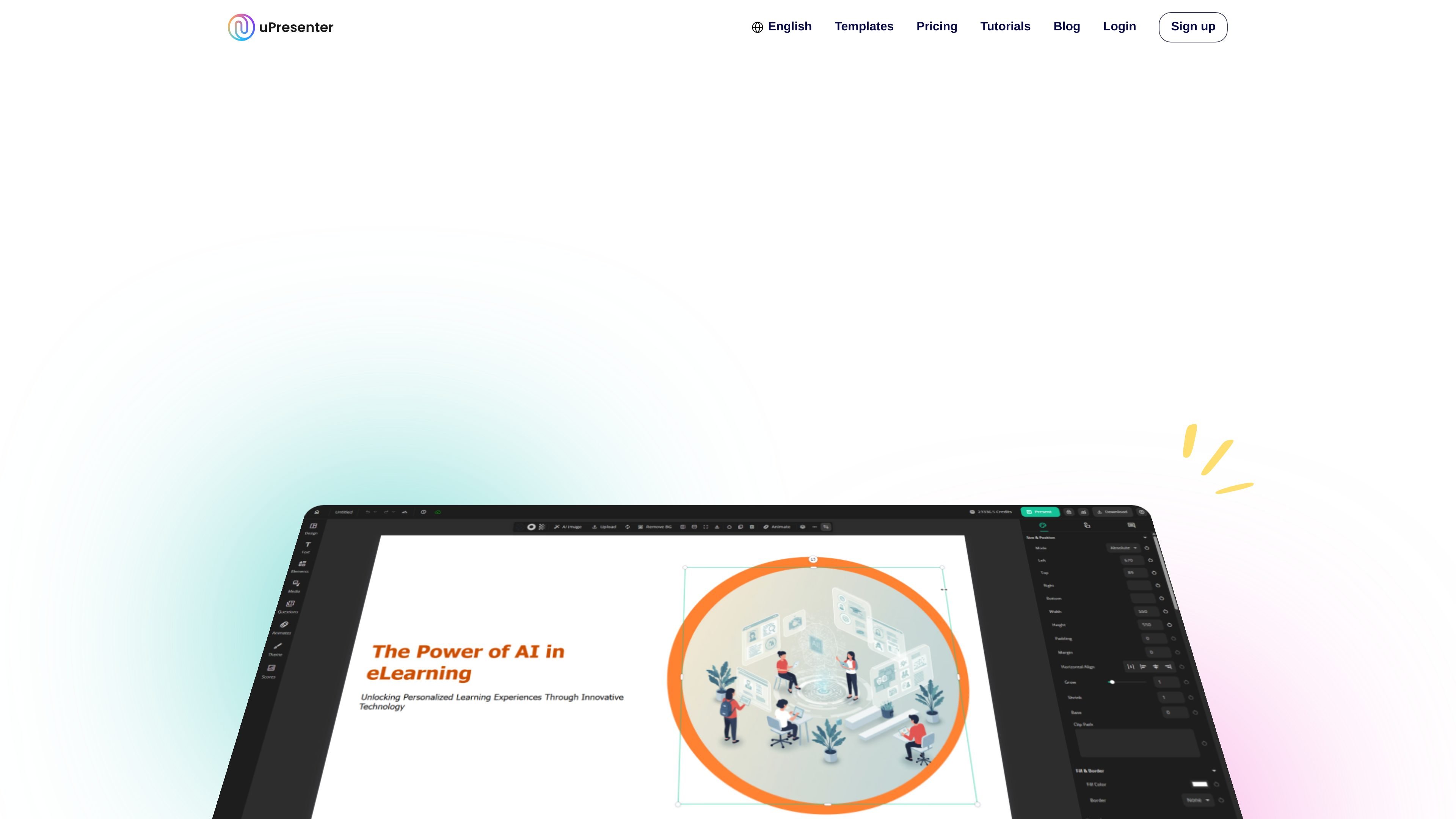
AI-powered content creation
Create presentations, quizzes, and interactive learning modules with AI support that can save time during drafting and editing.

Web-based eLearning platform for AI-assisted presentations, quizzes, and interactive modules
uPresenter is an interactive eLearning content creation platform that combines AI-powered authoring with a built-in LMS. It is designed for creating, delivering, and tracking presentations, quizzes, and learning modules in one place.
The product is positioned for educators, trainers, and content creators who want to build training, education, or marketing materials without needing a separate LMS. The site also highlights templates, tutorials, collaboration editing, quiz tracking, exports, and AI-assisted content creation.
Create presentations, quizzes, and interactive learning modules with AI support that can save time during drafting and editing.
Build in one platform that combines authoring with a built-in LMS for design, delivery, and tracking.
Use customizable templates, pre-built slide layouts, and imports from PPTX, DOCX, PDF, and TXT to start faster.
Generate quiz questions from presentations, use drag-and-drop quiz interactions, and get instant feedback and results for learners.
Track learner progress, completion, quiz results, and engagement with analytics and reports.
Convert scripts or written content into speech with natural-sounding text to speech, with voice tone options and playback adjustments.
Draft presentations, quizzes, and interactive modules with AI assistance, then refine the text and structure before publishing.
Assign lessons and quizzes, group presentations into a course-like flow, and monitor progress, completion, and results from the platform.
Build interactive quizzes with drag-and-drop interactions, question-type customization, and instant feedback for learners.
Start from templates or imported PPTX, DOCX, PDF, and TXT files when you need to adapt existing materials into a learning format.
Use collaboration editing and team-license workflows to support shared authoring across multiple contributors.
No. The pricing page says uPresenter is a standalone platform that lets you create, share, and track learning content without requiring an LMS.
The source shows that uPresenter supports creating presentations, quizzes, and interactive learning modules, plus generating presentations from PPTX, DOCX, PDF, and TXT files.
The homepage says the AI Assistant can help build slides, generate ideas, polish text, generate quiz questions from a presentation, and check grammar and readability.
The pricing page includes collaboration editing, and the tutorials page includes a topic for setting up and using Team License, which suggests team-based use is supported.
The pricing page lists advanced analytics and quiz tracking on Pro, while the homepage also mentions learner progress, quiz results, and engagement tracking.
Traffic data is for reference only.

sendsteps.com
Sendsteps.ai is an AI presentation platform that turns prompts or uploaded documents into interactive presentations with live questions, quizzes, and response tracking.

xmind.net
Xmind is a mind mapping and visual thinking tool for organizing ideas, planning projects, and creating presentations across web, desktop, and mobile, with AI-assisted editing, collaboration, and export workflows.

aippt.com
Turn topics, documents, and links into editable presentations with AI-assisted layouts and visuals.

pageon.ai
AI visual communication platform for presentations, infographics, and interactive pages