
Source-material import
Start with a topic or notes, or use PDF, Word, PowerPoint, Excel, image, and URL material to create structured slides.

Turn topics, documents, and links into editable presentations with AI-assisted layouts and visuals.
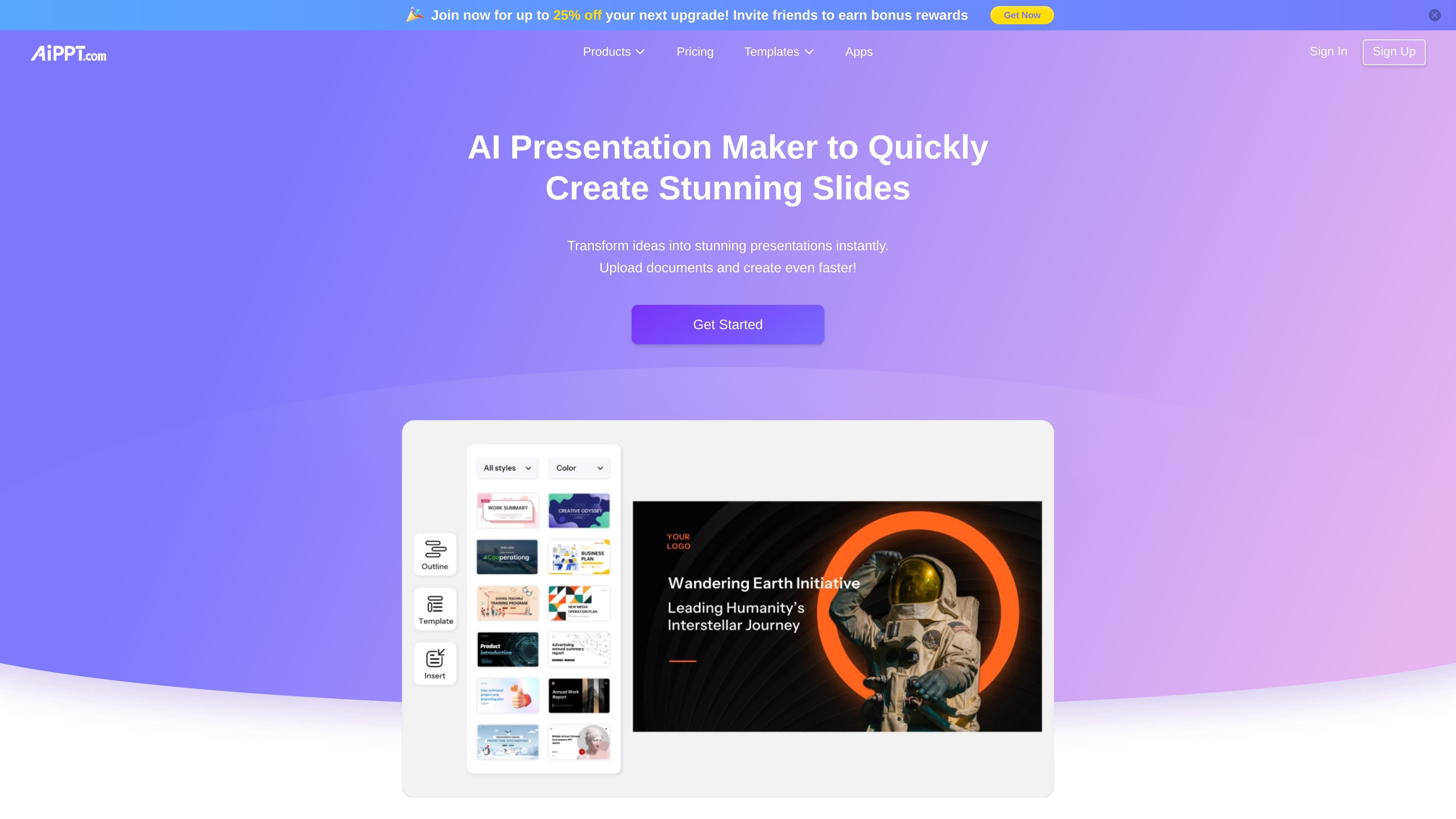
AiPPT is a web presentation maker that turns a topic, pasted text, uploaded material, or a webpage into a slide deck. It creates an outline, organizes the content, and applies slide layouts and a theme. You can then edit the text, design, charts, and visuals through the editor or natural-language instructions. The platform also provides image-generation and file-conversion tools. Export a deck or share a link after checking its facts and design; generated content is not automatically verified.
Start with a topic or notes, or use PDF, Word, PowerPoint, Excel, image, and URL material to create structured slides.
Give instructions to rewrite text, adjust layouts, insert charts, update themes, or change visuals.
Select a theme or customize one, then refine typography, colors, and layout. Visual Mode provides style controls before generation.
Open the AI Image tool, choose a supported model, enter a prompt, and revise the result before saving it for a slide or other permitted use.
Use Agent, Classic, Flow, or Visual workflows for different creation tasks. Model access and slide limits depend on the plan.
Download presentations as PPTX, PDF, or image files, or share an online link. PPTX supports continued editing in presentation software; PDF and image exports are fixed formats.
Turn a brief or notes into an outline and deck, then check the narrative, numbers, and visual emphasis.
Extract useful points from an existing document and refine the slides for a meeting or review.
Use course material as input, then customize the layout and illustrations for the audience.
Free includes 140 AI credits once. Plus includes 600 credits per month and Pro 1,200. Flow Mode supports up to 15, 25, or 50 slides respectively; Visual Mode lists 20 slides across the three tiers. These are plan limits, not promises that every generation uses the same number of credits.
Yes. Select a model when starting a presentation. Available models depend on the plan, and some require a paid plan.
Monthly and annual subscriptions renew automatically until cancelled in Account Settings. A purchased flat-fee or lifetime membership is distinct from a recurring subscription. The account membership section shows which type you have.
Review the content yourself and make the AI role clear to viewers. Do not submit sensitive personal data or use the tool for legal, medical, or financial advice. Inputs can be shared with third-party AI providers, so do not assume confidential documents stay only on your device.
Traffic data is for reference only.
| Jun | 646674 |
|---|---|
| Jul | 584897 |
| Aug | 693498 |
Traffic analytics are not available yet.

pptgo.cn
博思AIPPT (PPTGO) is an online AI tool that turns topics, outlines, or documents into editable presentations with templates and multiple export formats.

aippt.cn
AiPPT is an AI presentation tool that generates PPTs from prompts, documents, links, or pasted text. It helps individuals and teams create and refine work reports, teaching slides, business decks, and other presentations faster.

ppt.ai
PPT AI turns text, documents, URLs, images, and video inputs into editable presentations with online editing and PPT, PPTX, and PDF export.

qzoffice.com
秒篇AIPPT generates presentations from topics, text, URLs, or documents, with outlines, Word/PDF conversion, scripts, and templates.

lgppt.cn
An AI-powered PPT tool that generates, edits, and restructures presentations from topics or documents.

xmind.net
Xmind is a mind mapping and visual thinking tool for organizing ideas, planning projects, and creating presentations across web, desktop, and mobile, with AI-assisted editing, collaboration, and export workflows.