
Audio, video, and meeting transcription
Upload audio or video and receive a transcript through a web-based workflow designed around file upload, language selection, and automated processing.

AI transcription for turning audio, video, and meetings into text
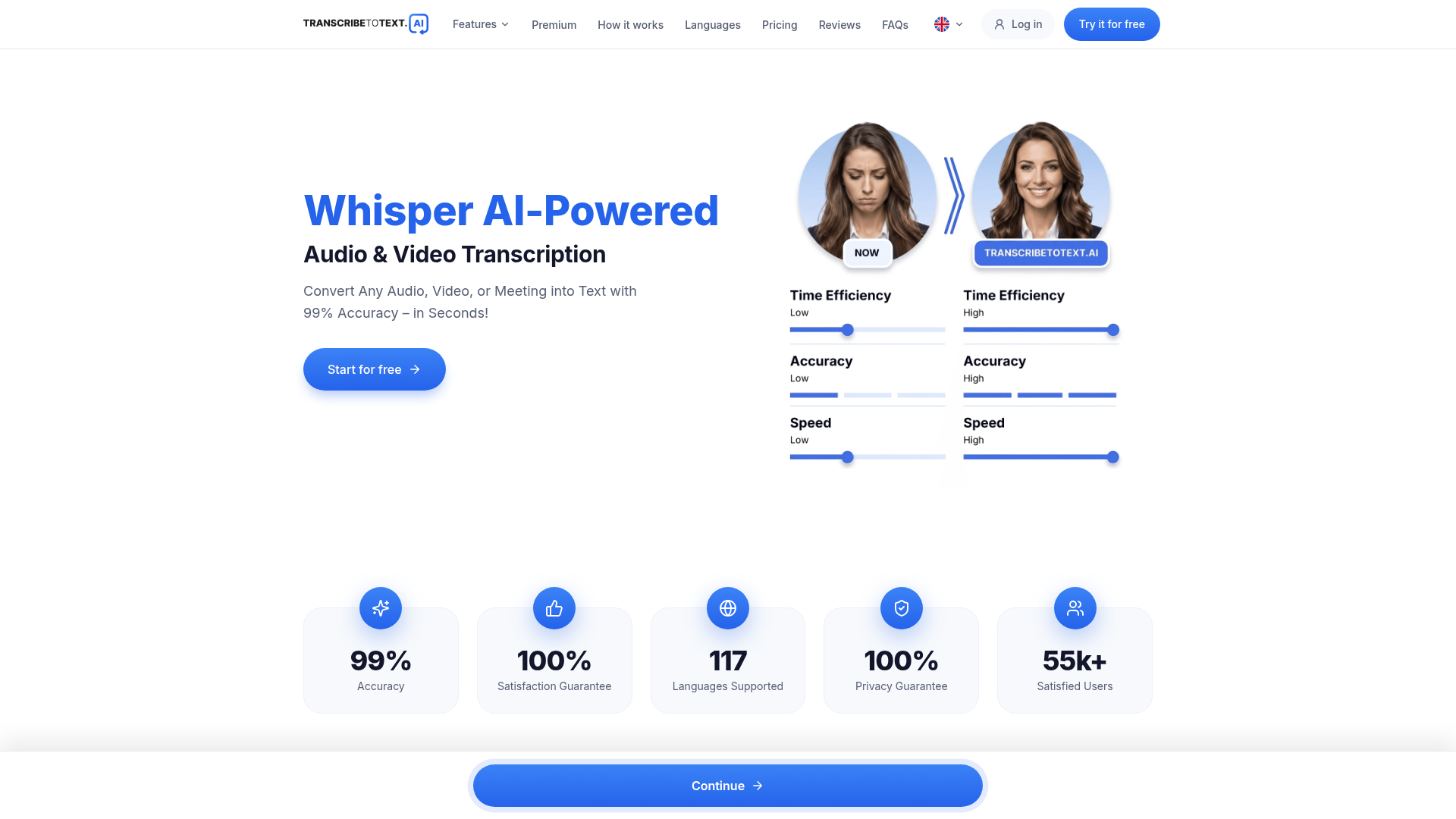
Transcribe to Text is a web-based AI transcription service for turning audio, video, and meetings into text. The homepage positions it as a fast transcription tool with export options for documents and subtitles, plus support for many languages and common media formats.
The product is aimed at people who need a simple upload-and-process workflow for interviews, lectures, podcasts, meetings, and online videos. The site also describes support for direct transcription from links and cloud services, making it useful when the source audio is not stored as a local file.
Upload audio or video and receive a transcript through a web-based workflow designed around file upload, language selection, and automated processing.
The site says the service supports more than 117 languages and dialects, which lets users match the transcription language to the source recording.
Transcripts can be downloaded as DOCX, PDF, or TXT, and the service also supports subtitles and captions in SRT and VTT.
The homepage lists support for common media formats including MP3, MP4, M4A, MOV, AAC, WAV, OGG, OPUS, MPEG, WMA, and WMV.
The service says it can transcribe from YouTube URLs, Google Drive, Dropbox, Google Meet, Zoom, and Microsoft Teams.
The pricing section for the premium plan mentions bulk exports, speaker recognition, extended uploads, and priority processing.
Turn recorded interviews, lectures, or podcasts into text for editing, quoting, or documentation without manual transcription.
Process meeting recordings or live meeting links from Google Meet, Zoom, or Microsoft Teams for notes and follow-up work.
Generate subtitles or captions from video content and export them in subtitle-friendly formats for publishing workflows.
Handle content stored in YouTube, Google Drive, or Dropbox links when the source file is not stored locally.
Use the premium plan’s higher file limits and batch processing when working with longer recordings or multiple files at once.
It is an online AI transcription service for converting audio, video, and meeting recordings into text. The homepage also says it can generate subtitles and captions and export transcripts in DOCX, PDF, TXT, SRT, and VTT formats.
The homepage says the service supports over 117 languages and the FAQ section asks about supported languages. The site also mentions choosing a language before transcription to improve accuracy.
The site says you can transcribe meetings from Google Meet, Zoom, and Microsoft Teams, and it also mentions transcribing from YouTube, Google Drive, and Dropbox links.
The service says you can upload common audio and video formats including MP3, MP4, M4A, MOV, AAC, WAV, OGG, OPUS, MPEG, WMA, and WMV. The homepage also says uploads can be up to 10 hours or 5GB each on the premium plan.
The refund policy says subscriptions can be canceled from account settings under Plan Management or by contacting support. It also says the initial subscription purchase may qualify for a 30-day money-back guarantee if the eligibility conditions are met.
Traffic data is for reference only.

transkriptor.com
Transkriptor turns audio and video into editable text with AI for meetings, lectures, interviews, calls, and voice notes. Available on web, desktop, mobile, and Chrome, with summaries, exports, and custom vocabulary.

devoice.io
Web-based speech-to-text and AI transcription with noise removal for audio and video.

memo.ac
Memo AI is a desktop AI transcription app for Windows and macOS that converts audio and video into text, with link-based transcription, multilingual translation, and SRT, VTT, Markdown, and Notion export.

tingji.baidu.com
简单听记 is Baidu’s audio-to-text tool for meetings, interviews, classes, and research.

rev.com
Rev is a legal AI transcription and investigative intelligence platform for lawyers, investigative teams, law enforcement, and court reporters. It turns audio, video, documents, and images into searchable transcripts and cited findings for case review and reporting.

happyscribe.com
HappyScribe turns audio and video into searchable text, subtitles, and translations in 150+ languages, with AI meeting notes and human-made workflows.