
Inbox triage and drafting
Auto-inbox routines can watch for new email, apply labels, draft replies when a response is warranted, and assist with scheduling.

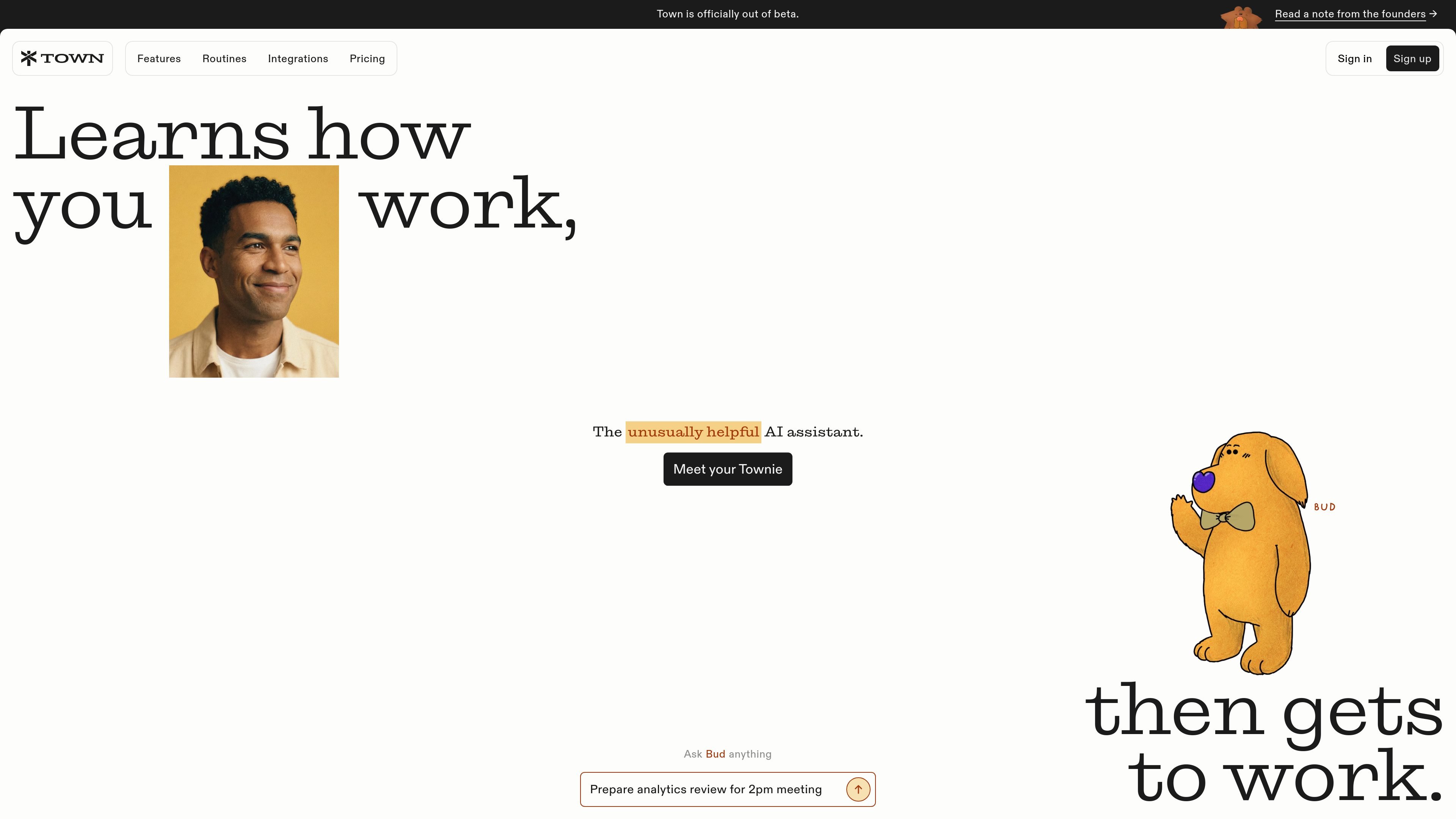
An AI assistant that manages inboxes, meetings, routines, and recurring work across your channels.
Town is a personal AI assistant that works across email, Slack, WhatsApp, and Telegram. It learns how you work from existing work and instructions, then helps manage inbox tasks, calendars, meeting preparation, research, and recurring routines. Town can respond to requests through chat or run configured routines in the background, returning drafts, summaries, recommendations, and updates for review or follow-up.
The service is designed for individuals and teams. Individual plans include a personal assistant and Town integrations, while team plans add shared workspaces, shared routines and skills, pooled credits, and administrative controls. Plans range from a free tier to paid individual and team options, with usage measured through credits.
Auto-inbox routines can watch for new email, apply labels, draft replies when a response is warranted, and assist with scheduling.
Town can provide morning briefings with schedule and priority updates, prepare research-based meeting briefings, and offer an audio version of the morning briefing.
Users can start with stock routines or describe a recurring workflow, such as scanning open pull requests and drafting a team status update. Paid plans add custom routines, with plan-specific limits.
Routines can research people, scan competitor news and product activity, monitor labeled newsletters, or summarize development activity from GitHub.
The personal assistant is available through chat, email, Slack, WhatsApp, and Telegram, with supported plan limits for some capabilities.
Team plans provide shared workspaces, shared routines and skills, pooled credits, consolidated administration, and usage controls such as spend caps.
Use auto-inbox workflows to sort incoming messages, prepare appropriate drafts, and help coordinate replies that involve scheduling.
Have Town research upcoming meetings and send concise briefings, while keeping the briefing available as a Town document and optionally adding a private calendar copy.
Set a routine to summarize client threads, competitor activity, newsletters, or GitHub work on a chosen schedule so updates arrive without manual collection.
Give Town a list of tasks such as contacting vendors, responding to a renewal thread, or confirming an event, then review the resulting updates and requests for input.
Teams can share a workspace, routines, and skills while managing seats, pooled credits, access rules, and billing from an administrative account.
The personal assistant is available through chat, email, Slack, WhatsApp, and Telegram. Availability and limits depend on the plan.
Yes. Town supports scheduled routines and background workflows, including inbox handling, briefings, research, and recurring summaries. Some actions produce drafts or requests for input so you can review them.
Credits are Town's usage unit for assistant work such as chats and workflow runs. Plans include a monthly credit allocation, and usage can be reviewed from the Usage page.
Yes. The Free plan costs $0, requires no credit card, and includes 30 personal-assistant chat messages per month, the assistant across supported channels, all Town integrations, and a weekly morning briefing. New signups receive a seven-day Pro trial before moving to Free.
Team plans add multiple seats, a shared workspace, shared workflows and skills, pooled credits, consolidated administration, and usage analytics on the plans where those features are included.
Traffic data is for reference only.

www.hellodeck.ai
Deck is an AI email assistant that works from its own email address. CC or forward messages to it, set recurring routines, and get private drafts, summaries, and follow-up help—without installing a plugin or granting inbox access.

hirekai.ai
Kai is an AI executive assistant that connects to Google or Outlook to manage calendars, inboxes, meetings, and task follow-through.

lindy.ai
AI executive assistant for email, meetings, calendars, and follow-ups

www.read.ai
Read AI is an AI meeting assistant and enterprise search tool that turns meetings, emails, and messages into summaries, transcripts, and searchable answers.
getinboxzero.com
AI email assistant that organizes inboxes and drafts replies

heyhelp.ai
HeyHelp is an AI email assistant for Gmail that drafts replies, organizes inboxes, and automates follow-ups and scheduling.