
Text, image, audio, and video inputs
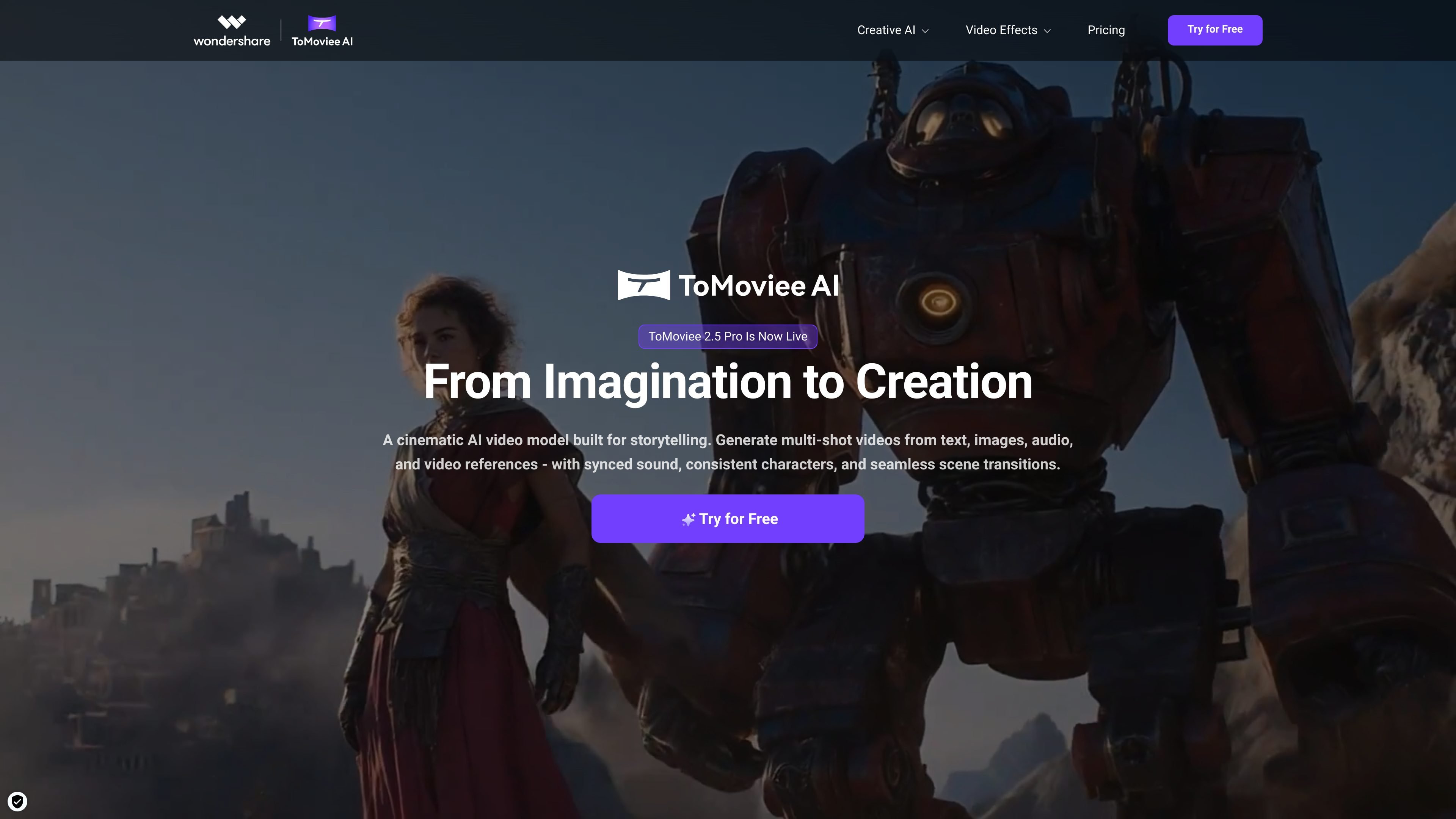
Create multi-shot videos from text, images, audio, and video references. The homepage says the model is built for storytelling and supports synced sound, consistent characters, and seamless scene transitions.

ToMoviee AI is a creative studio for generating video, images, music, sound effects, and voice from text and media references—built for creators, marketers, filmmakers, designers, and teams.
ToMoviee AI is an AI creative studio focused on generating and editing video, images, music, sound effects, and voice in one platform. The homepage positions it as a tool for moving from text or media references to finished creative assets, with a particular emphasis on cinematic video generation.
The product highlights multi-shot video creation from text, images, audio, and video references, plus related workflows for image generation and audio production. It is presented for creators, marketers, filmmakers, designers, and teams that need a single environment for producing branded content, social posts, and cinematic scenes.
Create multi-shot videos from text, images, audio, and video references. The homepage says the model is built for storytelling and supports synced sound, consistent characters, and seamless scene transitions.
Convert still images into motion or continue an existing video story. The site highlights image-to-video and video extension workflows as separate creation paths.
Generate images with text prompts, partial repaint, and reference-to-image workflows. These options suggest support for both fresh image generation and guided edits.
Produce music, sound effects, voice, and auto background music in one product. The homepage separately lists text-to-music, text-to-sound-effects, text-to-voice, and auto BGM.
Adjust cinematic elements such as camera movement, scene composition, and sound propagation. The product positioning emphasizes control rather than one-click output only.
Present faster rendering and voice cloning as part of its workflow claims. The homepage describes 8x faster AI rendering and instant voice cloning.
Use the text-to-video workflow to turn a script or concept into a cinematic sequence with controllable scene flow, synced sound, and consistent characters.
Turn still visuals into motion content or extend an existing clip when you need more footage for social posts, ads, or presentations.
Generate campaign visuals, copy-to-video assets, and matching audio in one workflow when building brand and marketing content.
Create images, videos, and audio in a shared creative suite when working through concepting, client reviews, or faster asset production.
Produce cinematic footage with prompt-based control over camera moves, lighting, and mood when working on story-driven video projects.
ToMoviee AI is positioned as an all-in-one creative studio for generating video, images, music, sound effects, and voice from prompts and media references. The homepage highlights text-to-video, image-to-video, video extension, AI image generation, text-to-music, text-to-sound-effects, text-to-voice, and auto BGM.
The homepage describes it as supporting creators, marketers, filmmakers, designers, and teams. It presents separate workflows for content creation, design work, brand and marketing campaigns, and cinematic video production.
The homepage says it can generate content from text, images, audio, and video references, and that it supports multi-shot videos, synced sound, consistent characters, and seamless scene transitions.
The source material does not provide a working pricing page. The pricing URL in the collected evidence returns a 404, so pricing and plan details are not confirmed from the available pages.
The homepage mentions a creative workflow and a 'Create Your Own' workspace prompt, but the collected sources do not include detailed documentation about integrations or supported export formats.
Traffic data is for reference only.

dubformer.ai
Dubformer is a web-based AI dubbing studio for creating localized video voice tracks with line-by-line control over pronunciation, emotion, and delivery. Built for broadcast, localization, and streaming teams, it supports reviewable exports and collaborative workflows.

digen.ai
Digen AI is a free AI video generator for turning images into videos, with upscaling, watermark removal, FPS boosting, and lip-sync tools for short-form creators.

murf.ai
Murf AI is an AI voice platform for text-to-speech voiceovers, dubbing, and voice APIs, serving creators, localization teams, and developers with multilingual audio workflows.

fakeyou.com
FakeYou is an AI voice and video generator that turns text into speech, transforms voices, and supports custom voice models and community contributions.

moyin.com
魔音工坊 is an online text-to-speech and AI voiceover platform for short videos, audiobooks, and creators, with script extraction, auto-timing, one-click video creation, and team collaboration tools.

soundifytext.io
Web-based AI sound effects generator for creative audio